Beelink NAS for local AI
Updated
Is Beelink good for local AI?
Only for small models. The ME mini is an AI Capable all-flash box with a four-core Intel N150, no NPU and 16GB of soldered LPDDR5 that cannot be upgraded. There is no PCIe slot, OCuLink or USB4, so every model runs on the CPU.
Which Beelink systems do we track?
1 systems, 0 with a verified UK price. Sorted by AINAS Score.
| System | AI class | Score | Max RAM | Bays | Network | GPU expansion | Price |
|---|---|---|---|---|---|---|---|
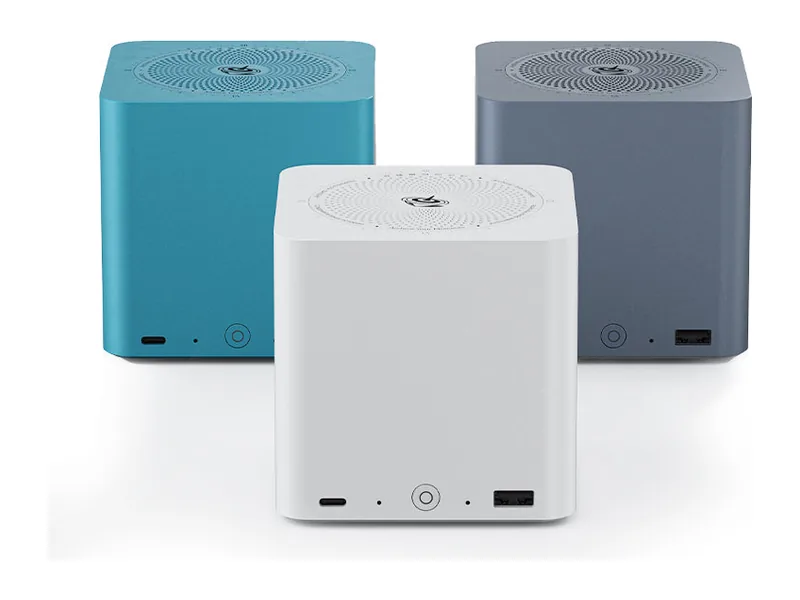 | AI Capable | 26 | 16GB | 0 | 5GbE | None | No verified price |
What AI features do Beelink systems support?
Local LLM
0 of 1
1 more with limits. 0 documented by Beelink.
Ollama
1 of 1
0 documented by Beelink.
Open WebUI
1 of 1
0 documented by Beelink.
GPU expansion
0 of 1
0 documented by Beelink.
AI photos
0 of 1
1 more with limits. 0 documented by Beelink.
Surveillance AI
0 of 1
1 more with limits. 0 documented by Beelink.
Classes in this range: 1 AI Capable.
What does Beelink do for local AI?
Beelink's one system here gives local AI very little silicon to work with. The ME mini runs a four-core Intel N150 with no NPU, and Beelink does not list the chip's integrated graphics, so we treat that side as unconfirmed for AI work. Nor can you add a GPU later: the product page shows no PCIe slot, OCuLink or USB4, and we record no Thunderbolt port either. Every model therefore runs on those four CPU cores, which is why the ME mini sits in our AI Capable class.
Its memory ceiling is also its starting point: 16GB of LPDDR5-4800, soldered, with no ECC. That limits it to small models (Estimated), and Beelink itself gives no model guidance. The software side is simpler than the hardware, because Ollama's own download page offers a native Windows installer and the unit ships with Windows 11, so getting a small model running is straightforward.
Which Beelink range fits which buyer?
ME mini suits someone who wants a compact flash server for files, media and a few containers, with a private chat model as a side project. It has no drive bays at all, so storage comes entirely from M.2 sticks in its six slots, and it connects through one 2.5GbE port and one 5GbE port. Windows 11 Home comes installed, with Docker and virtual machines both recorded as available, and you can replace Windows with a Linux NAS OS if you prefer. Beelink backs the 2025 release with a three-year warranty, against the single year GMKtec gives the NucBox G9. Anyone whose priority is hard drive capacity, or whose main purpose is running language models, should keep looking.
Where Beelink falls short
Soldered memory is the defining limit, because no later upgrade can move it. The missing GPU route compounds that, leaving no second way to give a model more room or speed once the box feels too small.
Beyond the hardware, Beelink adds nothing for AI. It has no NAS operating system of its own and no AI software, so everything that would make this a local AI appliance is a user project. Document chat is possible only through tools you install, such as Open WebUI, and we have found no source specific to this platform for running Open WebUI through Docker or Python. Search across your files depends on third party apps. So do photo recognition and video features, and Immich in a Docker container remains untested on this hardware. Surveillance is the same story, with no vendor app and no tested alternative. Hardware acceleration is unverified for the same reason the graphics are: Beelink does not list them.
Networking is adequate for a home but stops at 5GbE, so a very fast shared model server is not what this box is for.
What Beelink documents officially
Beelink documents the hardware and nothing about local AI. Its ME mini product page is the source for the warranty and the absence of any GPU route, and the UK product page for the ME mini and its product data file record the memory fitted. Those three sources are all we hold from the vendor. It does not document Ollama, Open WebUI, how large a model will fit, integrated graphics use or any AI feature, and it offers no guide to running a language model on this machine.
How does the ME mini compare with other N150 NAS units?
Six M.2 slots is more than the four on the GMKtec NucBox G9 or the CWWK X86-P6 Pocket NAS. Memory tells a more mixed story. The ME mini beats the NucBox G9, which is fixed at 12GB, but falls short of the CWWK X86-P6, which uses replaceable DDR5 and comes in configurations up to 32GB, and the Aoostar R1, whose single SO-DIMM slot takes 32GB. Both of those alternatives let you change the memory later, which the ME mini cannot match.
None of these N150 units has an NPU or any way to add a GPU, so they all sit in our AI Capable class. For local AI the deciding factor between them is memory, and the ME mini lands in the middle of the group.
Put in model terms, the ME mini's fixed 16GB is enough by our fit rule to run an 8B model such as Llama 3.1 8B or Qwen3 8B at Q4, which need 14GB and 15GB, while Qwen3 14B at Q4 is only marginal and Gemma 3 27B does not fit at all (all Estimated). Our stored scores for the Beelink ME mini follow from that, running from 22 for AI search to 31 for business use, so it rates best as a small flash file server with a chat model on the side. Its 45W adapter suits that always-on role. The AI NAS memory calculator shows how much room a given model leaves in 16GB once the NAS has taken its share.
Beelink comparisons
Guides for Beelink owners
See all AI NAS guides.