Lincplus NAS for local AI
Updated
Is Lincplus good for local AI?
For small models only. All three LincStations are AI Capable: the N1, N2 and S1 use Intel N-series processors with no NPU, none has a GPU path, and memory tops out at 16GB on the N1 and N2. Their strength is that Unraid comes preinstalled, so Ollama and Open WebUI are a container install away.
Which Lincplus systems do we track?
3 systems, 0 with a verified UK price. Sorted by AINAS Score.
| System | AI class | Score | Max RAM | Bays | Network | GPU expansion | Price |
|---|---|---|---|---|---|---|---|
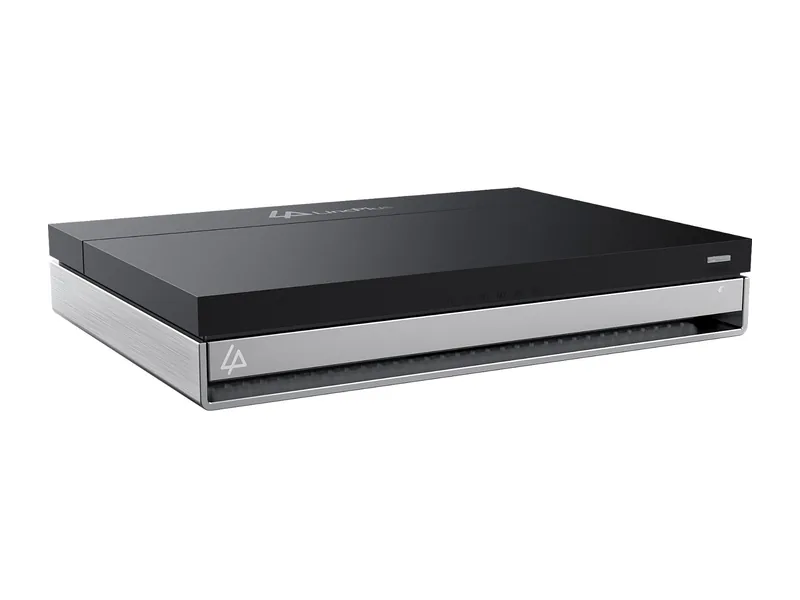 | AI Capable | 38 | 16GB | 2 | 10GbE | None | $409.99 Amazon US · Verified Ships from the US; delivery and import charges shown at checkout |
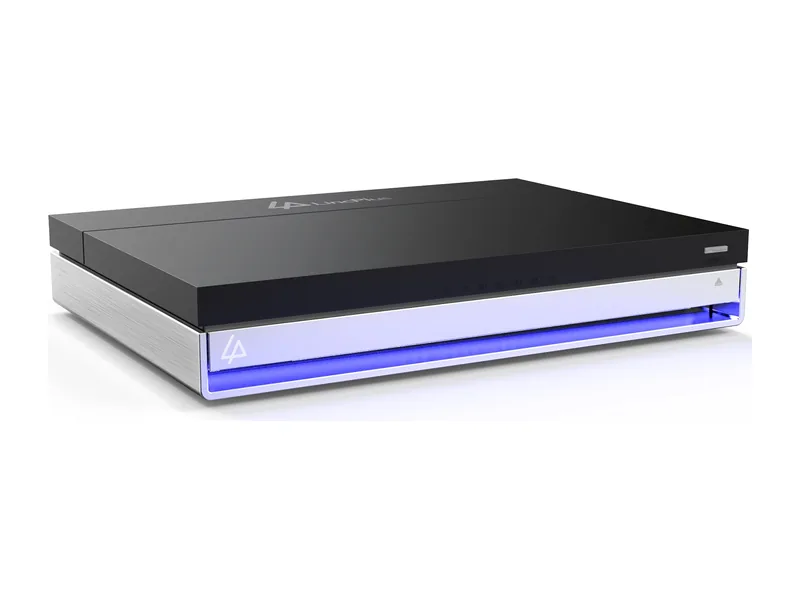 | AI Capable | 34 | 16GB | 2 | 2.5GbE | None | $250.97 Amazon US · Verified Ships from the US; delivery and import charges shown at checkout |
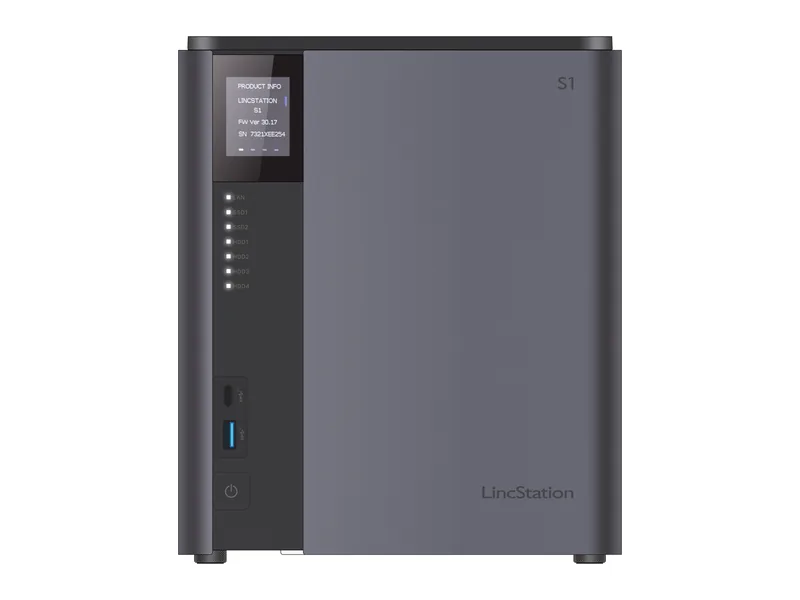 | AI Capable | 23 | Not stated | 4 | 2 x 2.5GbE | None | No verified price |
What AI features do Lincplus systems support?
Local LLM
0 of 3
3 more with limits. 0 documented by Lincplus.
Ollama
3 of 3
0 documented by Lincplus.
Open WebUI
3 of 3
0 documented by Lincplus.
GPU expansion
0 of 3
0 documented by Lincplus.
AI photos
0 of 3
3 more with limits. 0 documented by Lincplus.
Surveillance AI
0 of 3
3 more with limits. 0 documented by Lincplus.
Classes in this range: 3 AI Capable.
What does Lincplus do for local AI?
Every LincStation here is built on a four-core Intel chip, and none of them has an NPU: the N2 uses an N100, the N1 a Celeron N5105 and the S1 an N97. Lincplus lists Intel UHD Graphics for the N2 and N1, while its S1 spec table names no integrated graphics at all. No model has a PCIe slot, OCuLink or USB4 in those spec tables, so a GPU cannot be added to any of them. All three land in the AI Capable class, which in practice means models running on the processor.
Memory separates them more than the chips do. The N2 sets the confirmed ceiling with 16GB of onboard LPDDR5, and the N1 reaches the same 16GB with older LPDDR4X; in both cases that is the listed maximum as well as the amount fitted. The S1 takes a different approach, with 8GB of replaceable DDR5 SO-DIMM memory and no published limit, so we cannot say whether it can pass the 16GB of its siblings. Expect small models on the two 16GB units and very small models on the S1 as supplied (Estimated).
Which Lincplus range fits which buyer?
LincStation N2 is the balanced pick and suits a home user who wants quick flash storage alongside a pair of disks. Four M.2 slots and two bays sit next to a 10GbE port that neither sibling offers, which matters to anyone moving large files around a fast home network. Dating from 2025, it is the newer of the 16GB pair and the only LincStation with a warranty figure in our data, at two years.
LincStation N1 has the same layout of two bays and four M.2 slots but dates from 2024 and has a single 2.5GbE port. Choose it if you want Unraid in a small box, care about 16GB more than network speed and do not plan to push much data at once.
LincStation S1 is the larger compact desktop, aimed at someone who values disk capacity over flash: four bays, a pair of M.2 slots and dual 2.5GbE. Lincplus lists an N97 in it, not a Core Ultra as some reports claim, so buyers hoping for an NPU should adjust their expectations. It also appeals to tinkerers who prefer memory they can swap, provided they accept the unknown limit.
Where Lincplus falls short
Lincplus builds no AI software of its own, so its local AI story depends entirely on Unraid and what the community adds to it. Processing power is the plain physical limit, since four cores and no accelerator cap how quickly any model responds, and the onboard memory on the N1 and N2 cannot grow later. Beyond chat, the picture gets thinner. Retrieval over your own documents is possible only through Open WebUI and has not been verified on this hardware. AI search and surveillance rely on Unraid community apps, also unverified here. Smart albums get a mention on the product pages, yet no AI recognition is documented for them, Immich under Docker has not been verified, and there is no vendor AI video feature. We also hold no warranty figure for the N1 or S1.
What Lincplus documents officially
Vendor material stops at hardware and the bundled operating system: the LincStation N2 product page, the LincStation N1 product page and the LincStation S1 product page carry the spec tables and show that an Unraid Starter licence is included on every model, and a product data file for the N2 adds detail. The AI setup route comes from elsewhere, namely a community guide in Open WebUI's own documentation that covers Unraid with Ollama on the host or in a container. That makes a LincStation easier to get going than a unit that comes only with Windows, but Lincplus itself documents no language model support, no Ollama or Open WebUI setup, no model sizes, no S1 memory maximum and no integrated graphics for the S1.
How much model fits on each LincStation?
The split is sharper than the spec sheets suggest. By our fit rule the 16GB in the Lincplus LincStation N2 and Lincplus LincStation N1 runs 8B models such as Llama 3.1 8B at Q4 and leaves Qwen3 14B at Q4 marginal, while the Lincplus LincStation S1 as supplied with 8GB runs none of the models we list, because the rule keeps 8GB for the NAS itself (all Estimated). Larger SO-DIMMs would change that on the S1, if its unpublished limit allows.
Our stored scores follow the same order. The N2 leads with 46 for business and 32 for local LLM, the N1 sits just behind, and the S1 trails at 15 for local LLM. The S1 trails because its four-core Intel N97 comes with 8GB and Lincplus states no memory maximum for it.
Lincplus comparisons
Head-to-head comparisons for Lincplus systems are being prepared.
Guides for Lincplus owners
See all AI NAS guides.