IceWhale NAS for local AI
Updated
Is IceWhale good for local AI?
Yes, if you buy the ZimaCube Pro and add a GPU. IceWhale documents a local LLM setup, lists verified cards and offers a Creator Pack with an RTX 2000 Ada, which makes the Pro a Native AI NAS. The N100 ZimaCube is AI Capable only, with a 16GB ceiling and small CPU models at most.
Which IceWhale systems do we track?
2 systems, 0 with a verified UK price. Sorted by AINAS Score.
| System | AI class | Score | Max RAM | Bays | Network | GPU expansion | Price |
|---|---|---|---|---|---|---|---|
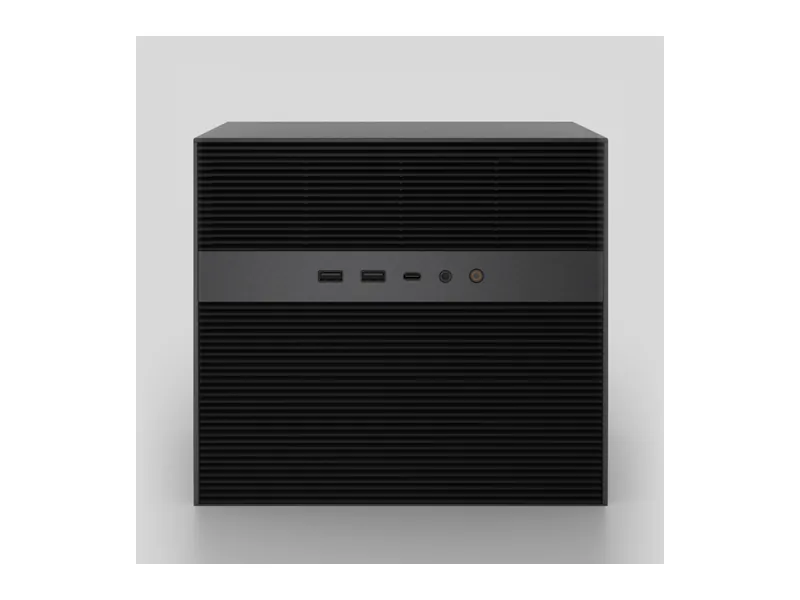 | Native AI NAS | 64 | 64GB | 6 | 10GbE | PCIe x4 slot | No verified price |
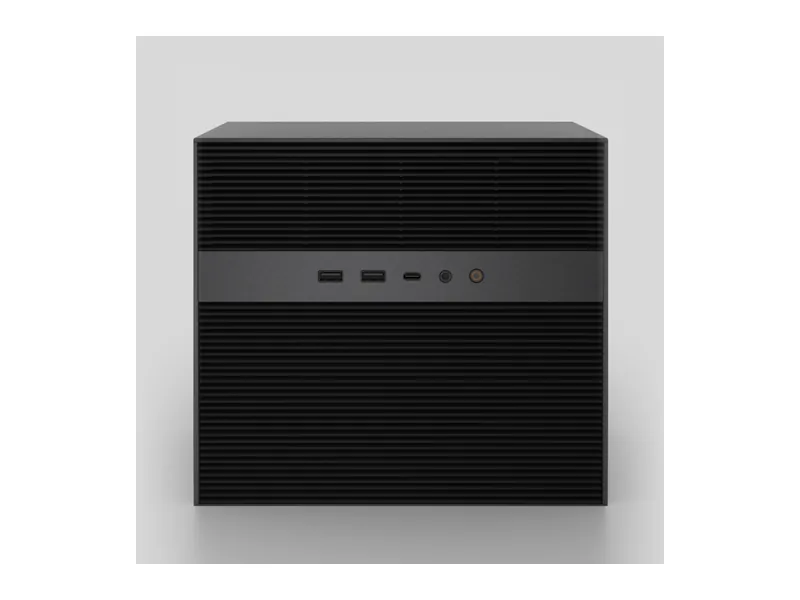 | AI Capable | 31 | 16GB | 6 | 2 x 2.5GbE | None | No verified price |
What AI features do IceWhale systems support?
Local LLM
1 of 2
1 more with limits. 1 documented by IceWhale.
Ollama
1 of 2
1 more with limits. 1 documented by IceWhale.
Open WebUI
1 of 2
1 more with limits. 1 documented by IceWhale.
GPU expansion
1 of 2
1 more with limits. 1 documented by IceWhale.
AI photos
0 of 2
2 more with limits. 2 documented by IceWhale.
Surveillance AI
0 of 2
2 more with limits. 1 documented by IceWhale.
Classes in this range: 1 Native AI NAS, 1 AI Capable.
What does IceWhale do for local AI?
IceWhale splits its answer sharply by model, and neither machine has an NPU listed, so all acceleration has to come from a graphics card. The ZimaCube Pro sets the GPU limit with a PCIe Gen4 slot, x16 physical at 8 GB/s, which we treat as x4 electrical. It takes half-height cards up to 169.5 x 68.9mm and supplies up to 75W. The standard unit comes without a GPU, which leaves its models on the CPU until you fit one. On the N100 ZimaCube, the Gen3 slot runs at about 2 GB/s and no GPU path is documented, because IceWhale's GPU guide names only the Pro.
Memory divides them just as clearly. The Pro arrives with 16GB of DDR5 4800 as two 8GB modules and reaches 64GB across two SODIMM slots, which helps earn its Native AI NAS rating alongside the documented GPU inference. Its smaller sibling has 8GB of DDR4 3200 in a single SODIMM slot and stops at 16GB, so it rates AI Capable and runs small CPU models at most (Estimated). That 16GB is system memory, and it is a different thing from the 16GB of VRAM that IceWhale's LLM guide asks for.
Which IceWhale range fits which buyer?
ZimaCube Pro suits a creator or home lab owner who wants a single box for storage and a private language model, and who is willing to add a card or buy the Creator Pack with its RTX 2000 Ada. A ten-core Intel Core i5-1235U drives it, with six SATA bays plus M.2 slots, shown in IceWhale's table as one for the OS and four on the seventh bay. That table is flattened, so an extra onboard slot cannot be ruled out. Networking is listed as two 2.5GbE ports and one 10GbE port, although IceWhale's shop page and a press preview count the 2.5GbE ports differently. Two rear USB-C ports carry Thunderbolt 4.
ZimaCube fits the buyer who mainly wants six bays, containers and virtual machines on ZimaOS, with AI as a side interest. Its four-core Intel N100 and two 2.5GbE ports keep it modest, and we found no Thunderbolt. Treat it as storage with containers first, not as an AI machine.
Where IceWhale falls short
The Pro's AI case depends on a card that the base unit lacks, and card choice is narrower than the slot suggests. IceWhale's verified list includes the RTX A2000 12GB, so a place on that list does not mean a card meets the LLM guide's VRAM requirement. Check VRAM before buying. The half-height and 75W limits rule out larger cards, too. There is no NPU fallback on either model.
Evidence thins out once you leave the Pro's core LLM setup. RAG is possible through Open WebUI, but we found only a general hardware guide from IceWhale, seen as a summary in search results, and nothing setting RAG up on the N100 model. AI Assist is described as local AI that helps find scripts, files and creative copy, with no model or runtime detail. Photo AI is limited: PhotoPrism is named as a supported app, and we found no evidence for Immich. No AI video feature is documented on either machine. N100 graphics are not documented for acceleration, and we have no evidence of the ZimaOS Ollama stack on that model. IceWhale also states no warranty term for either system on the pages we read, so ask before you commit.
What IceWhale documents officially
IceWhale documents a working setup: its local LLM inference guide for ZimaOS runs a ZimaCube with an RTX PRO 2000 and names Ollama as an alternative to the llama.cpp server, its DeepSeek R1 deployment guide installs Open WebUI from the ZimaOS app library on the Creator Pack, and its GPU expansion page lists verified cards and notes that ZimaOS 1.7 or later activates the NVIDIA driver when a card is inserted. A Frigate and Ollama tutorial adds AI image descriptions for cameras if you have a compatible GPU, though we saw that page only as a summary in search results, and the ZimaCube product page carries the AI Assist wording, while the ZimaCube Pro product page names PhotoPrism. What IceWhale does not document is a GPU route for the N100 ZimaCube, a dedicated RAG setup, or an AI video feature.
What should you check before ordering?
Warranty first: IceWhale states no warranty term for either ZimaCube, so ask before you commit. Memory comes next, since the Pro takes 64GB of DDR5-4800 SO-DIMM from 16GB fitted, while the N100 ZimaCube stops at 16GB. The ZimaCube 2 and ZimaCube 2 Pro are separate products not covered here.
IceWhale comparisons
Guides for IceWhale owners
See all AI NAS guides.