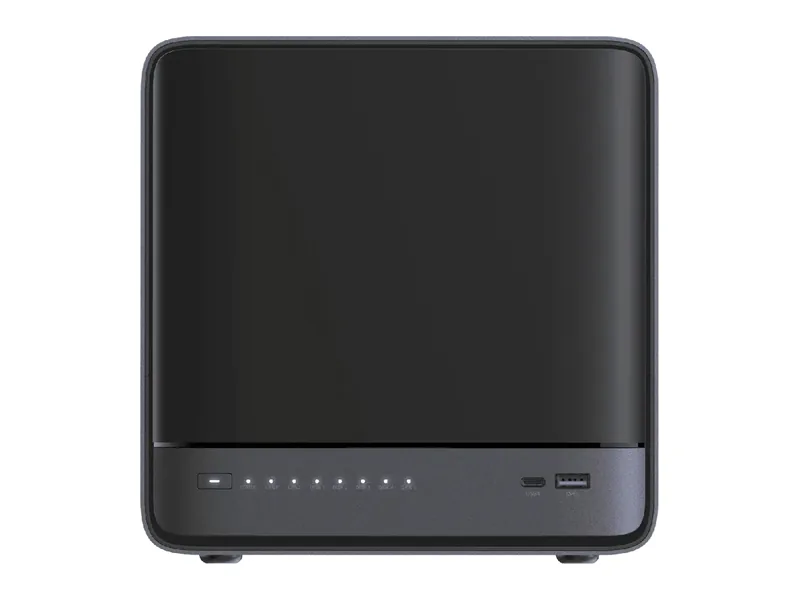
128GB max RAM · 5 bays · 2 x 10GbE
AINAS Score 71
$2,399.00
Amazon US · Verified
Ships from the US; delivery and import charges shown at checkout
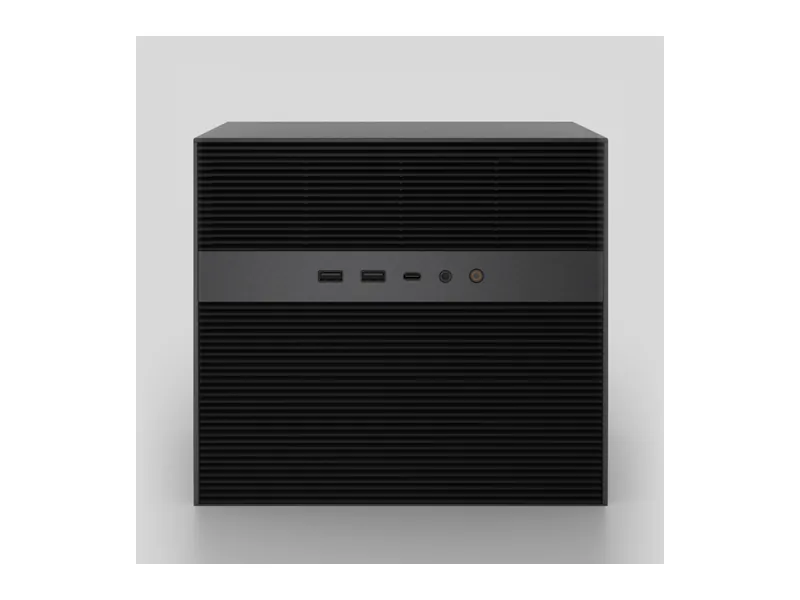
Native AI NASIceWhale
Why Native AI NAS: Intel Core i5-1235U with no NPU listed, a PCIe Gen4 slot that takes a half-height GPU up to 75W, and 64GB maximum memory; IceWhale documents GPU inference on it, including Open WebUI on the Creator Pack GPU.
Updated
Can the IceWhale ZimaCube Pro run local AI?
Yes. Intel Core i5-1235U, backed by a 64GB memory ceiling, lets the IceWhale ZimaCube Pro handle 32B class models comfortably, and 70B class models at 4-bit with little headroom (Estimated).
A graphics card can be added through its PCIe x4 slot, which is the biggest single speed upgrade for local models.
Local LLM support is documented by the manufacturer.
The ZimaCube Pro suits a buyer who wants a home lab or small-office NAS that can also host local AI later. It has 6 drive bays, 5 M.2 slots, a Core i5-1235U with 10 cores, 16GB of DDR5 memory expandable to 64GB, and one 10GbE plus two 2.5GbE ports. A PCIe Gen4 slot takes a half-height GPU, and IceWhale documents GPU inference with Open WebUI and Ollama on ZimaOS. Docker and virtual machines are supported. Llama 3.3 70B fits at Q4 (Estimated) with the 64GB configuration. The AINAS Score is 64. Two Thunderbolt ports add fast external connections.
The main catch is the GPU. The base unit has none, and the Local LLM setup IceWhale documents needs a card with 16GB or more VRAM. The slot is half-height and limited to 75W, so card choice is narrow. Buyers who want local AI working on day one should look for a configuration that ships with a discrete GPU, or for a system with a full-length GPU slot and a higher power budget. Buyers who want a model-ready box without a separate card should check VRAM first. The Creator Pack configuration pairs 64GB of memory with an RTX 2000 Ada already fitted.
No verified price
We have not verified a listing for the IceWhale ZimaCube Pro at a retailer we track. The specifications below stand on their own; a price appears here as soon as a listing is confirmed.
Product prices and availability are accurate as of the date/time indicated and are subject to change. Any price and availability information displayed on Amazon.co.uk or Amazon.com, as applicable, at the time of purchase will apply to the purchase of this product.
Each capability shows how it was confirmed: Verified by AINAS, Vendor confirmed, Community confirmed or Unverified.
| Capability | Supported | Evidence | Note |
|---|---|---|---|
| Local LLM | Yes | Vendor confirmed | IceWhale documents a local LLM setup verified on a ZimaCube with an RTX PRO 2000 at 65 to 70 tokens/s. Needs a GPU with 16GB or more VRAM; the stock unit has none. |
| Ollama | Yes | Vendor confirmed | IceWhale docs refer to Ollama as an alternative to the llama.cpp server on ZimaOS. |
| Open WebUI | Yes | Vendor confirmed | IceWhale guide installs Open WebUI from the ZimaOS App Store on the ZimaCube Pro Creator Pack. |
| RAG | Limited | Unverified | Possible through Open WebUI; only a general hardware guide found, seen in a search extract. |
| AI search | Limited | Vendor confirmed | Page describes AI Assist: local AI helps find scripts, files and creative copy. No model or runtime detail. |
| GPU expansion | Yes | Vendor confirmed | IceWhale lists verified cards including RTX A2000 12GB; sold with an RTX 2000 Ada in the Creator Pack. |
| Hardware acceleration | Yes | Vendor confirmed | Open WebUI uses the Creator Pack NVIDIA GPU to reduce latency. ZimaOS 1.7 or later activates the NVIDIA driver when a card is inserted. |
| AI photos | Limited | Vendor confirmed | PhotoPrism is named as a supported app. Immich evidence not found. |
| AI video | No | Unverified | No AI video feature documented. |
| Surveillance AI | Limited | Vendor confirmed | IceWhale tutorial covers Frigate with Ollama for AI image descriptions; it needs a compatible GPU. Seen in a search extract. |
Calculated from the ZimaCube Pro's memory and each model's published size at each quantization. Rows marked Estimated are calculations, not benchmarks. Check any model.
| Model | Best quantization | Runs? | Memory needed | Expected performance | Verification |
|---|---|---|---|---|---|
| Llama 3.2 3BLlama, 3.21B | Q8 | Yes | 13GB | Not measured | Estimated |
| Llama 3.1 8BLlama, 8.03B | Q8 | Yes | 19GB | Not measured | Estimated |
| Qwen3 8BQwen, 8.19B | Q8 | Yes | 19GB | Not measured | Estimated |
| Gemma 3 12BGemma, 11.8B | Q8 | Yes | 24GB | Not measured | Estimated |
| Qwen3 14BQwen, 14.8B | Q8 | Yes | 28GB | Not measured | Estimated |
| Phi-4 14BPhi, 14.7B | Q8 | Yes | 28GB | Not measured | Estimated |
| Mistral Small 3 24BMistral, 23.6B | Q8 | Yes | 38GB | Not measured | Estimated |
| Gemma 3 27BGemma, 27B | Q8 | Yes | 44GB | Not measured | Estimated |
| Qwen3 30B A3BQwen, 30.5B | Q8 | Yes | 47GB | Not measured | Estimated |
| Qwen3 32BQwen, 32.8B | Q8 | Yes | 50GB | Not measured | Estimated |
| DeepSeek-R1 32B (Qwen distill)DeepSeek, 32.8B | Q8 | Yes | 50GB | Not measured | Estimated |
| Llama 3.3 70BLlama, 70.6B | Q4 | Yes | 60GB | Not measured | Estimated |
| Llama 4 Scout 17Bx16ELlama, 109B | None fits | No | 89GB at Q4 | Not measured | Estimated |
| Qwen2.5 72BQwen, 72.7B | Q3 | Yes | 54GB | Not measured | Estimated |
| Mistral Large 2 123BMistral, 123B | Q2 | Yes | 62GB | Not measured | Estimated |
One verdict per workload, from the ZimaCube Pro's use-case scores and capability rows. Unknown means we cannot confirm it, not that it probably works.
The ZimaCube Pro is a good fit for local LLMs once a GPU is fitted. IceWhale confirms the setup and Ollama support on ZimaOS, but the base unit has no GPU and the documented setup needs 16GB or more VRAM.
Private RAG is an OK fit on the ZimaCube Pro. It is possible through Open WebUI, but the RAG capability is marked limited and Unverified, so it is unconfirmed rather than a working feature.
AI search is an OK fit here. IceWhale describes an AI Assist feature that helps find scripts and files, which is vendor confirmed but limited, with no model or runtime detail given.
AI photos is an OK fit with limits. PhotoPrism is named as a supported app and the vendor confirms it, but no evidence was found for Immich.
Surveillance is an OK fit, with limits. IceWhale has a tutorial for Frigate with Ollama for AI image descriptions, but it needs a compatible GPU, which the base unit lacks.
Home lab is a good fit for the ZimaCube Pro. It supports Docker and virtual machines on ZimaOS, with 6 bays, 5 M.2 slots, two Thunderbolt ports and a 10GbE port for storage and services.
Business use is a good fit. Six bays, memory expandable to 64GB, 10GbE plus two 2.5GbE ports and virtual machine support cover file serving and small services, though there is no ECC memory.
Creative AI is a good fit with a card installed. GPU expansion and hardware acceleration are both vendor confirmed, and ZimaOS 1.7 or later activates the NVIDIA driver when a card is inserted.
Out of the box the ZimaCube Pro has 16GB; the official ceiling is 64GB of DDR5 4800 SODIMM. A memory upgrade is the cheapest way to make it more useful for AI.
Working backwards from 64GB: reserve about 8GB for the operating system and storage services, and at roughly 0.6GB per billion parameters at 4-bit, the largest model that fits is around 93B (Estimated).
Only a small one. The PCIe Gen4 slot, x16 physical at 8 GB/s, half-height cards to 169.5 x 68.9mm, plus a Gen3 2 GB/s slot in the ZimaCube Pro is sized for network and storage cards; low-profile GPUs are the limit.
For a personal library, yes. A compact embedding model and a small chat model will run, but the ZimaCube Pro is better as the document store behind a RAG system whose model runs on stronger hardware.
Built-in networking: 10GbE + 2 x 2.5GbE. Plenty for a shared knowledge base with several users.
| Configuration | RAM | SSD | Notes |
|---|---|---|---|
| Base, i5-1235U, 16GB, 256GB | 16GB | 256GB | |
| RAM Upgrade, i5-1235U, 64GB, 256GB | 64GB | 256GB | |
| Creator Pack, i5-1235U, 64GB, 1TB, RTX 2000 Ada | 64GB | 1TB |
The closest IceWhale model by bay count and AINAS Score. Only the specifications that differ are listed.
Its strongest AINAS profiles are Home Lab at 67 and Business at 65, which points to home lab owners who want one box for storage, containers, media and a few AI services.
Other Native AI NAS systems closest in overall score.
128GB max RAM · 5 bays · 2 x 10GbE
AINAS Score 71
$2,399.00
Amazon US · Verified
Ships from the US; delivery and import charges shown at checkout
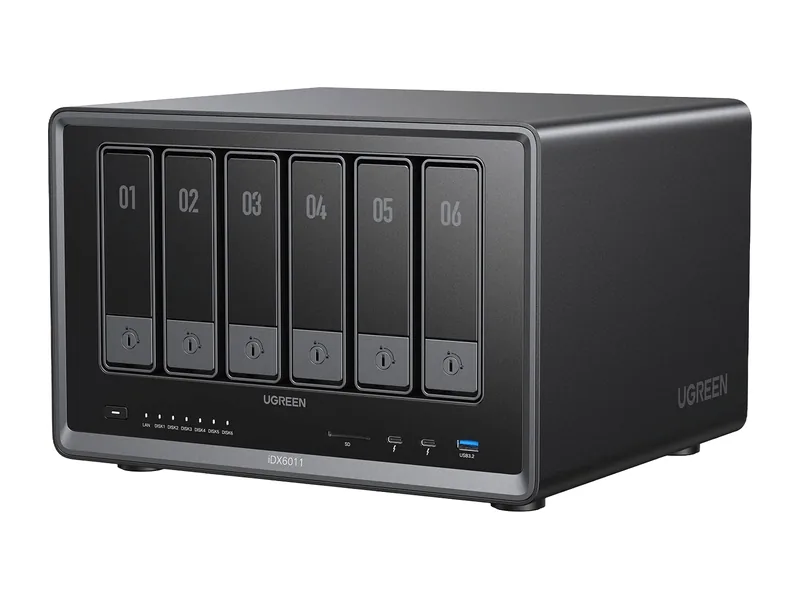
64GB max RAM · 6 bays · 2 x 10GbE
AINAS Score 74
£1,699.99£1,999.99
Amazon UK · Verified
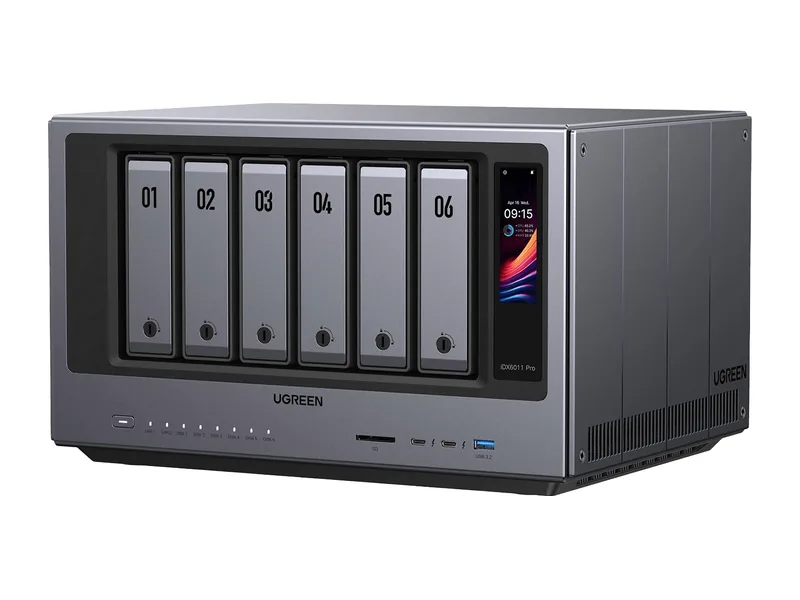
64GB max RAM · 6 bays · 2 x 10GbE
AINAS Score 75
No verified price
Workloads it suits
Yes at Q4, but not at Q8. Llama 3.3 70B needs 43GB at Q4 and 75GB at Q8, so Q4 fits within the 64GB maximum memory (Estimated) and Q8 does not (Estimated). This is a calculation, not a benchmark. The base unit has no GPU, and the documented local LLM setup needs a card with 16GB or more VRAM.
Yes. The ZimaCube Pro uses DDR5 4800 SODIMM memory and ships with 16GB. The maximum is 64GB, and a RAM Upgrade configuration with 64GB is sold. The memory sits in two SODIMM slots rather than being soldered, so you can fit larger modules yourself if you prefer.
Yes. It has a PCIe Gen4 slot that takes half-height cards up to 169.5 x 68.9mm, with power up to 75W. IceWhale lists verified cards including the RTX A2000 12GB and sells the Creator Pack with an RTX 2000 Ada. ZimaOS 1.7 or later activates the NVIDIA driver.
Yes, five. One onboard slot is for the OS and four more sit on the seventh bay. The source table text is flattened, so an extra onboard slot cannot be ruled out. It also has 6 drive bays for 3.5in and 2.5in SATA drives.
Three. The Base has the Core i5-1235U with 16GB of memory and a 256GB SSD. The RAM Upgrade keeps the 256GB SSD and raises memory to 64GB. The Creator Pack has 64GB of memory, a 1TB SSD and an RTX 2000 Ada graphics card, which sources also name as the Quadro RTX A2000 12GB or the RTX PRO 2000. Only the Creator Pack includes a GPU, so the other two need a half-height card added before IceWhale's documented local LLM setup applies.
Yes, two Thunderbolt 4 ports on the rear panel as USB-C. It has no separate USB4 ports and no OCuLink port. The network side is one 10GbE port and two 2.5GbE ports, though sources disagree on the exact rear-panel count of 2.5GbE ports.
Yes. Ollama support is documented by the manufacturer. See the capability table above for the source.
Yes. Open WebUI support is documented by the manufacturer. See the capability table above for the source.
Partly. AI photos support is documented by the manufacturer. See the capability table above for the source.
Partly. Surveillance AI support is documented by the manufacturer. See the capability table above for the source.
Yes. Hardware acceleration support is documented by the manufacturer. See the capability table above for the source.
It has 10GbE + 2 x 2.5GbE built in, and the PCIe Gen4 slot, x16 physical at 8 GB/s, half-height cards to 169.5 x 68.9mm, plus a Gen3 2 GB/s slot can take a faster network card. The fastest port is 10GbE.
Every field records its source. Specifications were last checked on . Spot an error? Send a correction with a manufacturer link.