An AI NAS for your home lab
Updated
What do you need for home lab on a NAS?
A home lab NAS has to do several jobs at once: storage, containers, virtual machines and now local AI. That means plenty of memory, fast networking and bays to grow into, with a GPU path if models are part of the plan. The ranking below weights networking and storage alongside AI.
What does a home lab need from a NAS?
| Requirement | Starting point | Room to grow |
|---|---|---|
| Memory | 32GB | 64GB to 96GB |
| Processor | 8 cores | 12 to 16 cores |
| Networking | 2.5GbE | Dual 10GbE or 25GbE |
| Storage | 4 bays plus 2 M.2 | 6 to 8 bays plus M.2 |
| Expansion | Docker and VMs | PCIe slot or OCuLink |
| Software | Docker, VM manager | Your choice of OS |
Why use an AI NAS rather than a mini PC?
The NAS already has the storage side solved: hot-swap bays, RAID, snapshots and backup tools. Adding containers and models to a box that is always on anyway saves running a second machine. Several AI NAS systems use standard PC parts, so you can install TrueNAS, Unraid or Proxmox if you prefer.
What runs well on a home lab AI NAS?
Media servers, home automation, password managers, network tools and development containers all run comfortably next to a local model. With 64GB or more of memory, an 8B class assistant can stay loaded while the rest of the lab runs (Estimated). A GPU path lets you add a card later for faster models or image generation.
What should you check before buying?
Whether memory is upgradeable, how many PCIe lanes the slots really have, whether the vendor allows a different operating system without voiding the warranty, and idle power draw for a box that runs all day.
Common questions
Can I run virtual machines on a NAS?
Yes, on most x86 systems through the vendor's VM manager or a hypervisor. Give each VM dedicated memory.
Is 2.5GbE enough?
For one person, usually. For moving large VM images and model files, 10GbE saves real time.
Which AI NAS systems suit home lab best?
19 systems score 40 or more for this workload; the top 8 are shown, ranked by their Home lab score.
- 1
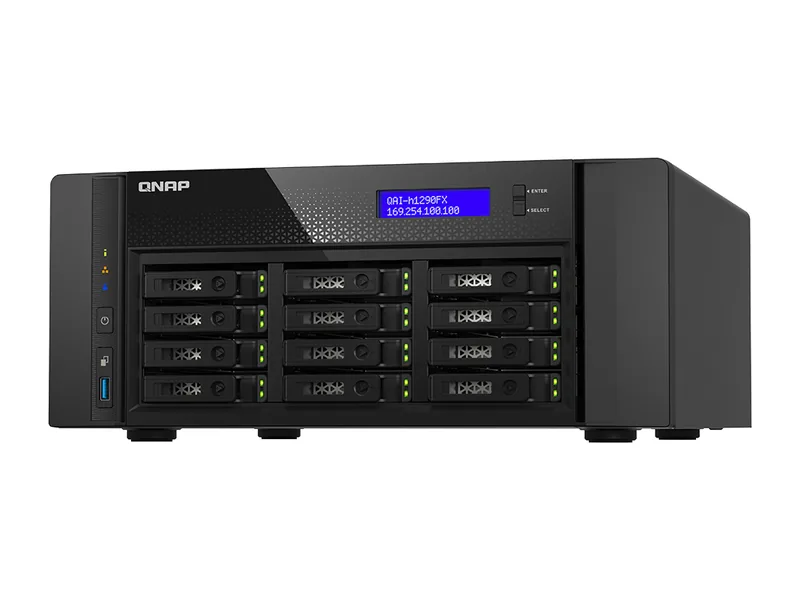
QNAP QAI-h1290FX
Native AI NAS1024GB max RAM · 12 bays · 25GbE
- Up to 1024GB memory: 70B class models at higher-quality quantization, or large mixture-of-experts models at 4-bit (Estimated)
- GPU path: Full-size GPU
- 25GbE networking, 12 bays
90/100 Home lab
No verified price
- 2
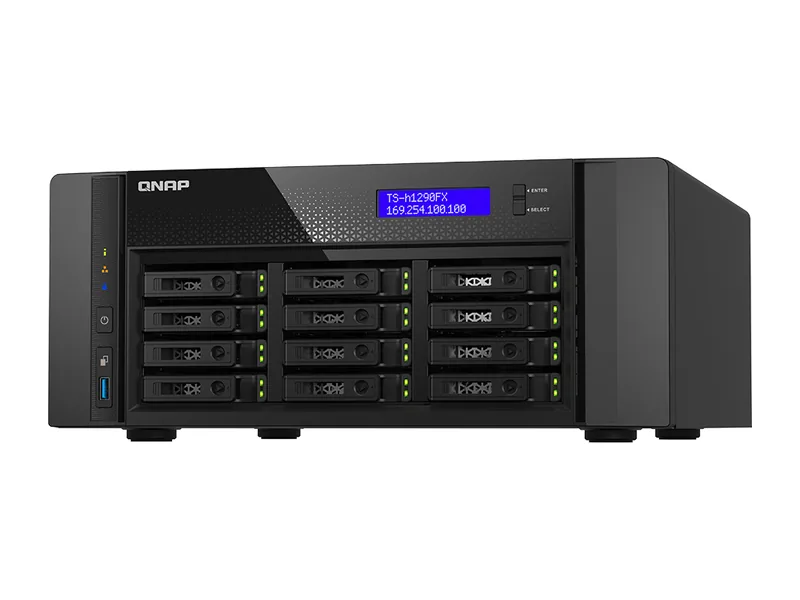
QNAP TS-h1290FX
AI Ready1024GB max RAM · 12 bays · 25GbE
- Up to 1024GB memory: 70B class models at higher-quality quantization, or large mixture-of-experts models at 4-bit (Estimated)
- GPU path: Full-size GPU
- 25GbE networking, 12 bays
82/100 Home lab
£10,614.20
Amazon UK · Verified
- 3
NIMO Nexus Pro
Native AI NAS96GB max RAM · 4 bays · 2 x 10GbE
- Up to 96GB memory: 70B class models at 4-bit with room left for longer context (Estimated)
- GPU path: Full-size GPU
- 16 TOPS NPU for vendor AI features
76/100 Home lab
No verified price
- 4
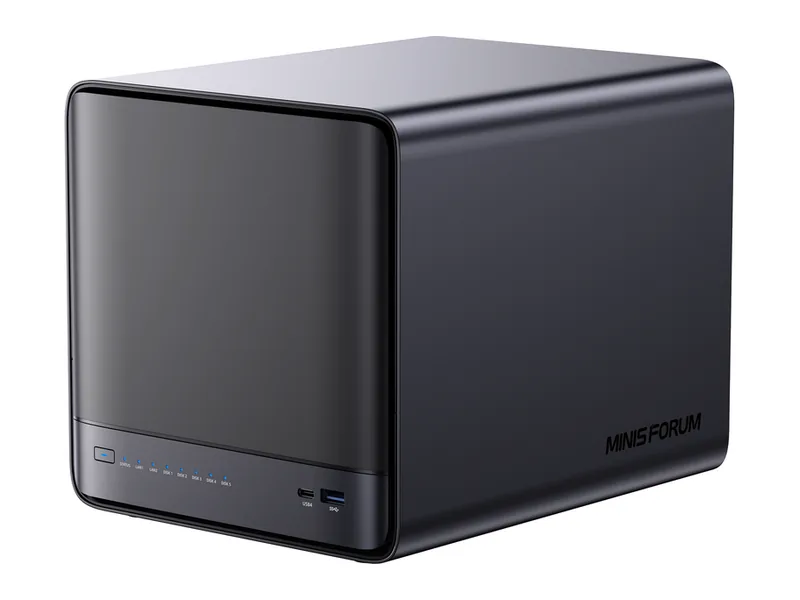
Minisforum N5 Pro
Native AI NAS96GB max RAM · 5 bays · 10GbE
- Up to 96GB memory: 70B class models at 4-bit with room left for longer context (Estimated)
- GPU path: OCuLink (external GPU)
- 50 TOPS NPU for vendor AI features
75/100 Home lab
£1,040.41
Amazon UK · Verified
- 5
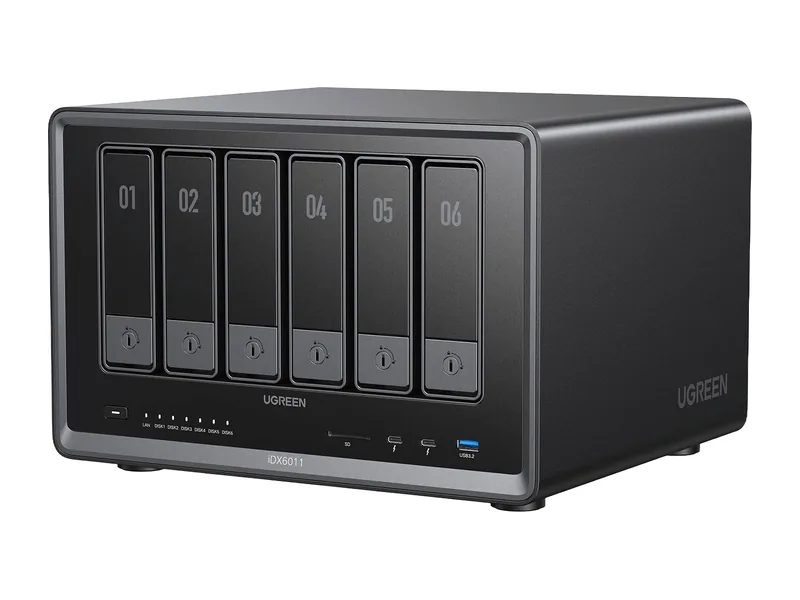
UGREEN iDX6011
Native AI NAS64GB max RAM · 6 bays · 2 x 10GbE
- Up to 64GB memory: 32B class models comfortably, and 70B class models at 4-bit with little headroom (Estimated)
- GPU path: PCIe x8 slot
- 11 TOPS NPU for vendor AI features
72/100 Home lab
£1,999.99
Amazon UK · Verified
- 6
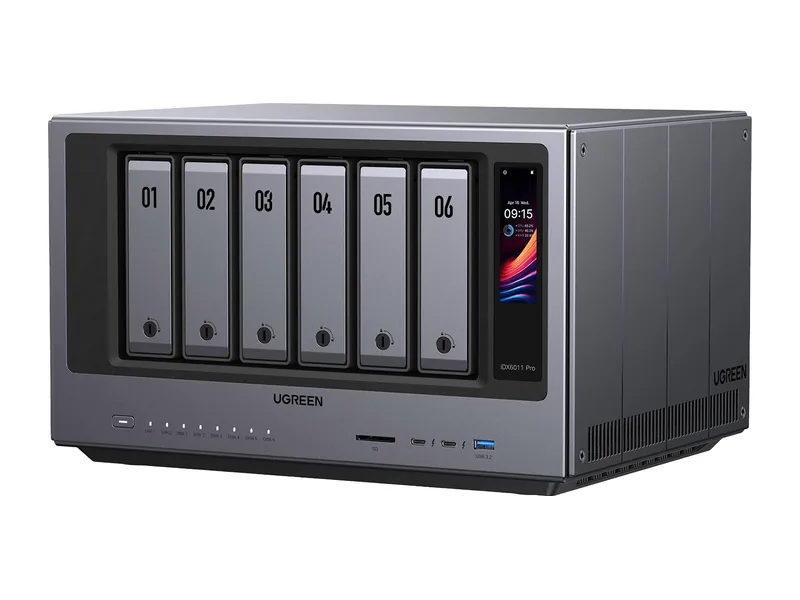
UGREEN iDX6011 Pro
Native AI NAS64GB max RAM · 6 bays · 2 x 10GbE
- Up to 64GB memory: 32B class models comfortably, and 70B class models at 4-bit with little headroom (Estimated)
- GPU path: PCIe x8 slot
- 13 TOPS NPU for vendor AI features
70/100 Home lab
$5,999.99
Amazon US · Verified
Ships from the US; delivery and import charges shown at checkout
- 7
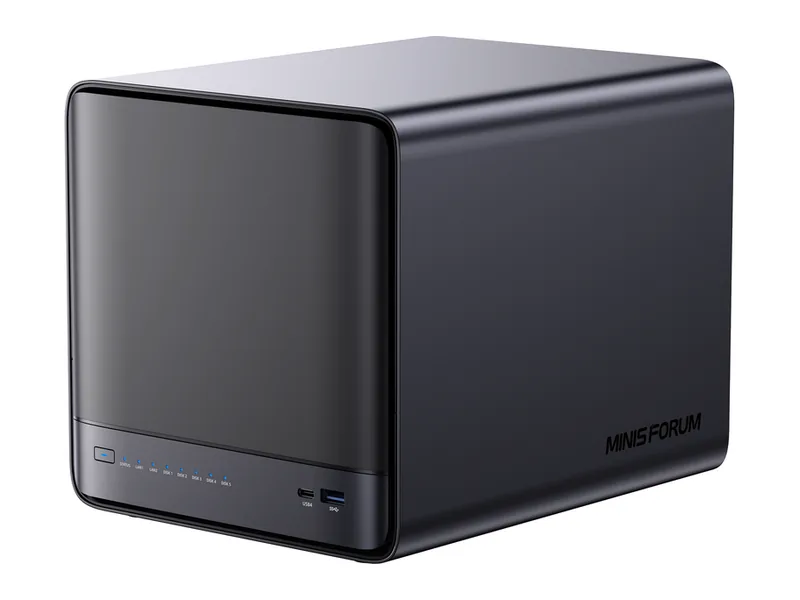
Minisforum N5
AI Ready96GB max RAM · 5 bays · 10GbE
- Up to 96GB memory: 70B class models at 4-bit with room left for longer context (Estimated)
- GPU path: OCuLink (external GPU)
- 10GbE networking, 5 bays
67/100 Home lab
$919.00
Amazon US · Verified
Ships from the US; delivery and import charges shown at checkout
- 8
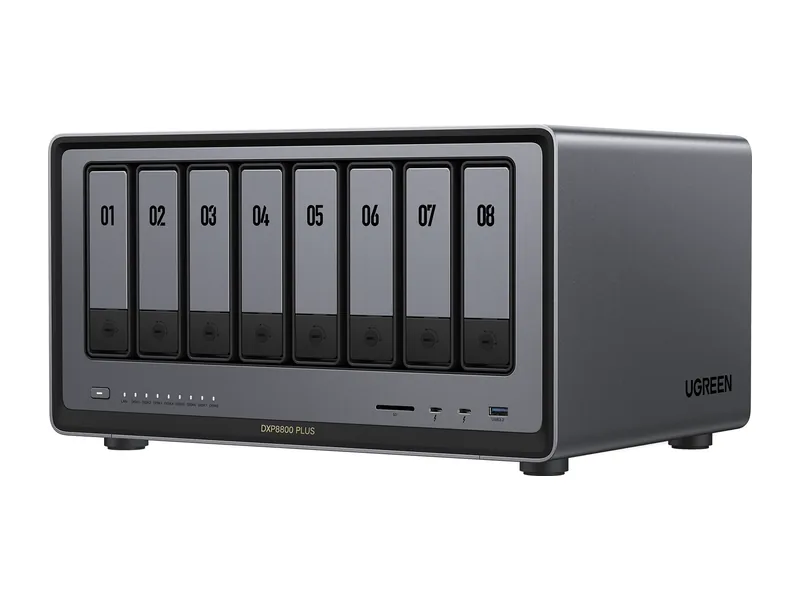
UGREEN DXP8800 Plus
AI Ready64GB max RAM · 8 bays · 2 x 10GbE
- Up to 64GB memory: 32B class models comfortably, and 70B class models at 4-bit with little headroom (Estimated)
- GPU path: PCIe x4 slot
- 2 x 10GbE networking, 8 bays
65/100 Home lab
£1,189.99
Amazon UK · Verified
What do they cost in the UK?
Live Amazon UK prices with the time each was verified. Where a system has no verified Amazon UK offer, its Amazon US price is shown in dollars and marked.
| System | Price | Stock | Buy |
|---|---|---|---|
| No verified price | Unknown | |
| £10,614.20 Amazon UK · Verified | In stock | View Deal |
| NIMO Nexus Pro | No verified price | Unknown | |
| £1,040.41 Amazon UK · Verified | In stock | View Deal |
| £1,999.99 Amazon UK · Verified | In stock | View Deal |
| $5,999.99 Amazon US · Verified Ships from the US; delivery and import charges shown at checkout | In stock | View Deal |
| $919.00 Amazon US · Verified Ships from the US; delivery and import charges shown at checkout | In stock | View Deal |
| £1,189.99 Amazon UK · Verified | In stock | View Deal |
Product prices and availability are accurate as of the date/time indicated and are subject to change. Any price and availability information displayed on Amazon.co.uk or Amazon.com, as applicable, at the time of purchase will apply to the purchase of this product.
Software for this workload
Find your system
Set your budget, memory and bays and the Finder ranks every system for this workload.
Open the Finder for home lab