How does Ollama run on Synology?
Through Container Manager, Synology's Docker tool, on models that support it, which includes the current Plus range. Ollama is not a Synology package, so you create the container yourself from the official ollama/ollama image, following the same steps as our Ollama guide. Community guides show it working on DSM; Synology does not document it.
How fast is it?
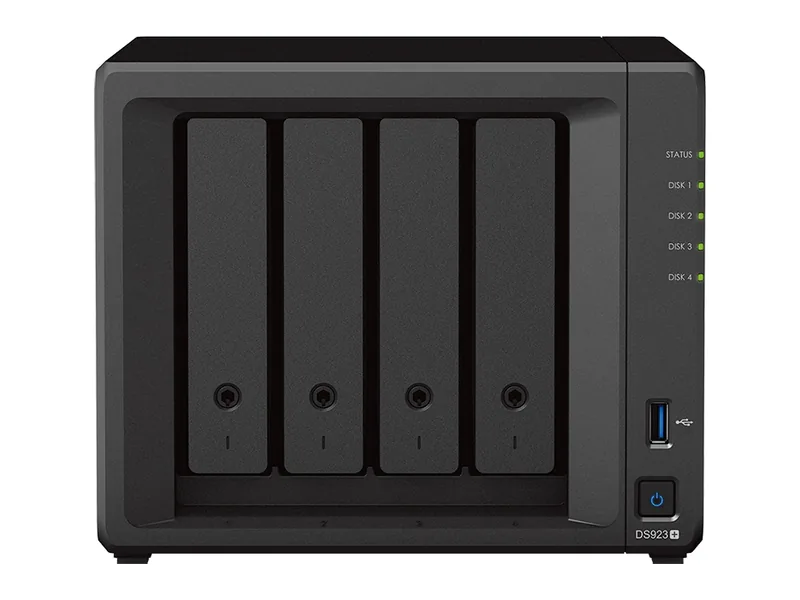
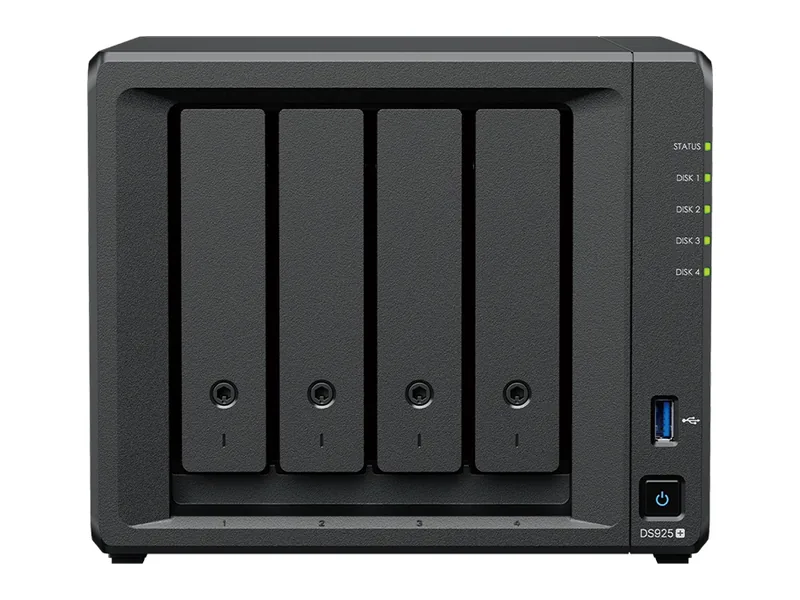
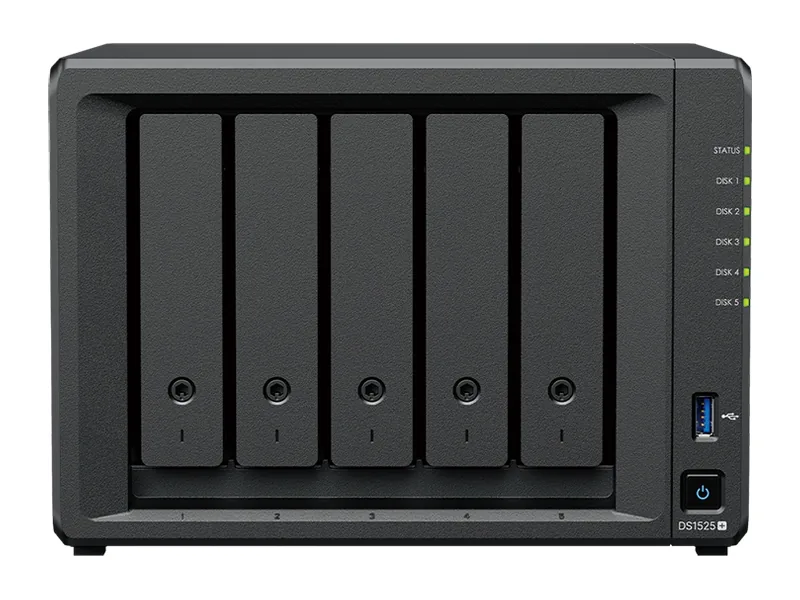
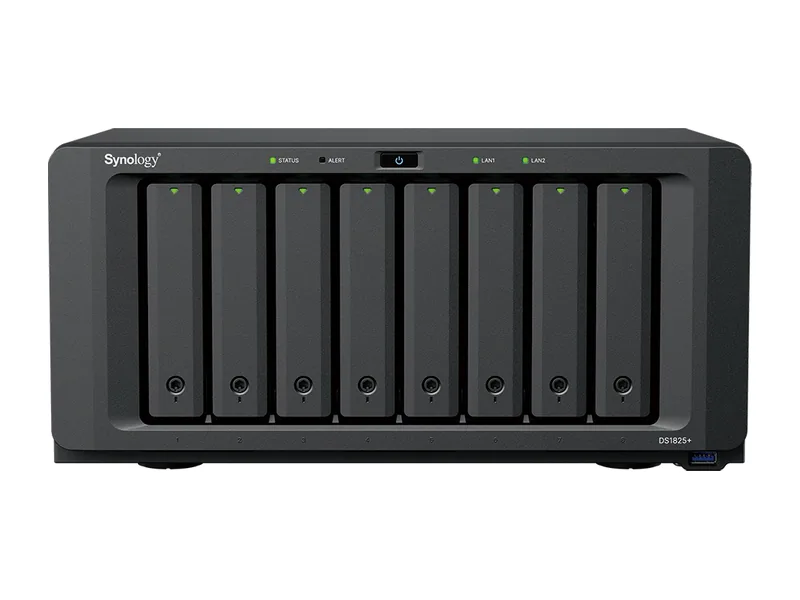
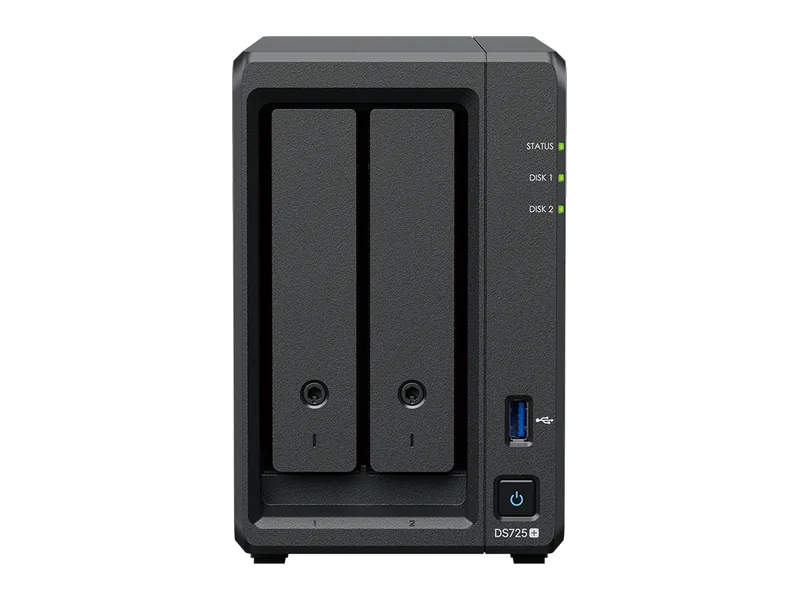
The 2025 Plus models use AMD Ryzen V1500B or R1600 processors with four or two cores, no integrated graphics and no NPU. That suits 1B to 3B models at a usable pace; 7B to 8B models run slowly; larger models are not practical. None of the current Plus models has a supported way to add a graphics card.
How much memory can a Synology take?
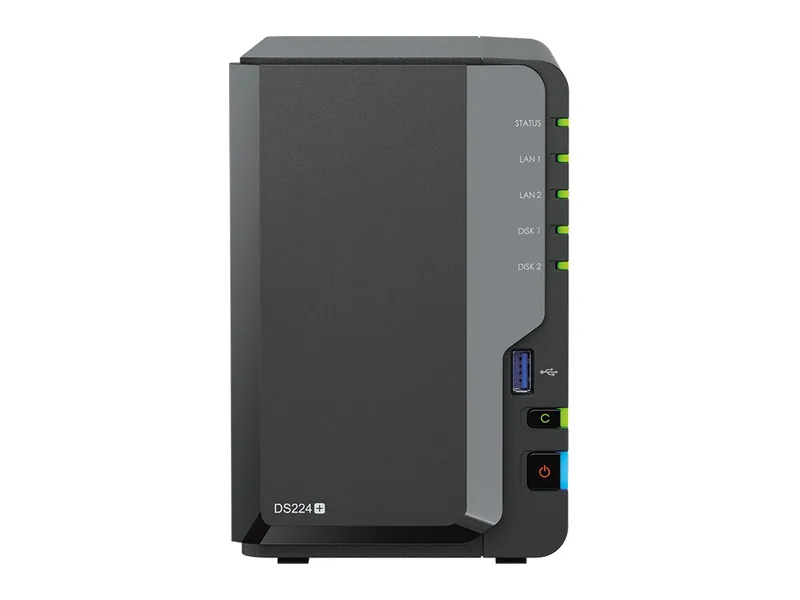
The DS725+, DS925+, DS1525+ and DS1825+ all support up to 32GB of ECC memory, which is enough to load models up to the 14B class (Estimated). The older DS224+ stops at 6GB. Fit the memory before trying a model; the 4GB or 8GB they ship with leaves little room.
What is Synology AI Console?
AI Console is Synology's bridge between DSM and AI models. It connects features such as Synology Office and Mail to a cloud provider or, from version 1.2, to a self-hosted OpenAI-compatible endpoint. That means you can run Ollama on a separate machine with a GPU and let your Synology use it, keeping the data path inside your network.
How do you set up Ollama on a Synology?
Install Container Manager from Package Center, then create a project or container from the ollama/ollama image with a volume for models and port 11434, as in the official Ollama Docker command. Add Open WebUI the same way for a chat interface. Upgrade memory first and start with a 1B to 3B model to check performance before trying larger ones.
Should a Synology owner buy an AI NAS?
If you want the NAS itself to run models well, yes: a native AI NAS or an AI Ready system with more memory and graphics will do far more. If you are happy with your Synology for storage, add a small GPU machine for AI and connect the two.
Common questions
Does Synology Photos use AI?
Yes. Face and object recognition run on the device on supported models.
Can a Synology use an external GPU?
Not on the current Plus models. Synology's GPU-based AI search features run only on a few models outside the Plus range.
Which Synology models suit Ollama best?
Models with an x86 processor, Container Manager support and plenty of memory. Check the maximum memory figure for your model, since it decides which language models will load, and remember that many Synology units ship with a small amount fitted.
Is Ollama supported by Synology?
Ollama is not a Synology package, so it runs as a community container and Synology support will not help with it. Updates come from the Ollama project's own image rather than through DSM.
Can I move to an AI NAS later and keep my Synology?
Yes. Many owners keep the Synology for files and backups and add a separate AI NAS or small server for models. The two can share folders over the network, so documents stay where they are.