What do you need before you start?
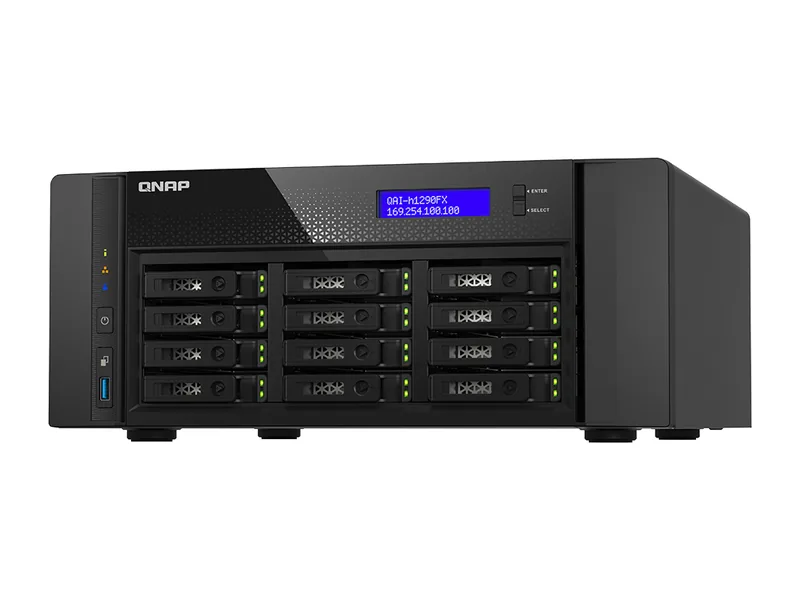
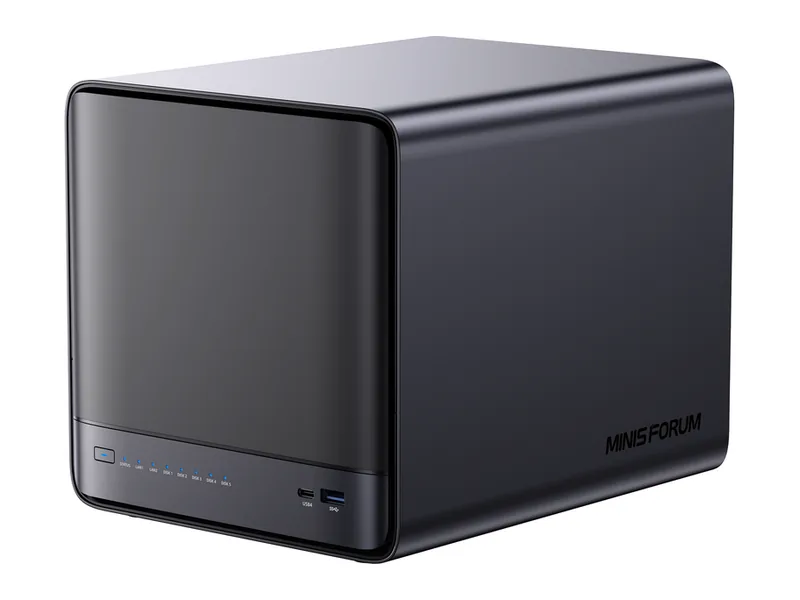
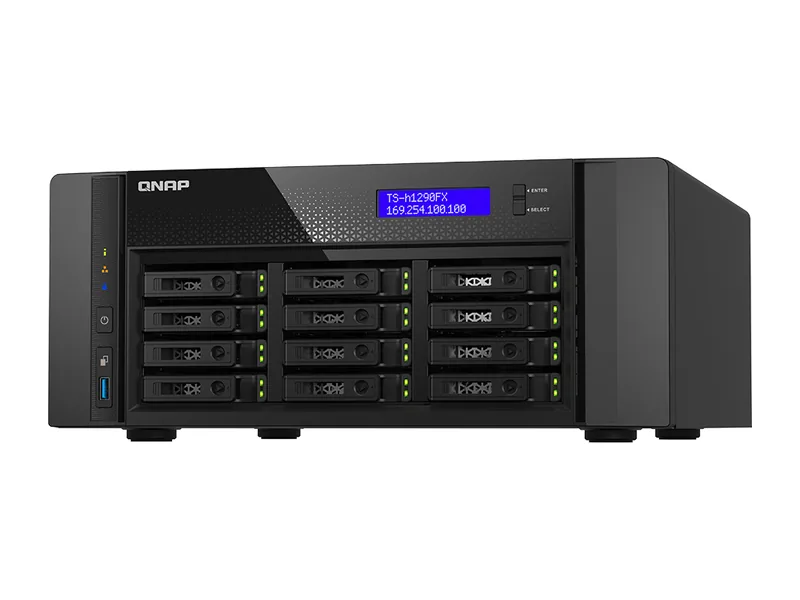
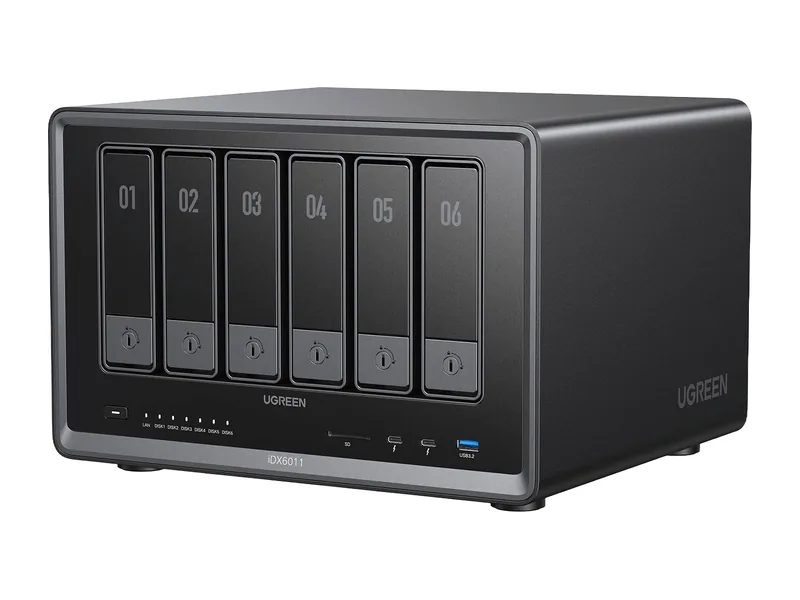
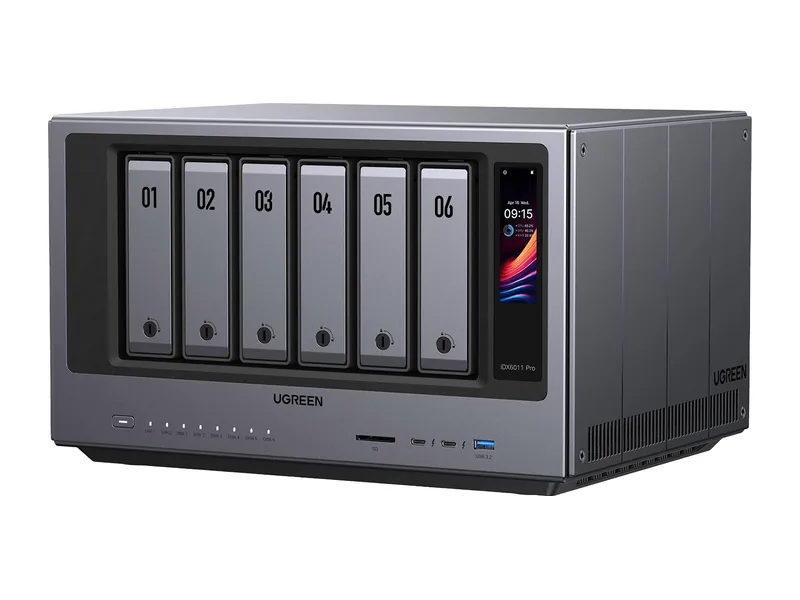
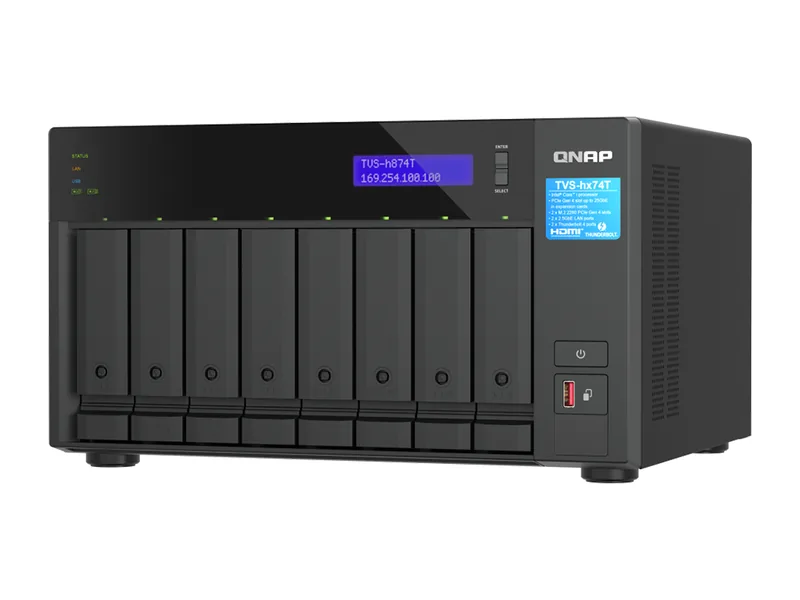
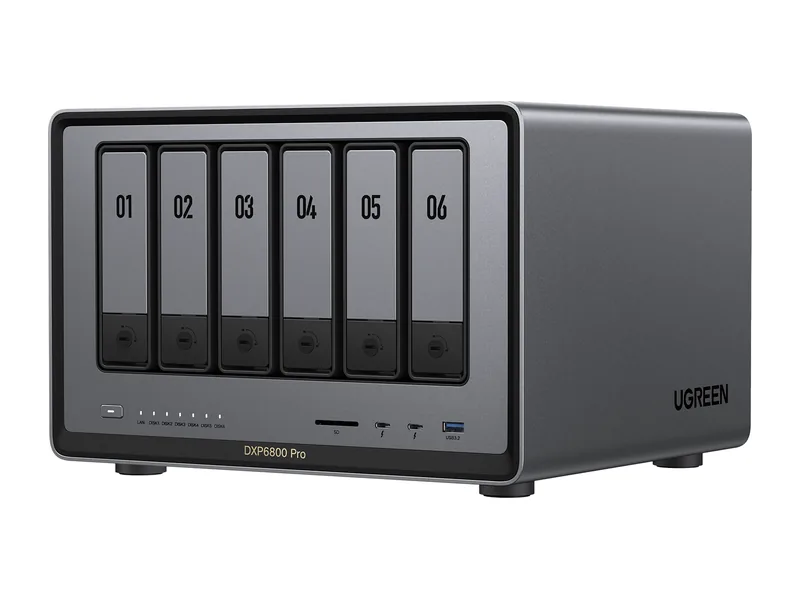
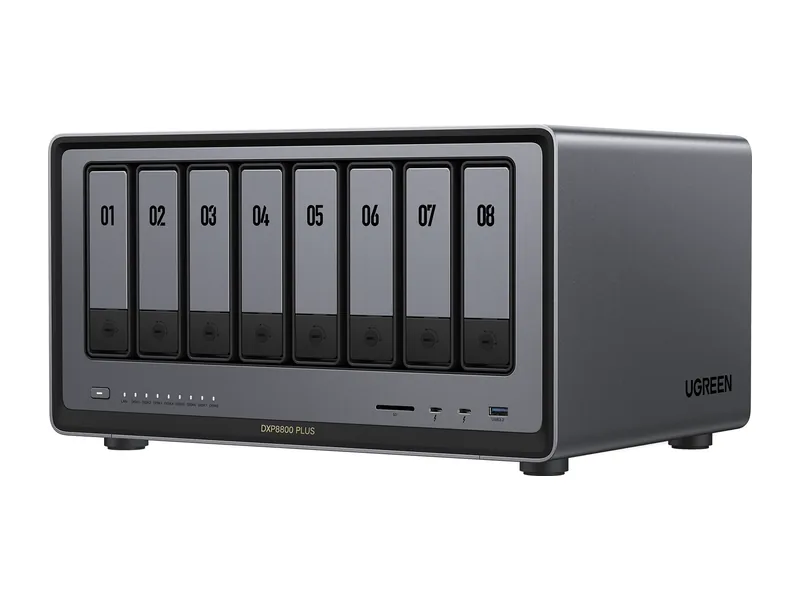
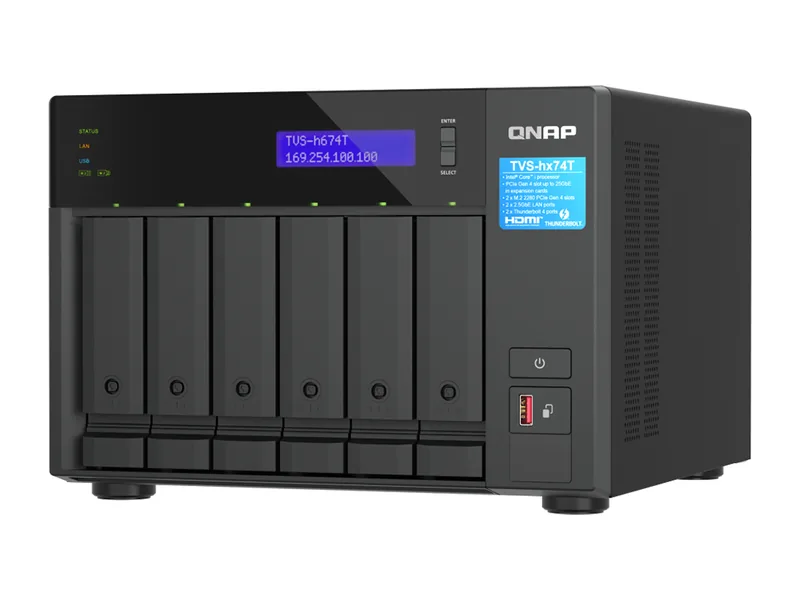
- An x86 NAS with Docker or a container manager. UGREEN, QNAP, ASUSTOR, TerraMaster, Synology Plus models and most AI NAS systems qualify.
- Enough memory for your model: about 16GB of total system memory for 7B to 8B class models, 32GB for 14B, 64GB for 32B (Estimated).
- Around 5GB to 50GB of free storage per model, ideally on an SSD.
Some vendors list Ollama directly in their app centre, which skips the Docker steps. ASUSTOR's App Central is one example.
Step 1: Install Docker or the container manager
Open your NAS app centre and install the vendor's container tool: Container Station on QNAP, Container Manager on Synology, Docker on UGOS Pro, Docker Manager on TerraMaster or Docker Engine on ASUSTOR.
Step 2: Create the Ollama container
The official command from the Ollama documentation creates a container named ollama, stores models in a volume and opens the API on port 11434:
`docker run -d -v ollama:/root/.ollama -p 11434:11434 --name ollama ollama/ollama`
If your NAS has an NVIDIA graphics card and the NVIDIA Container Toolkit installed, add `--gpus=all` after `-d`. In a graphical container manager, set the same image, volume and port in the form.
Step 3: Pull and run a model
Start a model from inside the container. The Ollama docs use Llama 3.2 as the example:
`docker exec -it ollama ollama run llama3.2`
Swap the name for any model in the Ollama library, such as qwen3:8b or gemma3:12b. The first run downloads the model.
Step 4: Add a chat interface
Ollama answers on its API, not in a browser. Install Open WebUI next for a ChatGPT-style interface; our Open WebUI guide covers it.
How fast will it be?
On the processor alone, 8B class models answer at a comfortable reading pace on modern AI NAS hardware and larger models slow down noticeably. A graphics card holding the whole model is far faster. NAS NPUs are not used by Ollama today.
Commands from the Ollama Docker documentation.
Common questions
Can Ollama run on an ARM NAS?
The official image supports ARM64, but low-power ARM NAS units have too little memory to run useful models.
Where are the models stored?
In the ollama volume mounted at /root/.ollama. Map it to a shared folder if you want to back it up or move it.
How do I update Ollama on a NAS?
Pull the newer ollama/ollama image in your container manager and recreate the container with the same settings and storage folder. Downloaded models stay in the mapped folder, so they do not need downloading again.
Can other apps use Ollama on the NAS?
Yes. Ollama serves an API on port 11434 that tools such as Open WebUI, AnythingLLM and n8n can call. Keep that port on your local network rather than exposing it to the internet, since the API has no login of its own.
How much disk space do models use?
Each model takes roughly its download size on disk: about 5GB for an 8B model at 4-bit and over 40GB for a 70B model. Keep models on SSD storage where possible, as they load into memory much faster than from hard drives.