How does RAG work?
Retrieval augmented generation has two halves. First, an embedding model reads your documents, splits them into passages and turns each into a vector, building an index. Second, when you ask a question, the passages closest to it are found in the index and handed to a chat model along with your question, so the answer draws on your files rather than only on what the model learned in training.
Why run it on a NAS?
Because the documents are already there. Indexing files where they live avoids copying them to another machine, and keeping the models local means contracts, medical letters or business records never go to a cloud service.
What do you need?
- Memory for two models at once: 32GB for a personal library, 64GB or more for a team (Estimated)
- An M.2 slot or SSD for the index
- Ollama for the models, plus AnythingLLM or Open WebUI for the documents and chat
- Optionally a GPU to speed up the answering model
How do you set it up?
- Install Ollama and pull a chat model and an embedding model from the Ollama library.
- Install AnythingLLM or Open WebUI in Docker and connect it to Ollama.
- Create a workspace or collection and upload, or point it at, a folder of documents.
- Wait for indexing to finish, then ask questions. Answers include references to the passages used.
How should you organise documents for RAG?
Keep a dedicated folder or share for the library the assistant should read, rather than indexing the whole NAS. Remove duplicates and old drafts, which crowd the search results. Split very large PDFs where you can. For a team, create separate workspaces for separate audiences so people only get answers from documents they are allowed to see. Re-index when a large batch of files changes.
Are there built-in options?
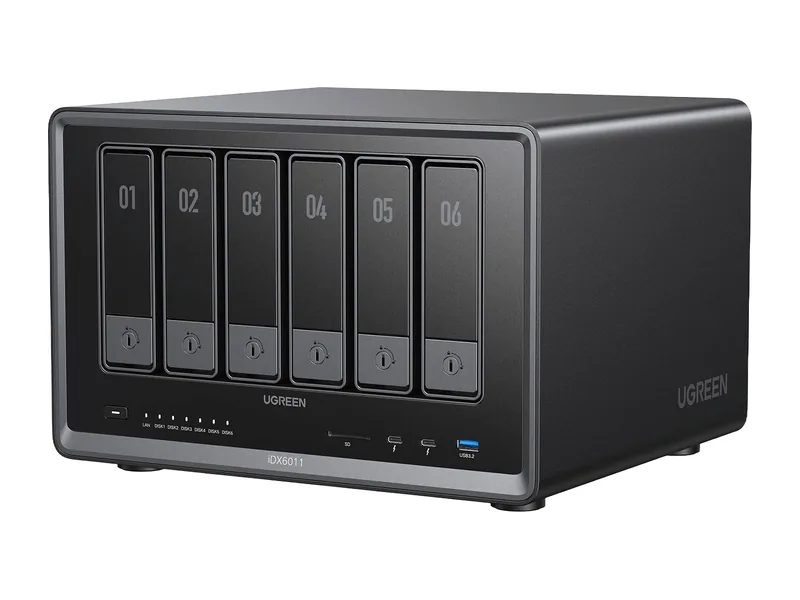
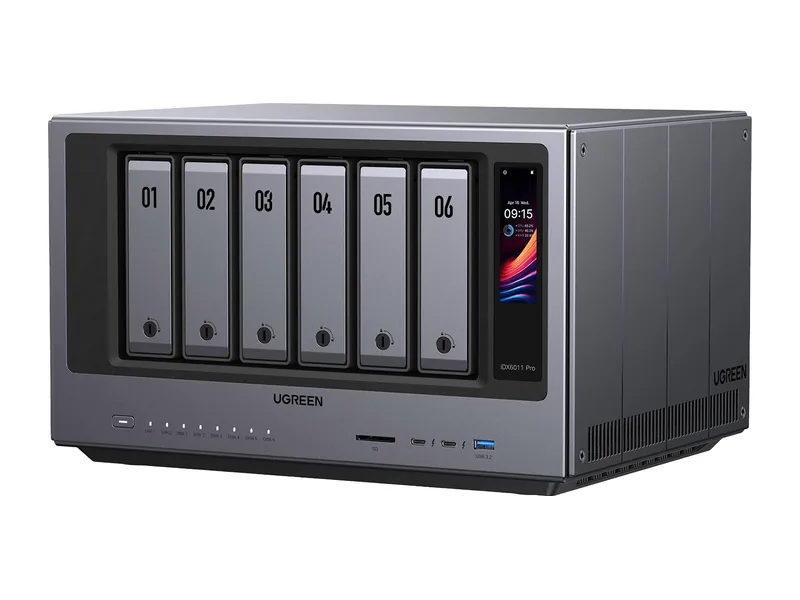
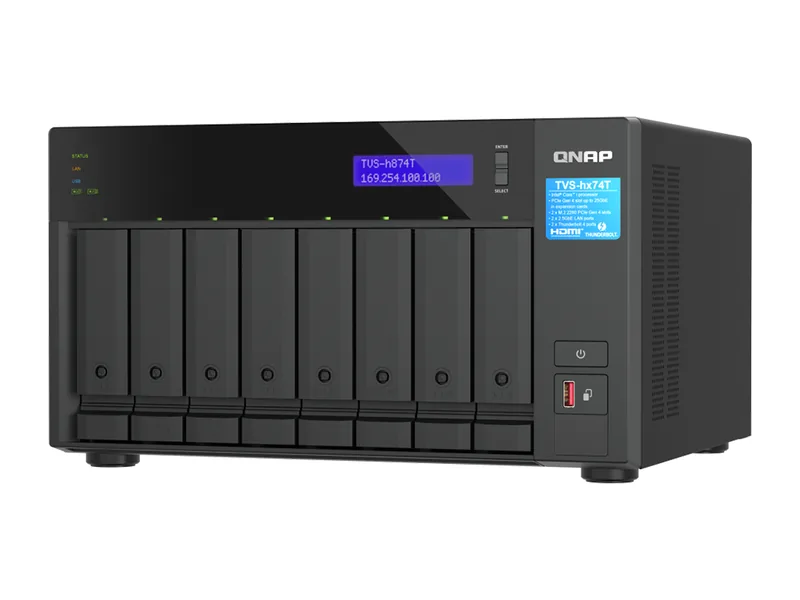
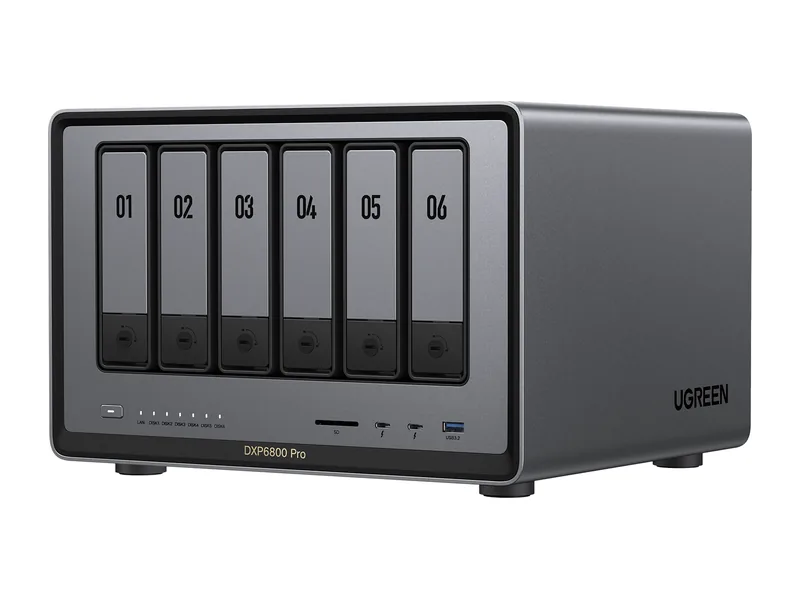
UGREEN's iDX models and Zettlab's Ultra models include semantic search and question answering over your files. QNAP's Qsirch offers a local AI mode on systems with a capable GPU. These need less setup but give less control.
Common questions
How many documents can it handle?
Thousands. Indexing takes time once, then searches are quick. Memory limits the model size, not the number of documents.
Will answers always be correct?
No. RAG reduces made-up answers by grounding them in your files, but check important answers against the cited passages.
Which embedding model should I use?
Start with the default your tool suggests, such as nomic-embed-text in Ollama, which is small and runs well on a processor. Embedding models are tiny compared with chat models, so they add little memory pressure.
Does RAG work with scanned PDFs?
Only if the text can be read. Scanned pages need optical character recognition first; some tools do this on import, and others expect text-based files. Check a few answers against the original documents before relying on them.
How do I keep the index up to date?
Re-index when documents change. AnythingLLM and Open WebUI let you add or remove files from a collection. Removing old versions stops the model quoting outdated policies or prices.