Can I run Docker on a NAS?
Yes, on nearly every current model. Docker packages an application with everything it needs into a container, so one command installs it without touching the rest of the system. For local AI, that is how Ollama, Open WebUI, AnythingLLM, n8n and most other tools are installed.
Which systems support it?
All but one system we track have a vendor container tool. The exception is the ARM-based TerraMaster F4-212, where TOS 7 for ARM reportedly lacks Docker; we have not been able to confirm that and show it as Unverified.
| Vendor | Container tool |
|---|---|
| QNAP | Container Station |
| Synology | Container Manager |
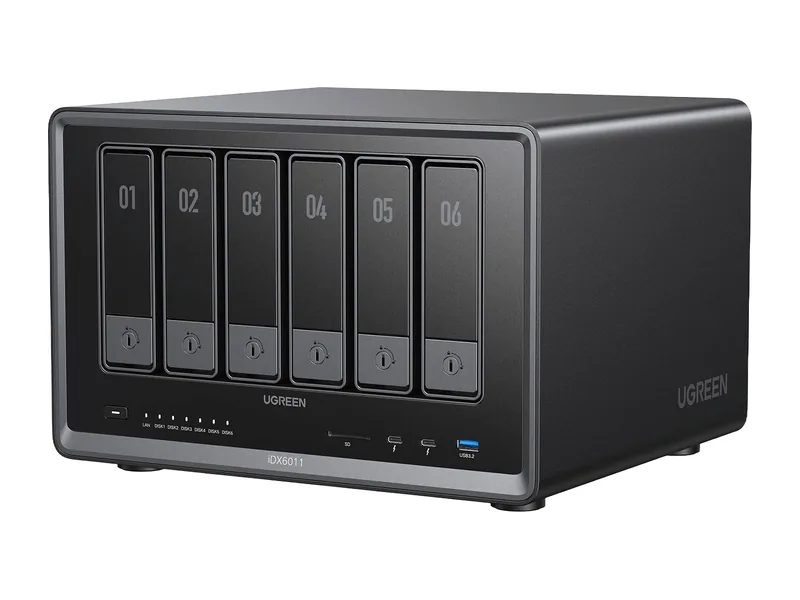
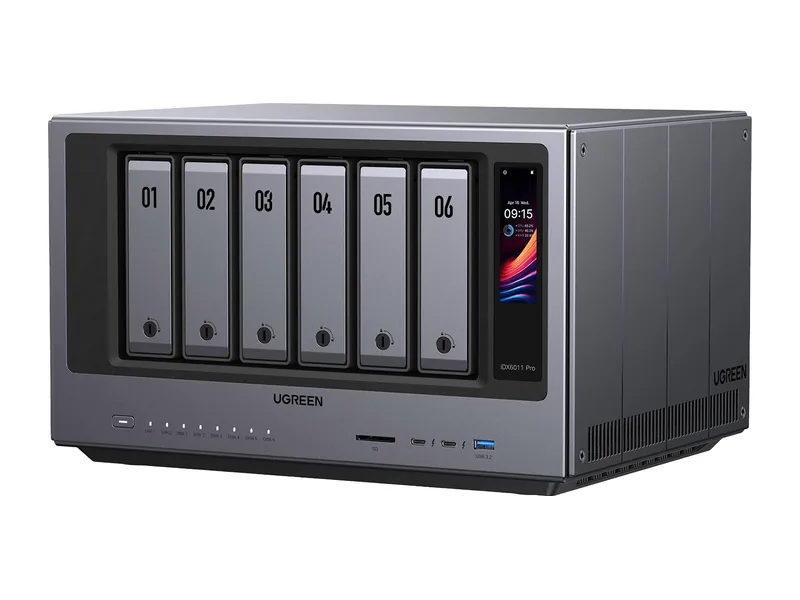
| UGREEN | Docker in UGOS Pro |
| ASUSTOR | Docker Engine and Portainer in App Central |
| TerraMaster | Container Manager |
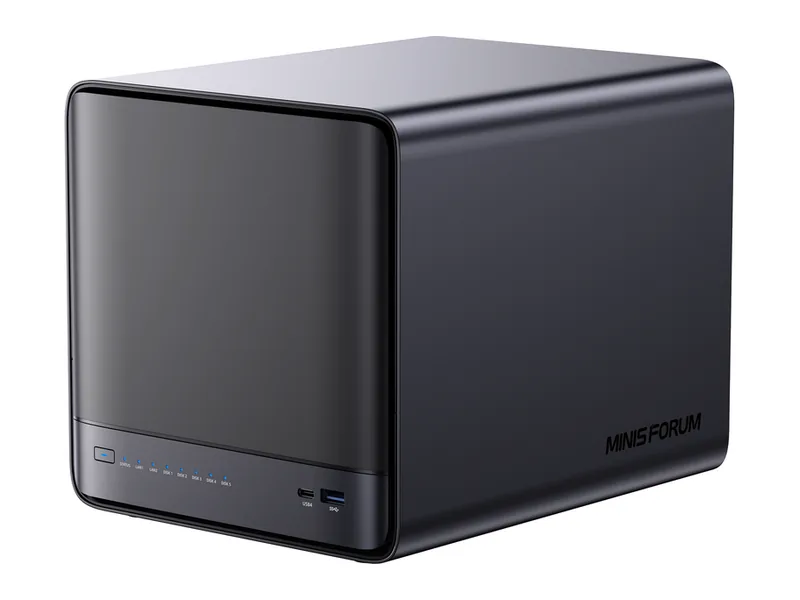
| Minisforum, Zettlab, ZimaOS, StationPC | Built-in Docker app |
What RAM is needed?
Docker itself needs little. Each container adds its own requirement, and AI containers need the most. A NAS running several everyday containers alongside a local model should have 32GB or more (Estimated).
Which architecture works?
Docker Engine runs on amd64 and arm64. Each container image must also support your architecture; most AI images publish both, but heavy AI work is only practical on x86 NAS systems with plenty of memory.
How do I install it?
Install the vendor's container tool from the app centre. Most support Compose projects, which let you define several related containers, such as Ollama and Open WebUI, in one file and start them together.
Which systems should I buy for Docker-based AI?
Systems with the most memory, a modern x86 processor and fast storage for container data. The picks below combine those with confirmed Docker support and live prices.
Common questions
Can Docker containers use a GPU on a NAS?
Yes on systems with a GPU and driver support. Synology's Container Manager added GPU access from version 24.0.2-1630.
Is Docker safe on a NAS?
Use official images, keep them updated and avoid exposing container ports to the internet.