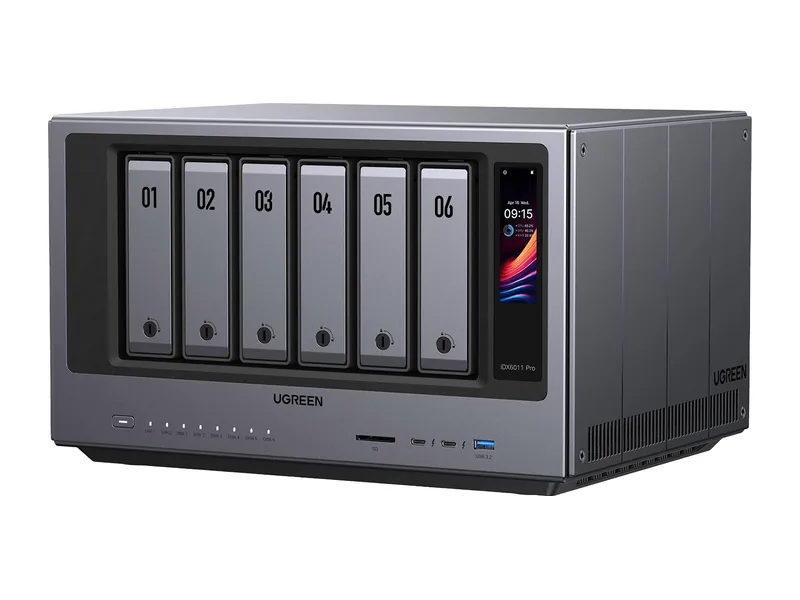
What makes AI on a NAS private?
The models run on the NAS itself. When you ask a local assistant a question, the text goes from your browser to the NAS and back. Documents indexed for search stay in the NAS index. Photos recognised by the photo app are processed on the device. No third party sees them, stores them or trains on them.
How does it compare with cloud AI?
| Cloud AI service | AI on a NAS | |
|---|---|---|
| Where data goes | The provider's servers | Stays on your hardware |
| Model size and quality | The largest models | Open models up to 70B class (Estimated) |
| Speed | Fast | Depends on your hardware |
| Ongoing cost | Subscription or usage fees | Power only |
| Works offline | No | Yes |
What should you check to keep it private?
- Cloud connections. Some NAS AI features, such as TerraMaster's AI agent or Synology AI Console with a cloud provider, use an external API key. Leave those unset if you want everything local.
- Telemetry. Review the vendor's privacy settings and turn off anything you do not need.
- Remote access. Use the vendor's VPN or secure access service rather than opening ports to the internet.
- Accounts. Give each person their own login in tools such as Open WebUI.
Who benefits most from private AI?
Anyone handling information they would not paste into a public chatbot: solicitors, accountants, clinicians, HR teams, journalists, and households with personal records. For them the question is not whether local models match the biggest cloud models, but whether the work can be done without sending the data away at all. For drafting, summarising and searching their own files, it usually can.
What can you run privately today?
A chat assistant with open models, document search and question answering, photo recognition, transcription and camera detection. For most household and small-business tasks, open models in the 8B to 32B class are good enough.
Common questions
Is local AI as good as ChatGPT?
The largest cloud models are stronger. Open models running locally handle everyday writing, summaries and questions about your own files well.
Does private AI help with data protection rules?
Keeping personal data on your own systems simplifies compliance, though the usual controls still apply.
Can I use cloud AI and local AI together?
Yes. Many people keep sensitive work on the NAS and use a cloud service for general questions. Tools such as Open WebUI can connect to both, so you choose per conversation where your words go.
Does running AI locally cost anything after purchase?
Mainly electricity. A NAS that is already running all day uses extra power only while answering, so running costs are modest. Larger systems with a graphics card use noticeably more.
Who can see my prompts on a local setup?
Only people with access to the NAS and the chat tool. Set up separate accounts, use strong passwords and keep the NAS updated, since a private system is only as private as its access controls.
Should I back up my AI setup?
Yes. Back up the chat tool's data folder and any document collections, so a failed drive or a bad update does not lose conversations or indexes. Models can be downloaded again, so they need no backup.