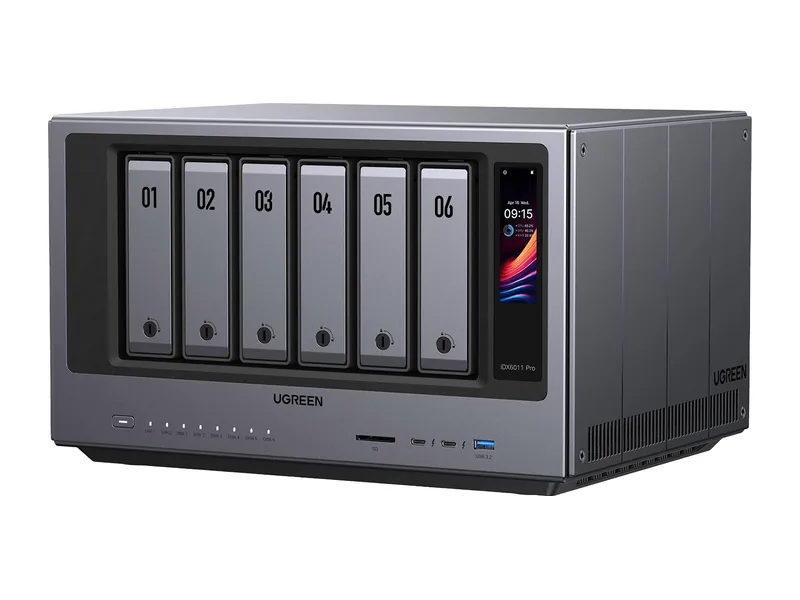
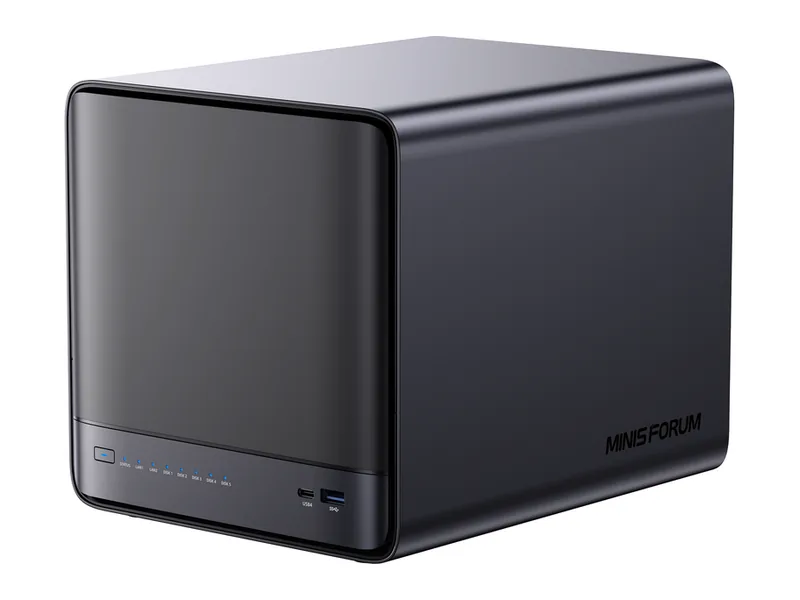
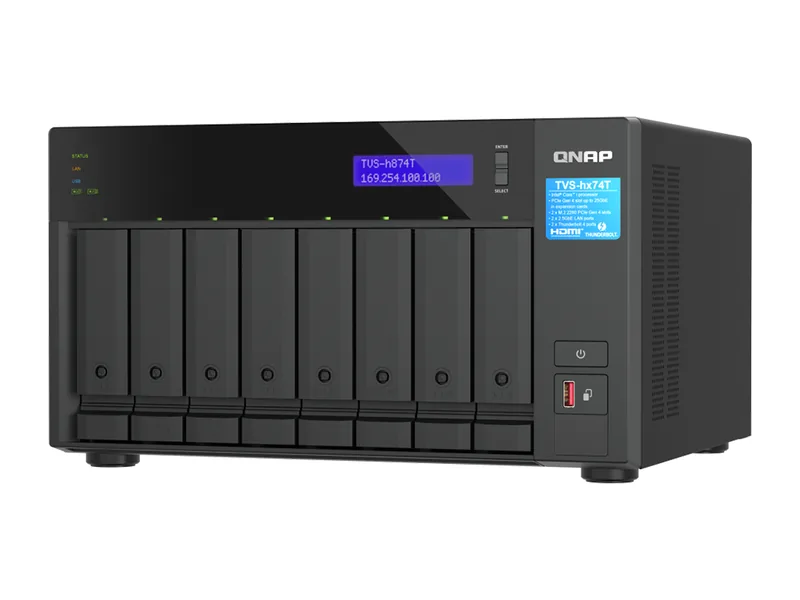
How is an AI NAS different from a normal NAS?
A normal NAS is built to store and share files. It uses a low-power processor and a small amount of memory, which is plenty for backups, media and file sharing. An AI NAS uses a stronger processor, usually with capable integrated graphics and often an NPU, and supports much more memory, typically 32GB to 96GB. Many also have a slot or port for a graphics card.
That extra hardware is what lets it run language models, which need their whole size in memory, and other AI tools at a usable speed.
What can an AI NAS actually do?
- Run a private chat assistant with open models such as Llama, Qwen, Gemma or DeepSeek
- Answer questions about your own documents through retrieval augmented generation
- Search files by meaning rather than by name
- Recognise faces, objects and text in photos, and search them by description
- Transcribe recordings and detect people or vehicles on security cameras
All of it runs locally, so nothing has to leave your network.
Is every NAS with AI features an AI NAS?
No. Many ordinary NAS units now offer AI photo tagging, which runs on modest hardware. We classify every system into one of four groups so the difference is clear: Native AI NAS (built for local AI), AI Ready (strong enough to run AI tools through Docker), AI Capable (light AI only) and Traditional NAS (storage first). The class appears on every system we list.
What hardware should you look for?
Memory decides which models you can run, so check the maximum supported and whether it is soldered. A modern processor with Intel Arc or AMD Radeon 7xx or 8xx graphics runs small models well. A PCIe slot or OCuLink port lets you add a graphics card later for much faster answers. Two 10GbE ports help when several people use it.
Common questions
Do I need an AI NAS to use AI at home?
No. You can use cloud services or run models on a desktop computer. An AI NAS makes sense when you want AI running all the time, privately, next to your files.
Is an AI NAS the same as an AI server?
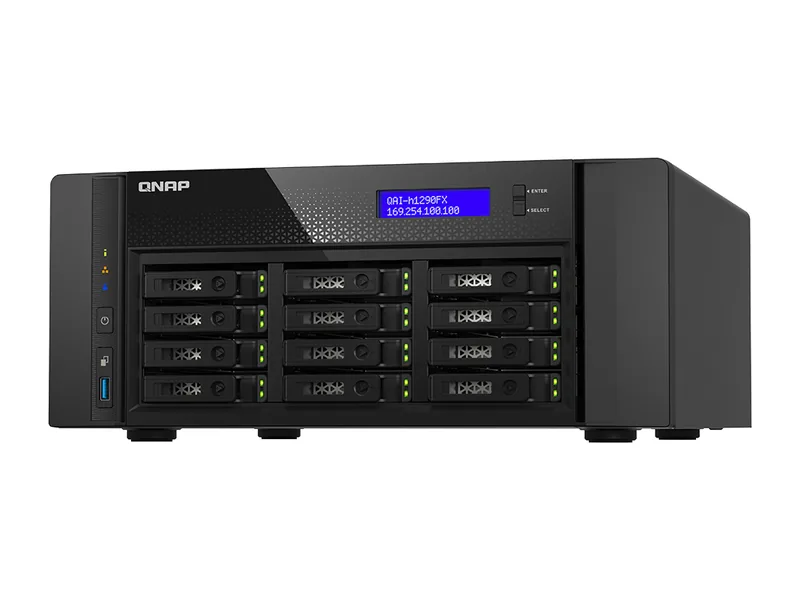
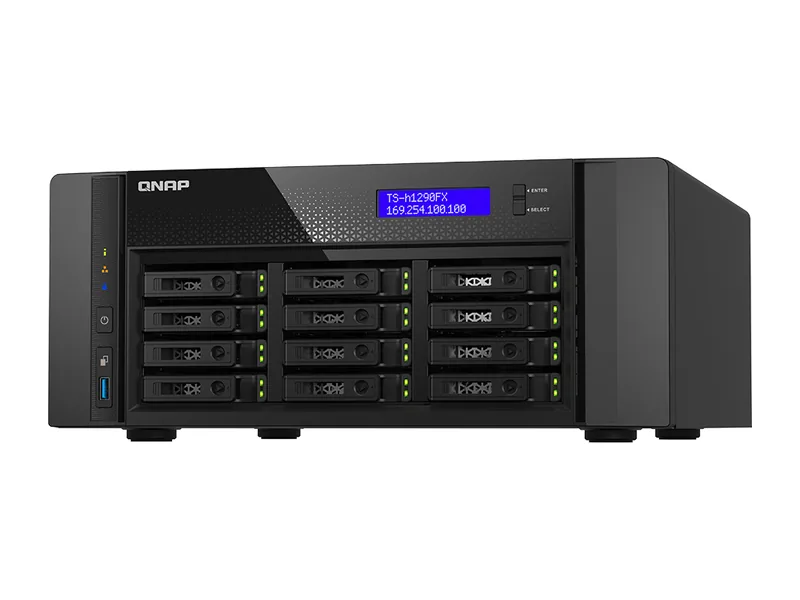
They overlap. An AI NAS is storage first with AI added; an AI server, such as a workstation with several GPUs, is compute first. Some large NAS systems, like QNAP's QAI-h1290FX, are both.
Can an AI NAS replace my existing NAS?
Yes. An AI NAS still does everything a normal NAS does: file sharing, backups, photo libraries and media streaming. Many owners move their drives and data across and keep the old NAS as a backup target, which gives a second copy of important files.
Does an AI NAS need an internet connection for AI?
Not once models are downloaded. Local models run entirely on the NAS, so chat, search and document questions keep working without a connection. You only need the internet to download models, apply updates or use cloud services you choose to connect.
Is an AI NAS noisy or power hungry?
Most are compact desktop units that idle quietly with modest power use. Power rises while a model is answering and falls back afterwards. Systems with a full graphics card fitted use noticeably more power and produce more fan noise under load.