Aoostar NAS for local AI
Updated
Is Aoostar good for local AI?
Yes, if you choose the WTR Max. Its Ryzen 7 PRO 8845HS has Radeon 780M graphics and a 16 TOPS NPU, it takes up to 128GB of ECC DDR5, and an OCuLink port gives you a route to an external GPU. The WTR Pro reaches AI Ready only through its 64GB memory ceiling, while the R7 and R1 are AI Capable boxes limited to CPU inference.
Which Aoostar systems do we track?
4 systems, 1 with a verified UK price. Sorted by AINAS Score.
| System | AI class | Score | Max RAM | Bays | Network | GPU expansion | Price |
|---|---|---|---|---|---|---|---|
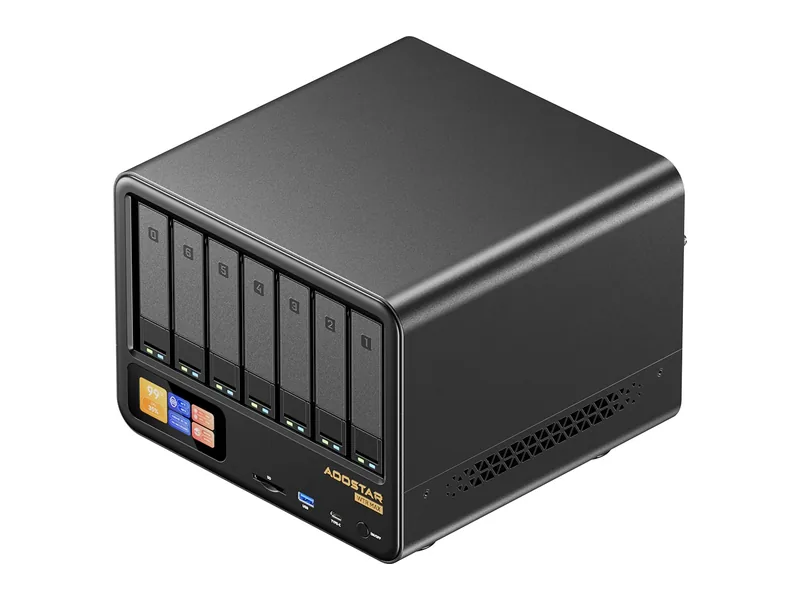 | AI Ready | 75 | 128GB | 6 | 2 x 10GbE | OCuLink (external GPU) | £774 Amazon UK · Verified |
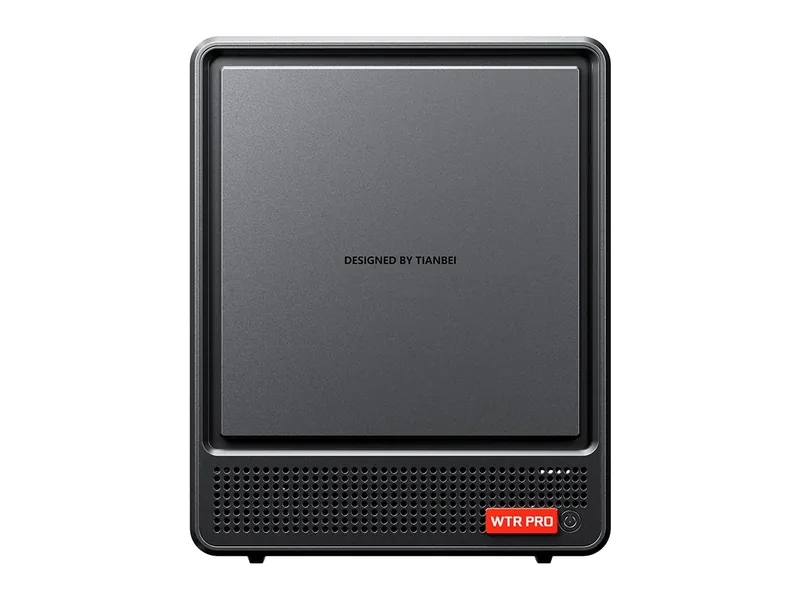 | AI Ready | 50 | 64GB | 4 | 2 x 2.5GbE | None | $399.00 Amazon US · Verified Ships from the US; delivery and import charges shown at checkout |
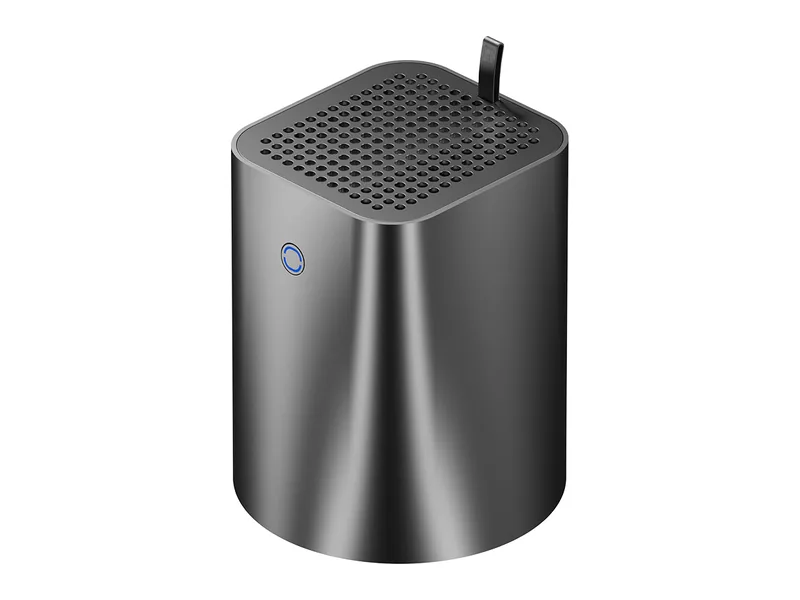 | AI Capable | 29 | 32GB | 2 | 2 x 2.5GbE | None | No verified price |
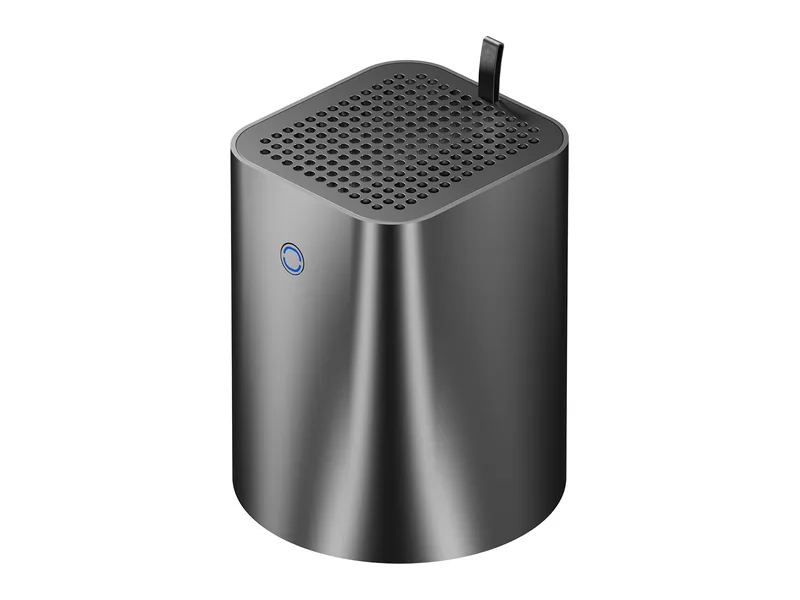 | AI Capable | 22 | Not stated | 2 | 2 x 2.5GbE | None | No verified price |
What AI features do Aoostar systems support?
Local LLM
1 of 4
3 more with limits. 0 documented by Aoostar.
Ollama
4 of 4
0 documented by Aoostar.
Open WebUI
4 of 4
0 documented by Aoostar.
GPU expansion
1 of 4
1 documented by Aoostar.
AI photos
0 of 4
4 more with limits. 0 documented by Aoostar.
Surveillance AI
0 of 4
4 more with limits. 0 documented by Aoostar.
Classes in this range: 2 AI Ready, 2 AI Capable.
What does Aoostar do for local AI?
Only one Aoostar has an NPU. The WTR Max uses an eight-core Ryzen 7 PRO 8845HS with Radeon 780M graphics, and AMD rates its NPU at 16 TOPS. The WTR Pro and R7 share an older eight-core Ryzen 7 5825U with no NPU, and the R1 is a four-core Intel N150, also without one. Aoostar lists Radeon graphics on the WTR Pro, but its R7 and R1 pages name no integrated GPU at all. The WTR Max is also the only way to attach a card, through an OCuLink PCIe 4.0 x4 port for GPU docks, with a USB4 port alongside. Its three siblings have no OCuLink, USB4 or PCIe slot.
Memory ceilings follow the same order. The WTR Max takes up to 128GB of DDR5-5600 on SO-DIMMs with ECC, the WTR Pro stops at 64GB of DDR4-3200, and the R1 reaches 32GB through a single DDR4-3200 slot. Aoostar publishes no maximum for the R7, though NASCompares quotes 64GB. No unit is listed with memory included, so plan on buying modules. With no vendor guidance on model size, these are our readings only: larger models become feasible on the WTR Max (Estimated), mid-size quantised models run slowly on the WTR Pro (Estimated), and the R1 is limited to small models (Estimated).
Which Aoostar range fits which buyer?
WTR Max is the one to shortlist if you want to grow into local AI and can do the setup yourself. Six bays and five M.2 slots give it room as a real storage server, two 10GbE and two 2.5GbE ports keep it connected, and the OCuLink port leaves a GPU dock as a later step. We class it AI Ready, not Native AI NAS, because Aoostar neither positions nor documents local AI on it.
WTR Pro fits someone who wants a four-bay server first and an occasional CPU-based language model second. It has two M.2 slots and two 2.5GbE ports, and we rate it AI Ready only because of its stated memory limit. Treat it as a borderline case: with a 2022 Zen 3 processor, it could reasonably be argued down a class.
R7 suits a buyer who wants the same processor in a smaller two-bay box, with two M.2 slots and two 2.5GbE ports, and who treats AI as an extra. Inference is CPU-only, and the unpublished memory limit is what holds it at AI Capable.
R1 is the modest entry point for someone who needs two bays, one M.2 slot and a few containers. It also sits in the AI Capable class. Our specification comes from an archived copy of its product page, because the live page returned an error when we checked, so confirm that you can still buy one before planning around it.
Where Aoostar falls short
The central gap is software. There is no Aoostar NAS OS: the R1 comes with Windows 11 Pro preinstalled on configured units, and the other three include a Windows 11 Pro key. Storage management, sharing and any AI layer are yours to build, whether on Windows or on a Linux NAS OS you install yourself. No vendor feature covers document chat, AI search, AI photos, video analysis or surveillance, so each of these means third party software, and we have not verified Immich through Docker or any camera or video app on this hardware.
Hardware support has its own gaps. Aoostar provides no software that uses the WTR Max NPU, so those 16 TOPS are a chip specification and not a product feature. A GPU dock on that model is a documented port, not a documented AI setup, and we found no Aoostar statement about which cards or models work with it. DDR4 on the WTR Pro, R7 and R1 is the older memory type, and none of those three supports ECC. Warranty is one year across the range. We did not find a source specific to these machines for Open WebUI, which should run through Docker or Python on Windows or Linux but remains unverified here.
What Aoostar documents officially
Aoostar documents hardware, not local AI, and publishes no AI software or setup guides. The WTR Max product page confirms the OCuLink port and Radeon 780M, the WTR Pro product page gives the operating system and the 64GB limit, and the R7 product page gives its ports and Windows key. An archived copy of the R1 product page stands in for the live one, and the returns and warranty policy sets out the cover. The NPU rating is not an Aoostar claim at all: it comes from AMD's Ryzen 7 PRO 8845HS page. You will not find any Aoostar statement on Ollama, Open WebUI, supported model sizes, tested GPU docks or a memory ceiling for the R7. The Ollama route rests on Ollama's own native Windows build, not on anything Aoostar has written.