Thunderbolt NAS systems
Updated
Thunderbolt NAS UK
A Thunderbolt NAS is a network NAS that also has Thunderbolt ports, so an editing workstation can attach to it directly at far higher speed than the network allows while everyone else keeps reaching it over Ethernet. It suits video and photo work where one or two people need fast access to the same storage the rest of the team shares.
Which systems rank highest right now?
7 systems have a current price and qualify; all are ranked. The order comes from the overall AINAS Score and updates as prices change. 2 more without a current price are listed under Worth watching.
- 1
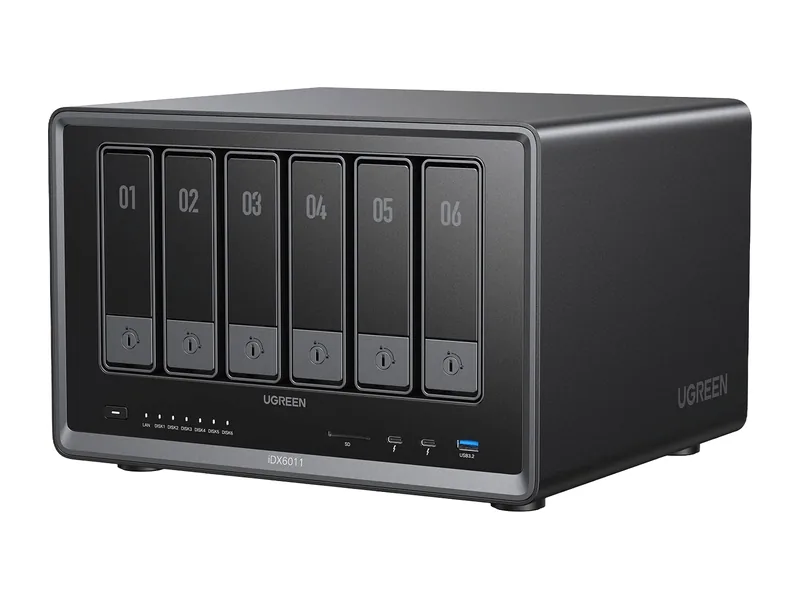
UGREEN iDX6011
Native AI NAS64GB max RAM · 6 bays · 2 x 10GbE
- Up to 64GB memory: 32B class models comfortably, and 70B class models at 4-bit with little headroom (Estimated)
- GPU path: PCIe x8 slot
- 11 TOPS NPU for vendor AI features
74/100 AINAS Score
£1,699.99
£1,999.99Amazon UK · Verified
- 2
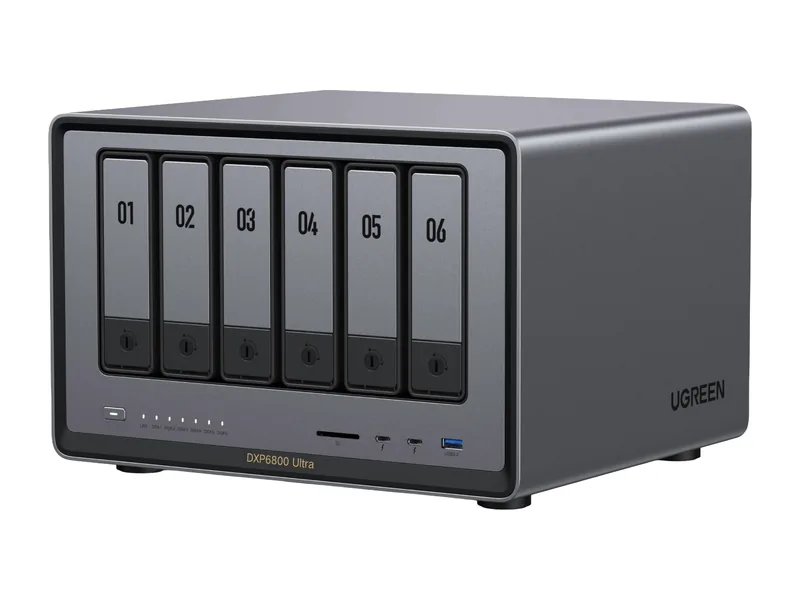
UGREEN DXP6800 Ultra
AI Ready96GB max RAM · 6 bays · 2 x 10GbE
- Up to 96GB memory: 70B class models at 4-bit with room left for longer context (Estimated)
- GPU path: PCIe x4 slot
- 2 x 10GbE networking, 6 bays
61/100 AINAS Score
£1,015.99
£1,269.99Amazon UK · Verified
- 3
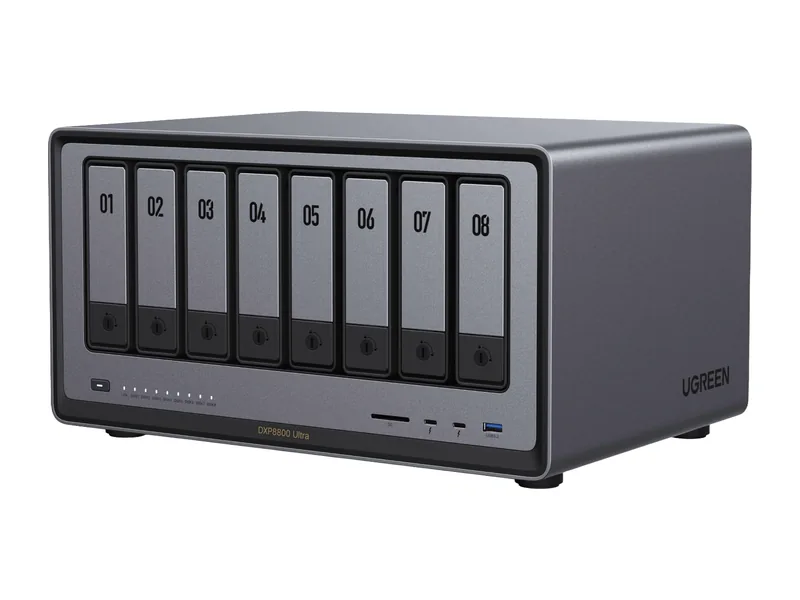
UGREEN DXP8800 Ultra
AI Ready96GB max RAM · 8 bays · 2 x 10GbE
- Up to 96GB memory: 70B class models at 4-bit with room left for longer context (Estimated)
- GPU path: PCIe x4 slot
- 2 x 10GbE networking, 8 bays
61/100 AINAS Score
$1,779.99
Amazon US · Verified
Ships from the US; delivery and import charges shown at checkout
- 4
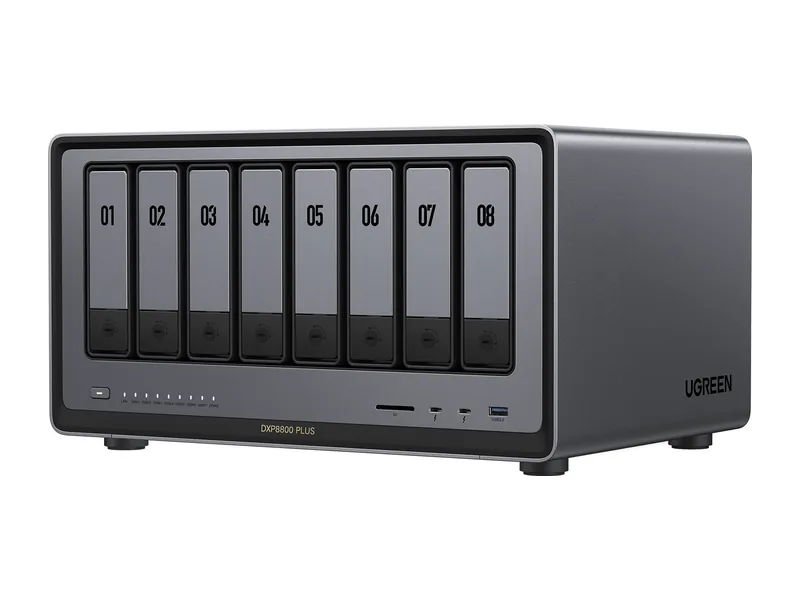
UGREEN DXP8800 Plus
AI Ready64GB max RAM · 8 bays · 2 x 10GbE
- Up to 64GB memory: 32B class models comfortably, and 70B class models at 4-bit with little headroom (Estimated)
- GPU path: PCIe x4 slot
- 2 x 10GbE networking, 8 bays
60/100 AINAS Score
£919.99
£1,189.99Amazon UK · Verified
- 5
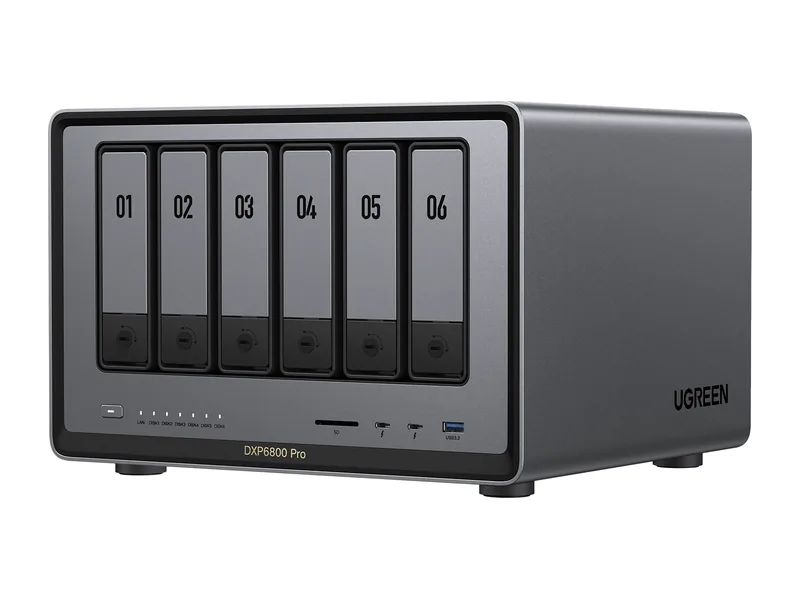
UGREEN DXP6800 Pro
AI Ready64GB max RAM · 6 bays · 2 x 10GbE
- Up to 64GB memory: 32B class models comfortably, and 70B class models at 4-bit with little headroom (Estimated)
- GPU path: PCIe x4 slot
- 2 x 10GbE networking, 6 bays
59/100 AINAS Score
£719.99
£929.99Amazon UK · Verified
- 6
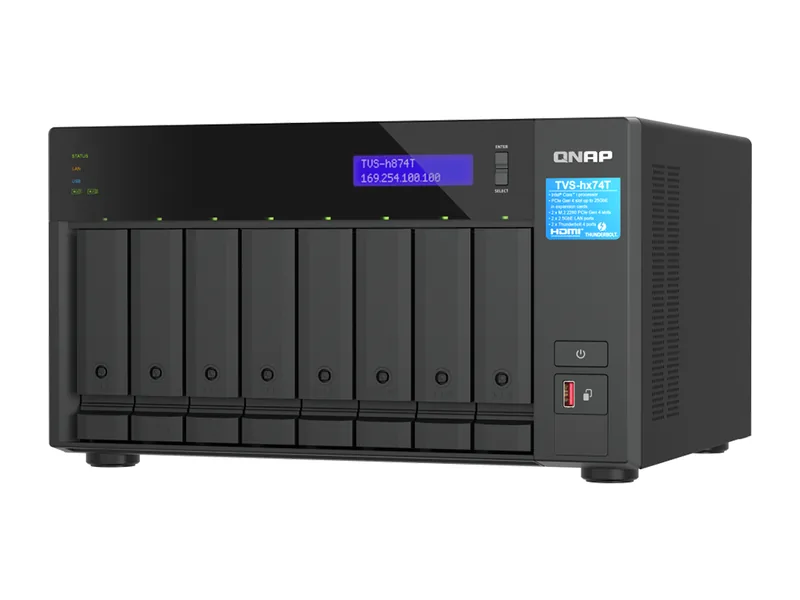
QNAP TVS-h874T
AI Ready64GB max RAM · 8 bays · 2 x 2.5GbE
- Up to 64GB memory: 32B class models comfortably, and 70B class models at 4-bit with little headroom (Estimated)
- GPU path: PCIe x16 slot
- 2 x 2.5GbE networking, 8 bays
58/100 AINAS Score
£3,834
Amazon UK · Verified
- 7
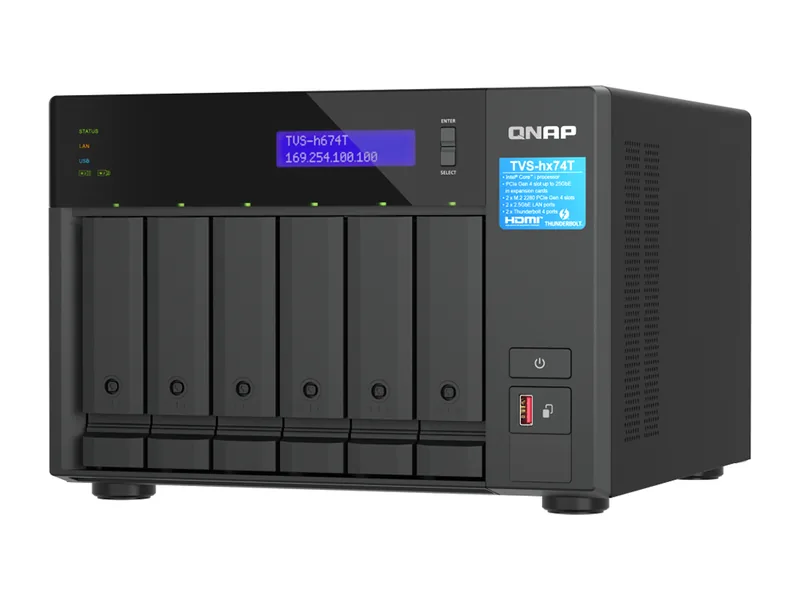
QNAP TVS-h674T
AI Ready64GB max RAM · 6 bays · 2 x 2.5GbE
- Up to 64GB memory: 32B class models comfortably, and 70B class models at 4-bit with little headroom (Estimated)
- GPU path: PCIe x16 slot
- 2 x 2.5GbE networking, 6 bays
54/100 AINAS Score
£3,161
Amazon UK · Verified
Worth watching
These fit this list but have no current price right now, so they are not ranked. They take a place as soon as a price is verified.
- UGREEN iDX6011 ProNo verified price
- IceWhale ZimaCube ProNo verified price
Thunderbolt NAS, not Thunderbolt DAS
These are two different products and the distinction is the whole point of this page.
A Thunderbolt DAS (direct-attached storage) is an enclosure full of drives that belongs to the machine it is plugged into. Unplug the cable and the storage goes with it. No one else on the network can see it. It has no operating system, no users, no shares, no containers.
A Thunderbolt NAS is a full NAS: its own processor, its own operating system, network shares, user accounts, apps, Docker, the lot. The Thunderbolt ports are an additional way in, alongside Ethernet. An editor plugs in and gets direct-attached speed on the same volumes that the rest of the office reaches over the network, at the same time.
That is a genuinely useful combination, and it is why these units cost what they do. If only one machine will ever touch the storage, a DAS is cheaper and simpler and you should buy one instead.
How fast is it, really?
Thunderbolt 4 provides 40Gb/s of total bandwidth, shared with everything else on the link. In practice, for storage, expect somewhere around 1.5 to 2.6 GB/s depending on the unit, the drives inside it and what else the port is doing. That is comfortably faster than 10GbE and on par with or better than dual 10GbE.
| Connection | Realistic throughput | Typical use |
|---|---|---|
| 2.5GbE | ~300 MB/s | General file access |
| 10GbE | ~1.1 GB/s | One editor on proxies or HD |
| Thunderbolt 4 | ~1.5-2.6 GB/s | One editor on 4K or higher, direct |
| Dual 10GbE aggregated | ~2.2 GB/s | Several editors over the network |
The thing to understand is that the Thunderbolt advantage is per-cable and per-machine. It does not raise the ceiling for everyone else; those people are still on Ethernet. A Thunderbolt NAS gives one or two workstations a fast lane, not the whole team.
Who this segment is for
Video and photo editors, mostly, and specifically those in a shared environment. The pattern this hardware is built for is a small studio: two editors with Thunderbolt-equipped machines cutting from the array directly, a producer and an assistant reaching the same projects over the network, and the whole thing backed up as one unit overnight.
The AI angle is real but secondary. These are generally well-specified machines, with recent Intel Core processors, capable integrated graphics and 64GB or more of memory on the larger models, so they run local models decently. Several carry an NPU as well, which helps with the photo and video tagging features their operating systems ship. But you are paying for the Thunderbolt ports; if you do not need them, the same money buys more AI capability elsewhere.
Practical cabling notes
A few things that catch people out.
Use certified Thunderbolt cables, and keep them short. Passive Thunderbolt cables run at full speed only to about 0.8 metres; beyond that you need an active cable, which costs considerably more. A long cheap USB-C cable will connect and will be slow, and you will spend an afternoon blaming the NAS.
Check what the manufacturer supports on the host side. Thunderbolt NAS units are generally well tested with macOS, since that is where most of the editing market is; Windows support varies by model and firmware, and Thunderbolt networking on Windows has historically been fussier. Read the compatibility notes before committing.
Finally, understand how the unit presents the Thunderbolt connection. Some expose it as a fast network interface: the volume still mounts as a network share, just over a much faster link. Others can present a volume as block storage to one host. These behave quite differently when two machines want the same files, and the difference is worth confirming before purchase.
Bays, memory and the rest
Everything from the general buying advice still applies. Check the maximum memory figure, because it sets the largest model the system can run and cannot be raised later by adding a card. Check whether the M.2 slots are usable as a cache tier or only as storage volumes. Check the drive bay count against three years of growth rather than today's project.
One segment-specific note: video work is sequential and large-file, which is the one storage pattern where hard disks remain competitive. A six-bay or eight-bay array of large disks will saturate a Thunderbolt link perfectly well for editing, and will cost far less than the equivalent in flash. Use the M.2 slots for cache and for your model files.
Common questions
Can two computers use the Thunderbolt ports at once?
On units with two ports, usually yes, with each host getting its own link. Check the manufacturer's documentation for how shared volumes behave when both are attached.
Does Thunderbolt work for Time Machine?
Generally yes, and it is noticeably quicker than over Ethernet. The NAS still presents itself as a Time Machine target in the normal way.
Is Thunderbolt faster than 10GbE for AI work?
For moving data to and from the array, yes. For inference running on the NAS itself, neither matters: the model is reading from local drives and the link is not in the path.
What do these systems cost today?
Live Amazon UK prices, each with the time it was last verified. Where a system has no verified Amazon UK offer, its Amazon US price is shown in US dollars and marked.
| System | Price | Stock | Buy |
|---|---|---|---|
| £1,699.99 Amazon UK · Verified | In stock | Buy on Amazon |
| £1,015.99 Amazon UK · Verified | In stock | Buy on Amazon |
| $1,779.99 Amazon US · Verified Ships from the US; delivery and import charges shown at checkout | In stock | Buy on Amazon |
| £919.99 Amazon UK · Verified | In stock | Buy on Amazon |
| £719.99 Amazon UK · Verified | In stock | Buy on Amazon |
| £3,834 Amazon UK · Verified | In stock | Buy on Amazon |
| £3,161 Amazon UK · Verified | In stock | Buy on Amazon |
Product prices and availability are accurate as of the date/time indicated and are subject to change. Any price and availability information displayed on Amazon.co.uk or Amazon.com, as applicable, at the time of purchase will apply to the purchase of this product.
How did we rank these?
Every Thunderbolt system we track -- units with Thunderbolt ports and drive bays -- ranked by the overall AINAS Score, since no profile scores direct-attached editing on its own.
Only systems with a current price take a rank. That is the Amazon UK price; where a system has no current Amazon UK offer, its Amazon US price is used instead, shown in US dollars and marked Amazon US. A price counts only if it was verified in the last 24 hours and is sold by Amazon, the manufacturer's own store or a merchant we have approved for that brand. Where the manufacturer publishes a recommended price for that configuration in the same currency, the price must also sit between 40% and 135% of it; where it does not (Synology publishes none, for example), only the seller check applies. Systems that fit the list without such a price appear under Worth watching and are not ranked.
Scores come from the AINAS Score: each system gets six component scores from documented rules, weighted by the overall profile as shown. The value component scores the displayed price. An Amazon US price is converted to pounds at the exchange rate set in our admin (currently 1 US dollar = £0.7502), for scoring and the price filters only; the converted figure is never shown. Commission plays no part.
How we choose sets out the full method: the verification labels, every score rule, the price checks and when a page is held back from search.
Refine this list in the AI NAS Finder with your own budget, memory, bays and networking, or see the full leaderboard.
AINAS Score weights
- AI capability
- 35%
- Memory
- 20%
- GPU capability
- 15%
- Networking
- 10%
- Storage expansion
- 10%
- Value
- 10%