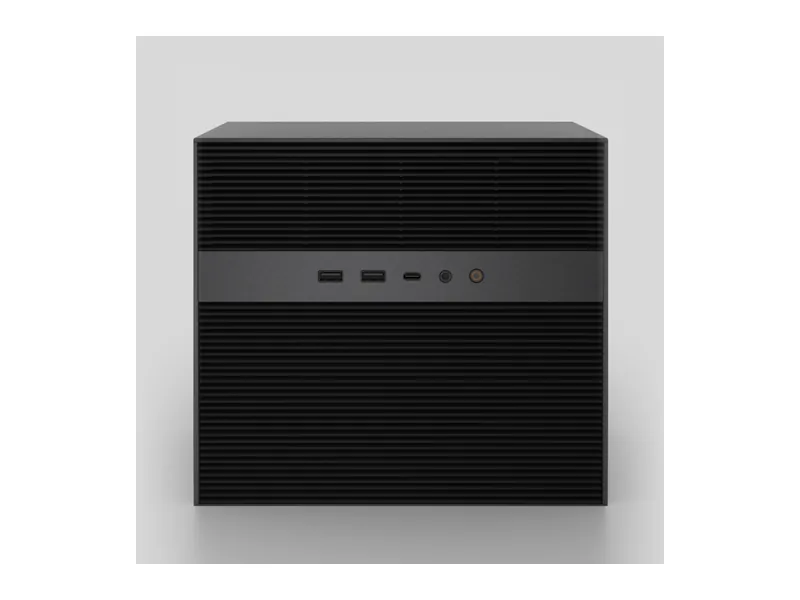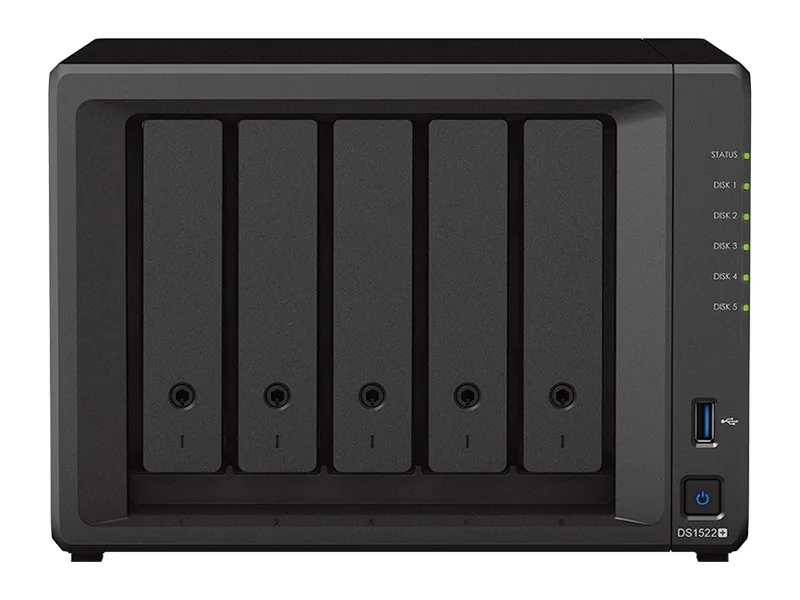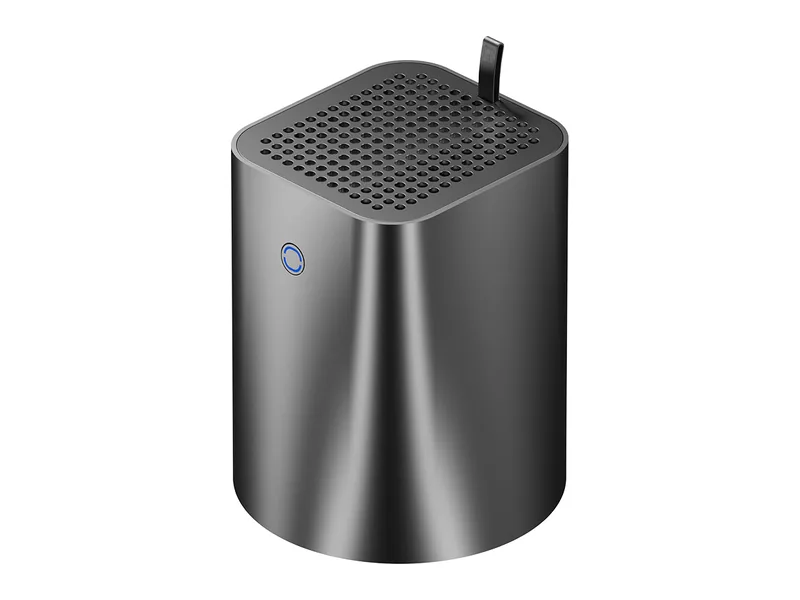
32GB max RAM · 2 bays · 2 x 2.5GbE
AINAS Score 29
No verified price
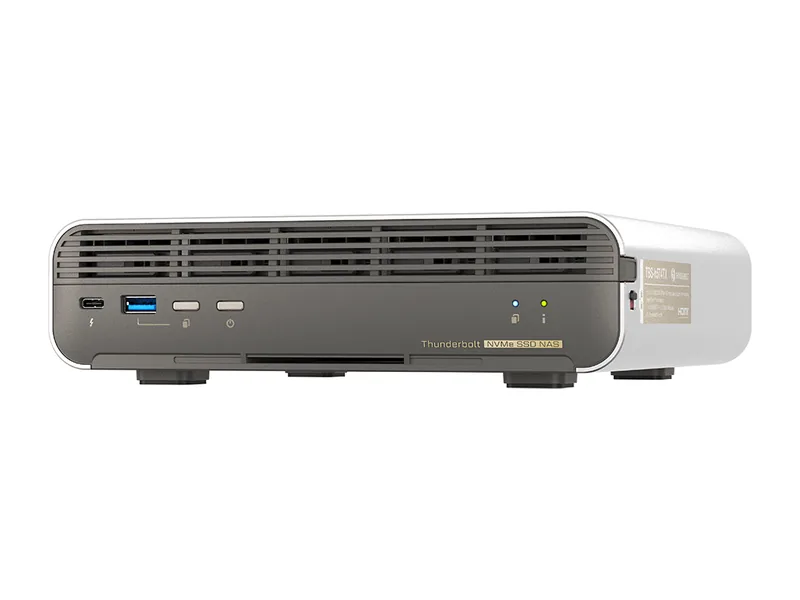
AI CapableQNAP
Why AI Capable: Intel Core i5-1235U (no NPU) with Iris Xe iGPU, 16 GB on-board memory that cannot be expanded, no PCIe slot and Thunderbolt 4 limited to host and storage connections, so no GPU path and modest memory.
Updated
Can the QNAP TBS-h574TX run local AI?
Only lightly. Expect 7B to 8B class models (Estimated) on the QNAP TBS-h574TX: Intel Core i5-1235U does the work with up to 16GB of memory, which is fine for experiments rather than a daily assistant.
Without any GPU option, the processor carries the whole inference load.
Local LLM support is documented by the manufacturer.
The TBS-h574TX suits a buyer who wants a compact all-flash NAS for fast shared storage, with light AI services running alongside. It has five NVMe slots and no SATA bays, a Core i5-1235U with 10 cores, 10GbE and 2.5GbE ports, and two Thunderbolt 4 ports for connecting Windows or Mac hosts and USB storage. It runs QTS or QuTS hero with Docker and virtual machine support, and QNAP's Ollama and Open WebUI guides are vendor confirmed. Iris Xe handles hardware decode, encode and transcode. Small models fit in its 16GB of memory: Qwen3 8B fits at Q4 (Estimated). It carries a 3 year warranty and scores 30 on the AINAS Score, which reflects modest AI capability rather than a fault in the storage hardware.
The 16GB of memory is the limit that rules it out for some buyers. It is on-board, cannot be expanded, and the maximum is also 16GB. Anyone planning to run models at the 24B size and above will not manage it: Mistral Small 3 24B does not fit at Q4 (Estimated), and Qwen3 32B does not fit either (Estimated). There is also no PCIe slot and no GPU path, because the Thunderbolt ports are for host and storage connections only. Buyers who want larger local models should look for a system with upgradeable memory and a higher memory ceiling, plus a PCIe slot, OCuLink or another confirmed GPU expansion route. Buyers who mainly need fast NVMe storage and light AI tagging are less affected.
Amazon UK
TBS-h574TX-i5U-16G
£1,659.58
Verified
In stock
Buy on AmazonProduct prices and availability are accurate as of the date/time indicated and are subject to change. Any price and availability information displayed on Amazon.co.uk or Amazon.com, as applicable, at the time of purchase will apply to the purchase of this product.
Each capability shows how it was confirmed: Verified by AINAS, Vendor confirmed, Community confirmed or Unverified.
| Capability | Supported | Evidence | Note |
|---|---|---|---|
| Local LLM | Limited | Vendor confirmed | QNAP Ollama guide covers x86 QTS/QuTS hero: 16 GB suits 7B models on CPU. No GPU path. |
| Ollama | Yes | Vendor confirmed | Container Station Ollama tutorial for x86_64 QTS/QuTS hero. |
| Open WebUI | Yes | Vendor confirmed | QNAP Open WebUI tutorial, QTS 5.2 / QuTS hero h5.2+. |
| RAG | Limited | Unverified | Qsirch AI Knowledge Search (RAG) uses cloud LLMs; not confirmed for this model. |
| AI search | Yes | Vendor confirmed | Qsirch AI Semantic Search needs 64-bit x86 and 8 GB RAM; met by all SKUs. |
| GPU expansion | No | Vendor confirmed | No PCIe slot; Thunderbolt 4 ports are for host and USB storage connections only. |
| Hardware acceleration | Yes | Vendor confirmed | Iris Xe hardware decode/encode/transcode; Coral USB Edge TPU on compatibility list. |
| AI photos | Yes | Vendor confirmed | QuMagie AI-assisted photo management (people, things, places) on QTS and QuTS hero. |
| AI video | Yes | Vendor confirmed | QVR Face listed under QTS. |
| Surveillance AI | Yes | Vendor confirmed | QVR Pro 8 free channels (QTS); QVR Surveillance 2 free + 6 on registration. |
Calculated from the TBS-h574TX's memory and each model's published size at each quantization. Rows marked Estimated are calculations, not benchmarks. Check any model.
| Model | Best quantization | Runs? | Memory needed | Expected performance | Verification |
|---|---|---|---|---|---|
| Llama 3.2 3BLlama, 3.21B | Q8 | Yes | 13GB | Not measured | Estimated |
| Llama 3.1 8BLlama, 8.03B | Q5 | Yes | 15GB | Not measured | Estimated |
| Qwen3 8BQwen, 8.19B | Q4 | Yes | 15GB | Not measured | Estimated |
| Gemma 3 12BGemma, 11.8B | Q4 | Marginal | 15GB | Not measured | Estimated |
| Qwen3 14BQwen, 14.8B | Q4 | Marginal | 16GB | Not measured | Estimated |
| Phi-4 14BPhi, 14.7B | Q4 | Marginal | 16GB | Not measured | Estimated |
| Mistral Small 3 24BMistral, 23.6B | None fits | No | 25GB at Q4 | Not measured | Estimated |
| Gemma 3 27BGemma, 27B | None fits | No | 29GB at Q4 | Not measured | Estimated |
| Qwen3 30B A3BQwen, 30.5B | None fits | No | 31GB at Q4 | Not measured | Estimated |
| Qwen3 32BQwen, 32.8B | None fits | No | 32GB at Q4 | Not measured | Estimated |
| DeepSeek-R1 32B (Qwen distill)DeepSeek, 32.8B | None fits | No | 32GB at Q4 | Not measured | Estimated |
| Llama 3.3 70BLlama, 70.6B | None fits | No | 60GB at Q4 | Not measured | Estimated |
| Llama 4 Scout 17Bx16ELlama, 109B | None fits | No | 89GB at Q4 | Not measured | Estimated |
| Qwen2.5 72BQwen, 72.7B | None fits | No | 65GB at Q4 | Not measured | Estimated |
| Mistral Large 2 123BMistral, 123B | None fits | No | 96GB at Q4 | Not measured | Estimated |
One verdict per workload, from the TBS-h574TX's use-case scores and capability rows. Unknown means we cannot confirm it, not that it probably works.
Poor for local LLM work, even though Ollama is vendor confirmed. Support is limited: the QNAP guide says 16GB suits 7B models on CPU with no GPU path, and Qwen3 8B is the largest Q4 fit (Estimated).
Poor for private RAG. The RAG capability is limited and unverified: Qsirch AI Knowledge Search uses cloud LLMs and is not confirmed for the TBS-h574TX, so a fully local pipeline is unconfirmed, and memory is fixed at 16GB.
Poor overall for AI search, although Qsirch AI Semantic Search is vendor confirmed. It needs 64-bit x86 and 8GB of RAM, which the TBS-h574TX meets, but the rating stays poor because the system has no NPU and no GPU path.
Poor for AI photos as rated here. QuMagie AI-assisted photo management for people, things and places is vendor confirmed on QTS and QuTS hero, but the system has no NPU and no GPU path to speed it up.
Poor for surveillance. QVR Pro gives 8 free channels on QTS, QVR Surveillance gives 2 free plus 6 on registration and QVR Face is listed, all vendor confirmed, but the system has no NPU.
Poor for home lab use as rated, despite Docker and virtual machine support. Five NVMe slots, 10GbE and 2.5GbE help, but 16GB of fixed memory limits how many containers and virtual machines it can host.
Poor for business use as rated. Memory is 16GB, non-ECC and not upgradeable, and there are no SATA bays because storage is all-flash NVMe, though the 3 year warranty and 10GbE port are in its favour.
Poor for creative AI. The vendor confirms no GPU expansion, with no PCIe slot and Thunderbolt ports for host and storage only, local LLM support is limited, and Iris Xe is listed for decode, encode and transcode.
16GB of memory is all the TBS-h574TX will ever have; it is not user-upgradeable. Every model you run has to fit inside that figure alongside the operating system.
Our estimate for the biggest model that fits in 16GB is about 13B parameters at 4-bit, after setting aside 8GB for the system. Long context windows reduce that figure (Estimated).
A graphics card is not an option on the TBS-h574TX, which has neither a PCIe slot nor OCuLink. Inference runs on the CPU, with Intel Iris Xe Graphics handling media tasks, so keep to small models.
As the storage half of a RAG setup it works well; as the model host it is limited. Small embedding models run fine on the TBS-h574TX, while the answering model needs more compute than it has.
The manufacturer also provides AI search across your files (documented by the manufacturer), which covers simple document questions without setting up your own stack.
For network access it has 10GbE + 2.5GbE. Fast enough that the network will not be the bottleneck.
| Configuration | RAM | SSD | Notes |
|---|---|---|---|
| TBS-h574TX-i3-12G | 12GB | None | Core i3-1320PE. |
| TBS-h574TX-i5U-16G | 16GB | None | Core i5-1235U. Current SKU. |
| TBS-h574TX-i5-16G | 16GB | None | Core i5-1340P/PE. |
| TBS-h574TX-i5UC-05S01 | 16GB | 9.6TB |
The closest QNAP model by bay count and AINAS Score. Only the specifications that differ are listed.
Best fit: home lab owners who want one box for storage, containers, media and a few AI services. That is where the TBS-h574TX scores highest (Home Lab 34/100), followed by Business (34/100).
Less suited to anyone who wants to run models larger than about 8B parameters and buyers who expect to add a graphics card later.
Other AI Capable systems closest in price.
Buying guides that list it
Yes, at Q4 (Estimated). Qwen3 8B needs 5.2GB at Q4, which fits in the 16GB of memory (Estimated). At Q8 it needs 8.9GB and is marginal, meaning it loads with little headroom (Estimated). This is a calculation, not a benchmark. The vendor guide covers Ollama through Container Station on x86 QTS and QuTS hero, and says 16GB suits 7B models on CPU, with no GPU path.
No. The 16GB is on-board and non-expandable, and the maximum is also 16GB. QNAP does not state the memory type, and it is not ECC memory. Buyers who expect to need more headroom for models should choose a system with a higher memory ceiling, because nothing can be added later. The i3 variant, marked Legacy on QNAP's spec page, has 12GB instead.
No. There is no PCIe slot and no OCuLink port, and the vendor lists GPU expansion as not supported. The two Thunderbolt 4 ports are for Windows or Mac hosts and USB storage only, not for graphics cards. The only AI accelerator on the compatibility list is a Coral USB Edge TPU. Iris Xe handles hardware decode, encode and transcode.
Yes, 2 Thunderbolt 4 ports. QNAP lists them for connecting Windows or Mac hosts and USB storage only, so they cannot carry a graphics card, and GPU expansion is vendor confirmed as not supported. There is no USB4 or OCuLink port either. For network clients the TBS-h574TX has one 10GbE port and one 2.5GbE port, so one workstation can attach over Thunderbolt while others reach the five NVMe slots over the network.
It has 0 SATA bays. Storage is five hot-swap E1.S slots, which also take M.2 2280 through pre-installed adapters. E1.S here is PCIe Gen3 x2 and up to 15mm. One bundle, TBS-h574TX-i5UC-05S01, includes 5x 1.92TB E1.S SSDs, 9.6TB in total, while the TBS-h574TX-i5U-16G lists no SSDs.
Yes. Docker and virtual machines are both supported, on QTS 6.1.0 or QuTS hero h6.1.0. Container Station is the route the vendor uses for its Ollama and Open WebUI guides. Memory is the constraint: the 16GB is shared between the NAS software, containers and any virtual machines, and it cannot be expanded, so plan workloads around that fixed amount.
Yes. Ollama support is documented by the manufacturer. See the capability table above for the source.
Yes. Open WebUI support is documented by the manufacturer. See the capability table above for the source.
Yes. AI photos support is documented by the manufacturer. See the capability table above for the source.
Yes. Surveillance AI support is documented by the manufacturer. See the capability table above for the source.
Yes. Hardware acceleration support is documented by the manufacturer. See the capability table above for the source.
It has 10GbE + 2.5GbE built in. The fastest port is 10GbE.
Every field records its source. Specifications were last checked on . Spot an error? Send a correction with a manufacturer link.