All-flash AI NAS systems
Updated
All-Flash AI NAS
An all-flash NAS has no spinning-disk bays at all: every slot takes an SSD, usually M.2 NVMe, sometimes U.2 or E1.S. It is silent, small and very fast at random reads, which suits vector databases and model loading. The trade-off is cost per terabyte and, on cheaper units, a network port too slow to show the drives' real speed.
Which systems rank highest right now?
9 systems have a current price and qualify; all are ranked. The order comes from the Local LLM score and updates as prices change. 9 more without a current price are listed under Worth watching.
- 1
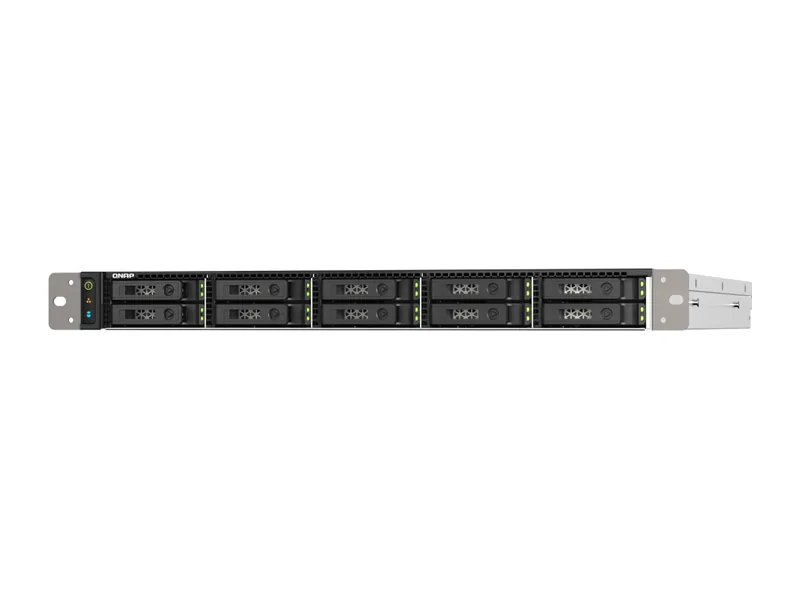
QNAP TS-h1090FU
AI Ready1024GB max RAM · 10 bays · 25GbE
- Up to 1024GB memory: 70B class models at higher-quality quantization, or large mixture-of-experts models at 4-bit (Estimated)
- 25GbE networking, 10 bays
55/100 Local LLM
$13,999.00
Amazon US · Verified
Ships from the US; delivery and import charges shown at checkout
- 2
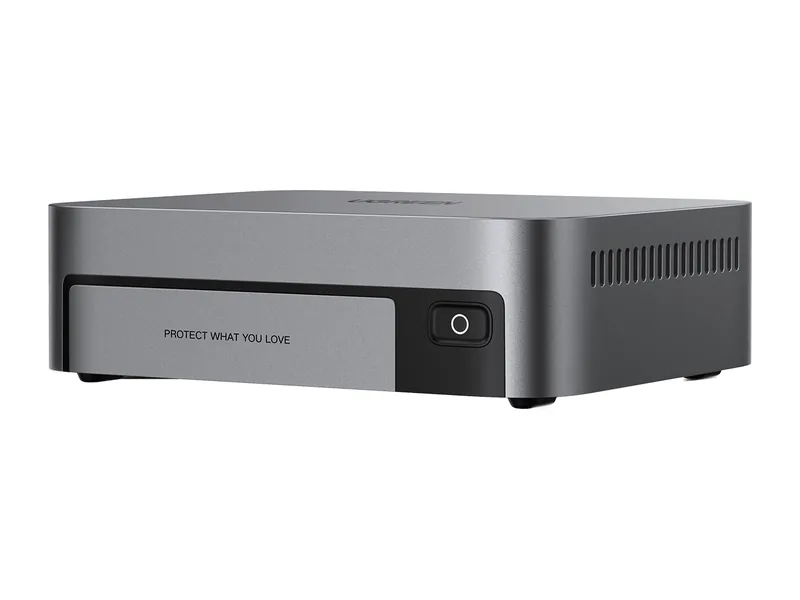
UGREEN DXP480T Plus
AI Ready64GB max RAM · 4 x M.2 · 10GbE
- Up to 64GB memory: 32B class models comfortably, and 70B class models at 4-bit with little headroom (Estimated)
- 10GbE networking, 4 M.2 slots
49/100 Local LLM
£619.99
£773.99Amazon UK · Verified
- 3
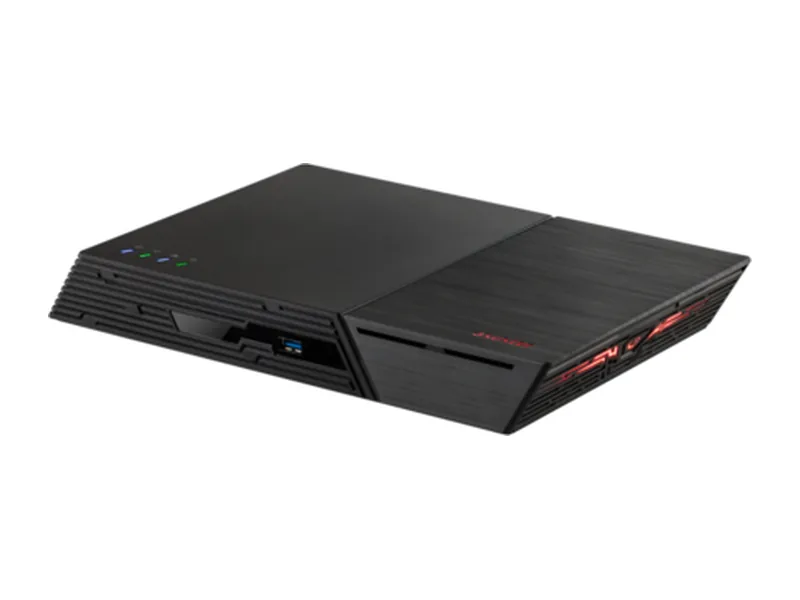
ASUSTOR Flashstor 12 Pro Gen2 (FS6812X)
AI Capable64GB max RAM · 12 x M.2 · 2 x 10GbE
- Up to 64GB memory: 32B class models comfortably, and 70B class models at 4-bit with little headroom (Estimated)
- 2 x 10GbE networking, 12 M.2 slots
36/100 Local LLM
£1,339
Amazon UK · Verified
- 4
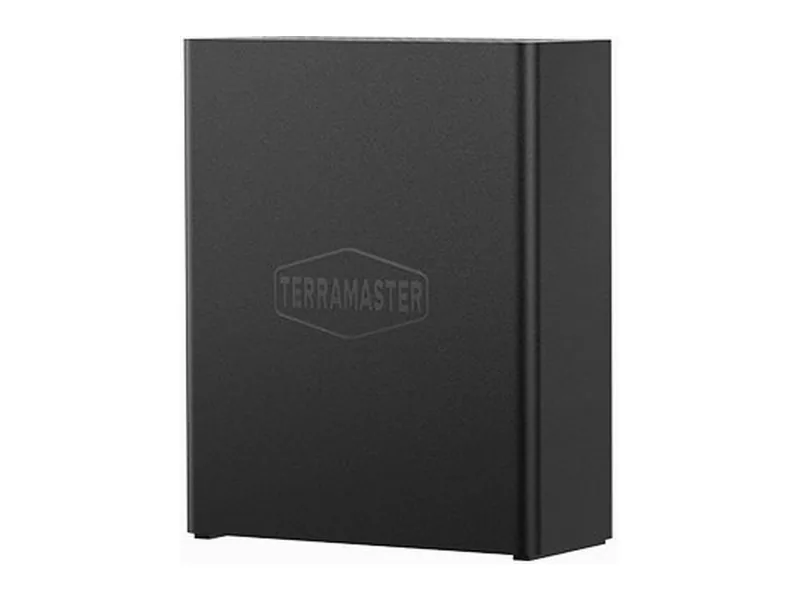
TerraMaster F8 SSD
AI Capable32GB max RAM · 8 x M.2 · 10GbE
- Up to 32GB memory: models up to the 14B class, with 32B class models a tight fit (Estimated)
- 10GbE networking, 8 M.2 slots
36/100 Local LLM
£589.99
Amazon UK · Verified
- 5
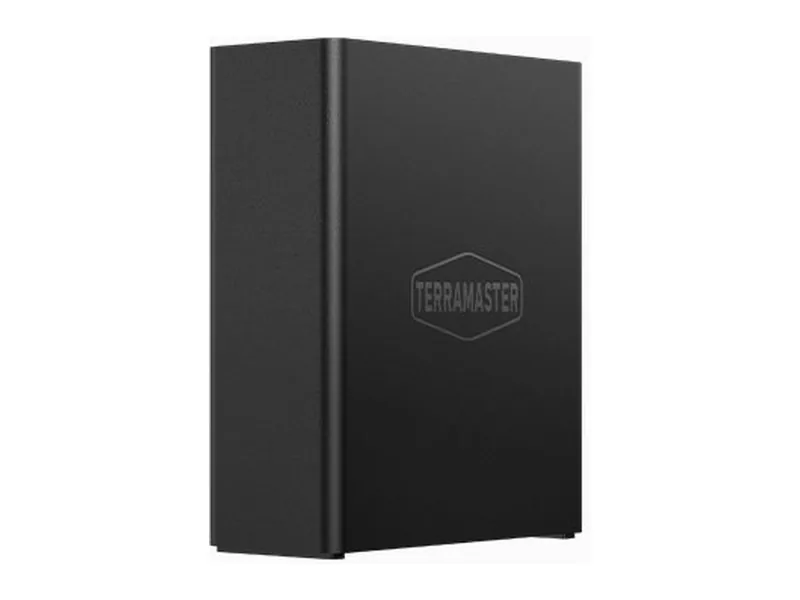
TerraMaster F8 SSD Plus
AI Capable32GB max RAM · 8 x M.2 · 10GbE
- Up to 32GB memory: models up to the 14B class, with 32B class models a tight fit (Estimated)
- 10GbE networking, 8 M.2 slots
36/100 Local LLM
£675.03
Amazon UK · Verified
- 6
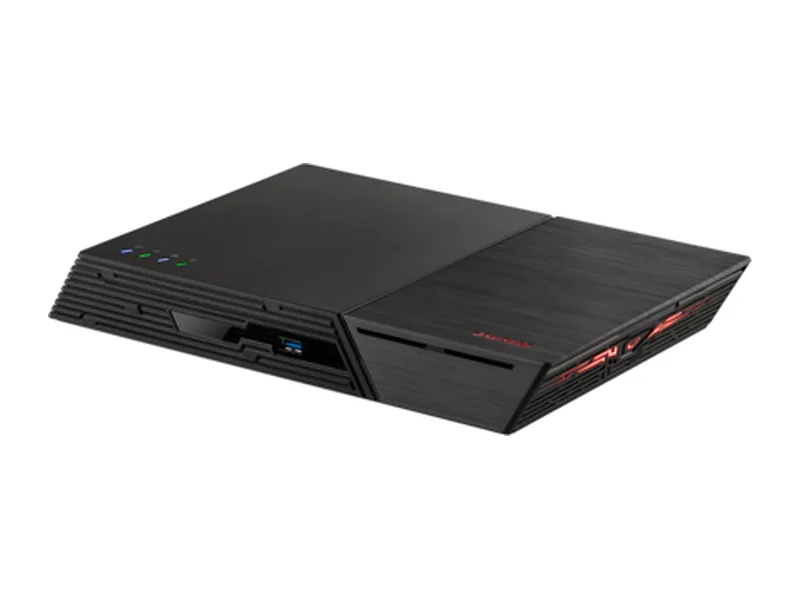
ASUSTOR Flashstor 6 Gen2 (FS6806X)
AI Capable64GB max RAM · 6 x M.2 · 10GbE
- Up to 64GB memory: 32B class models comfortably, and 70B class models at 4-bit with little headroom (Estimated)
- 10GbE networking, 6 M.2 slots
36/100 Local LLM
£979
Amazon UK · Verified
- 7
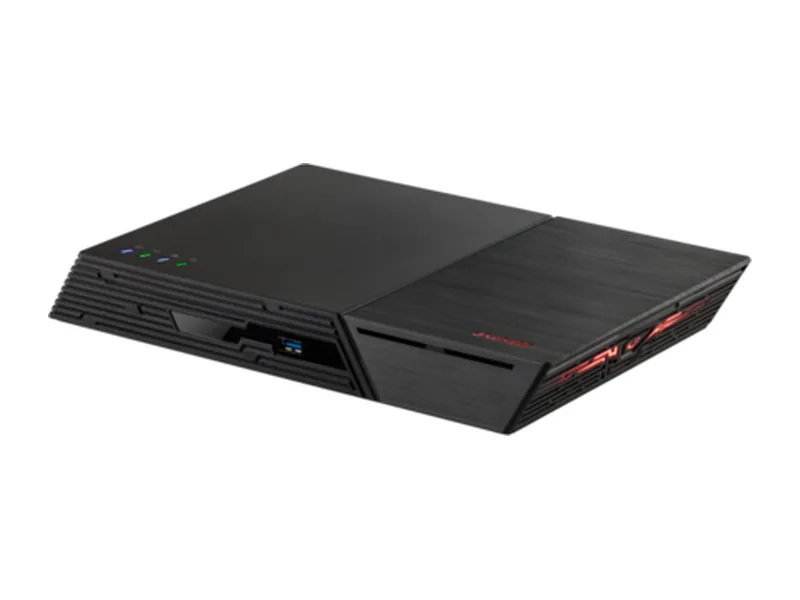
ASUSTOR Flashstor 12 Pro (FS6712X)
AI Capable16GB max RAM · 12 x M.2 · 10GbE
- Up to 16GB memory: 7B to 8B class models (Estimated)
- 10GbE networking, 12 M.2 slots
28/100 Local LLM
£634.99
Amazon UK · Verified
- 8
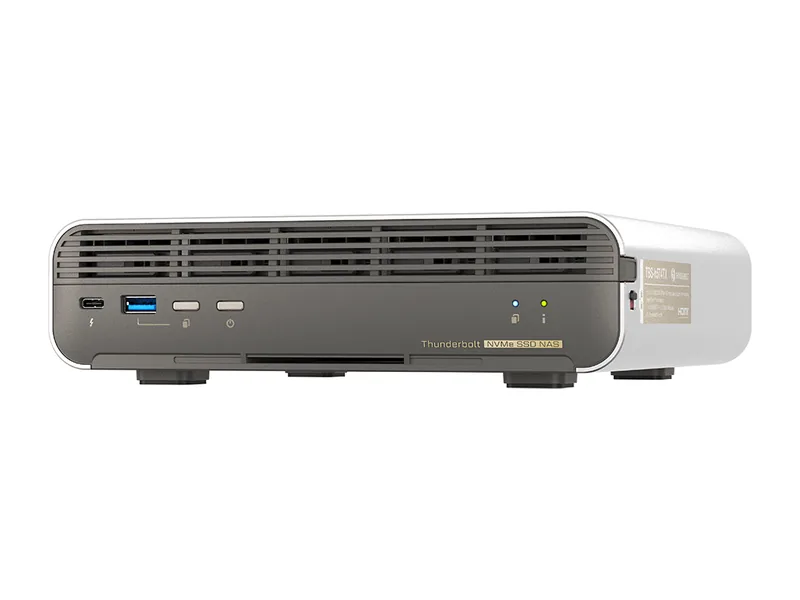
QNAP TBS-h574TX
AI Capable16GB max RAM · 5 x M.2 · 10GbE
- Up to 16GB memory: 7B to 8B class models (Estimated)
- 10GbE networking, 5 M.2 slots
26/100 Local LLM
£1,659.58
Amazon UK · Verified
- 9
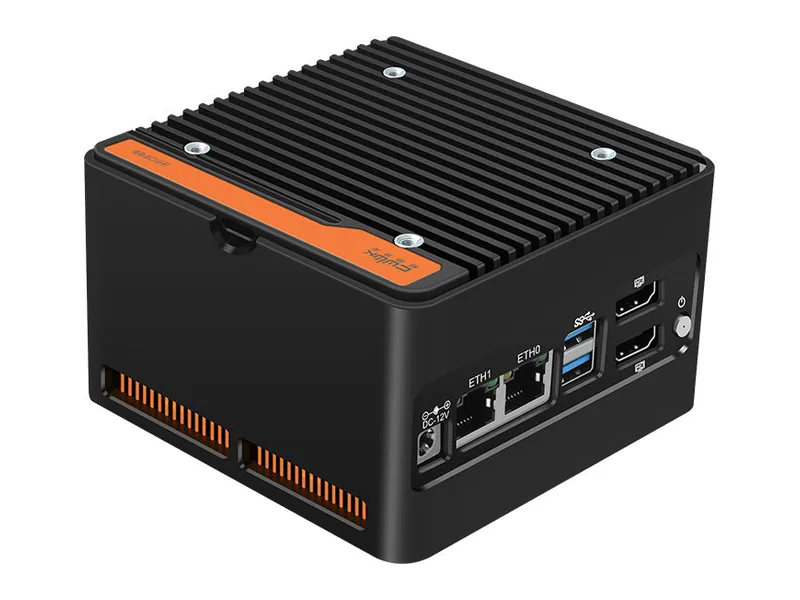
14/100 Local LLM
£281.31
Amazon UK · Verified
Worth watching
These fit this list but have no current price right now, so they are not ranked. They take a place as soon as a price is verified.
- QNAP QAI-h1290FXNo verified price
- QNAP TS-h1290FXNo verified price
- QNAP TS-h3077AFUNo verified price
- QNAP TS-h2490FUNo verified price
- Synology FS6400No verified price
- Synology FS3410No verified price
- Synology FS2500No verified price
- GMKtec NucBox G9No verified price
- Beelink ME miniNo verified price
What an all-flash NAS actually gives you
Three things: silence, size and random-read speed.
Silence is the one people notice first. With no mechanical drives, the only moving part is a fan, and on several of these units the fan barely runs. An all-flash NAS can sit on a desk in a quiet room without anyone minding.
Size follows from the same thing. An M.2 drive is a fraction of the volume of a 3.5-inch disk, so a six-slot or twelve-slot all-flash unit fits in a chassis smaller than a four-bay tower.
Random-read speed is the one that matters for AI. Loading a 20GB quantised model from a hard disk array is a sequential job that spinning disks handle acceptably. Querying a vector index is not: it is thousands of small scattered reads, exactly the pattern where an SSD is not twice as fast as a disk but hundreds of times faster. If you are running retrieval-augmented generation over a large document set, this is the single biggest storage decision you will make.
Where all-flash is the wrong choice
Cost per terabyte, and it is not close. A high-capacity hard disk still costs a fraction of what the same capacity in NVMe costs, and that gap does not close as you scale up. It widens, because the largest M.2 drives carry a price premium of their own.
If your NAS exists to hold a media library, camera footage or long-term backups, buy bays and disks. A sensible middle path on a conventional NAS is spinning disks for the bulk data and the M.2 slots for the model files and the index. You get the speed where it counts and the capacity where it counts, in one box.
The bottleneck nobody checks: the network port
This is the most common disappointment with all-flash units. A single NVMe drive can read at several gigabytes per second. A 2.5GbE network port moves roughly 300 megabytes per second. Over the network, a 2.5GbE all-flash NAS is not meaningfully faster than a 2.5GbE NAS full of hard disks.
| Port | Real throughput | Matches |
|---|---|---|
| 2.5GbE | ~300 MB/s | A single hard disk |
| 10GbE | ~1.1 GB/s | A SATA SSD array |
| Dual 10GbE | ~2.2 GB/s aggregated | A small NVMe array |
| 25GbE | ~2.8 GB/s | A serious NVMe array |
Two caveats soften this. First, if the AI workload runs on the NAS (Ollama in a container, a vector search engine alongside it), the network is not in the path at all, and the drives' full speed is available to the model. Second, random reads of the kind a vector index performs are latency-bound rather than bandwidth-bound, and flash wins there at any port speed.
So: buy 10GbE if clients across the network will read from the array at speed. Do not let a 2.5GbE port stop you if the inference happens on the box itself.
Heat, and why it is a real consideration
Packing eight or twelve M.2 drives into a small chassis concentrates a lot of heat in a small space. NVMe drives throttle when they get hot, and a throttled drive can drop to a fraction of its rated speed. Manufacturers handle this with heatsinks and a chassis fan, with varying success.
Two practical notes. Check whether the unit ships with heatsinks or expects the drives to bring their own, because a drive with a tall aftermarket heatsink may not physically fit. And give the chassis air: these units are small enough to be tucked into a cupboard, which is exactly where they will cook.
Endurance and the write pattern of AI work
SSDs wear with writes, and that worries people more than it should here. AI inference is overwhelmingly a read workload: the model is written once and read endlessly. Building a vector index writes a meaningful amount, but rebuilding it is occasional rather than constant.
The write-heavy case is using the array as a scratch disk for video work or as the backing storage for busy virtual machines. If that is the plan, look at the drive's rated endurance in terabytes written and size accordingly, or choose a model that takes U.2 drives, which generally carry far higher endurance ratings than consumer M.2.
Memory still decides what you can run
It is worth repeating on every page: the maximum memory figure, not the storage, sets the largest model a system can hold. An all-flash NAS with a 16GB ceiling runs the same models as a hard-disk NAS with a 16GB ceiling. The flash makes loading and retrieval faster; it does not make a bigger model fit.
Common questions
Can I mix SSDs of different sizes?
Usually yes, but most RAID levels will only use the smallest drive's capacity on every drive. Plan on buying matched drives.
Is U.2 better than M.2 for a NAS?
For sustained work, generally yes: U.2 drives are built for servers, with higher endurance, better cooling and often power-loss protection. They are also considerably more expensive and appear only on higher-end units.
Do I still need backups on an all-flash NAS?
Yes. RAID protects against a drive failing; it does nothing about deletion, corruption or theft. SSDs also fail more abruptly than hard disks, often with less warning.
What do these systems cost today?
Live Amazon UK prices, each with the time it was last verified. Where a system has no verified Amazon UK offer, its Amazon US price is shown in US dollars and marked.
| System | Price | Stock | Buy |
|---|---|---|---|
| $13,999.00 Amazon US · Verified Ships from the US; delivery and import charges shown at checkout | In stock | Buy on Amazon |
| £619.99 Amazon UK · Verified | In stock | Buy on Amazon |
| £1,339 Amazon UK · Verified | In stock | Buy on Amazon |
| £589.99 Amazon UK · Verified | In stock | Buy on Amazon |
| £675.03 Amazon UK · Verified | In stock | Buy on Amazon |
| £979 Amazon UK · Verified | In stock | Buy on Amazon |
| £634.99 Amazon UK · Verified | In stock | Buy on Amazon |
| £1,659.58 Amazon UK · Verified | In stock | Buy on Amazon |
| £281.31 Amazon UK · Verified | In stock | Buy on Amazon |
Product prices and availability are accurate as of the date/time indicated and are subject to change. Any price and availability information displayed on Amazon.co.uk or Amazon.com, as applicable, at the time of purchase will apply to the purchase of this product.
How did we rank these?
Every all-flash system we track -- SSD-only units with no spinning-disk bays -- ranked by the Local LLM profile.
Only systems with a current price take a rank. That is the Amazon UK price; where a system has no current Amazon UK offer, its Amazon US price is used instead, shown in US dollars and marked Amazon US. A price counts only if it was verified in the last 24 hours and is sold by Amazon, the manufacturer's own store or a merchant we have approved for that brand. Where the manufacturer publishes a recommended price for that configuration in the same currency, the price must also sit between 40% and 135% of it; where it does not (Synology publishes none, for example), only the seller check applies. Systems that fit the list without such a price appear under Worth watching and are not ranked.
Scores come from the AINAS Score: each system gets six component scores from documented rules, weighted by the Local LLM profile as shown. The value component scores the displayed price. An Amazon US price is converted to pounds at the exchange rate set in our admin (currently 1 US dollar = £0.7502), for scoring and the price filters only; the converted figure is never shown. Commission plays no part.
How we choose sets out the full method: the verification labels, every score rule, the price checks and when a page is held back from search.
Refine this list in the AI NAS Finder with your own budget, memory, bays and networking, or see the full leaderboard.
Local LLM weights
- AI capability
- 30%
- Memory
- 35%
- GPU capability
- 20%
- Networking
- 5%
- Storage expansion
- 0%
- Value
- 10%