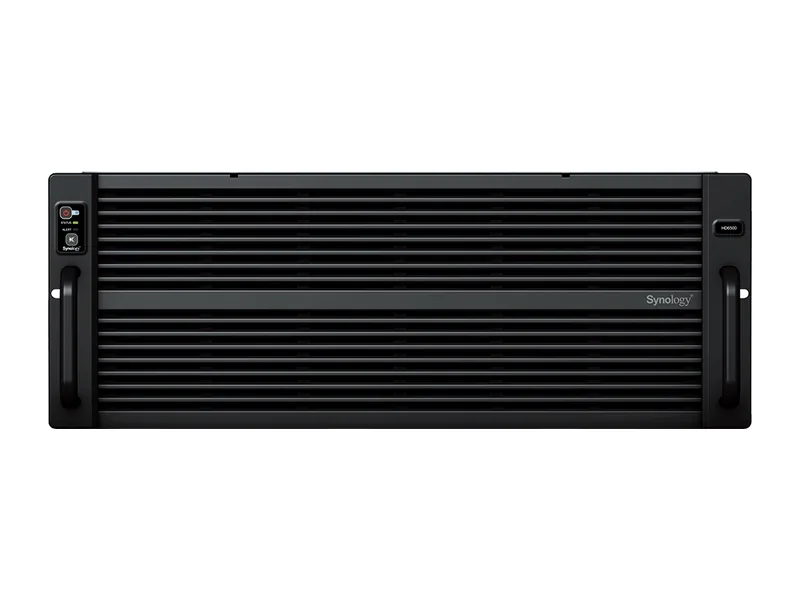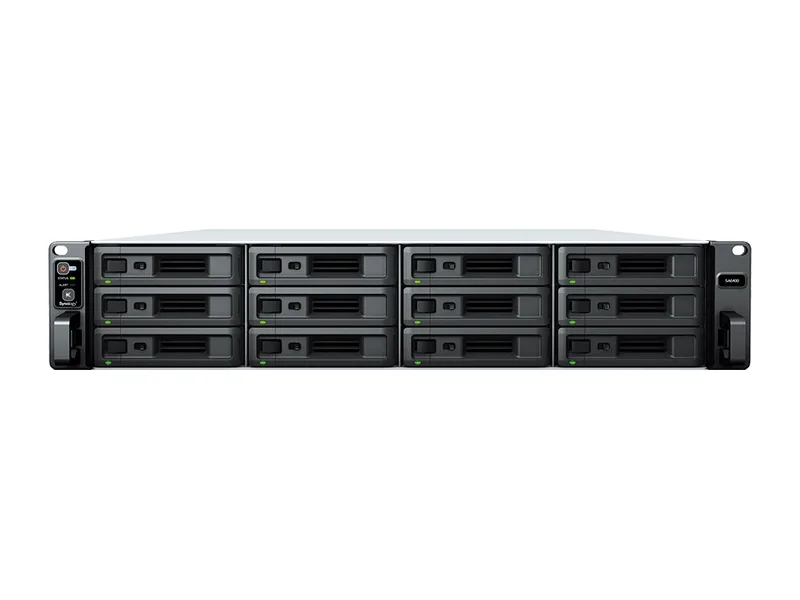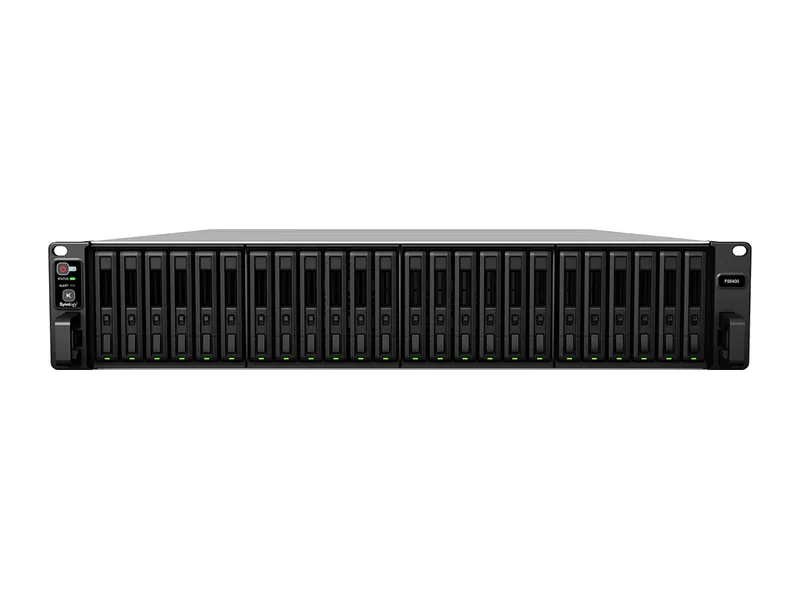
512GB max RAM · 24 bays · 2 x 10GbE
AINAS Score 61
No verified price
AI ReadyQNAP
Why AI Ready: QNAP's GPU compatibility list for its PCIe slot includes 8GB and 16GB RTX 4060/5060 Ti cards on a 550W PSU, a real path to GPU inference, with up to 128GB of memory; the Atom C5125 CPU is modest.
Updated
Can the QNAP TS-1655 run local AI?
Yes, the QNAP TS-1655 can run local language models. It pairs Intel Atom C5125 (8-core, 2.8 GHz) with up to 128GB of memory, which suits 70B class models at higher-quality quantization, or large mixture-of-experts models at 4-bit (Estimated).
It also has a GPU path (PCIe x4 slot), so a graphics card can be added later for much faster inference.
Local LLM support is documented by the manufacturer.
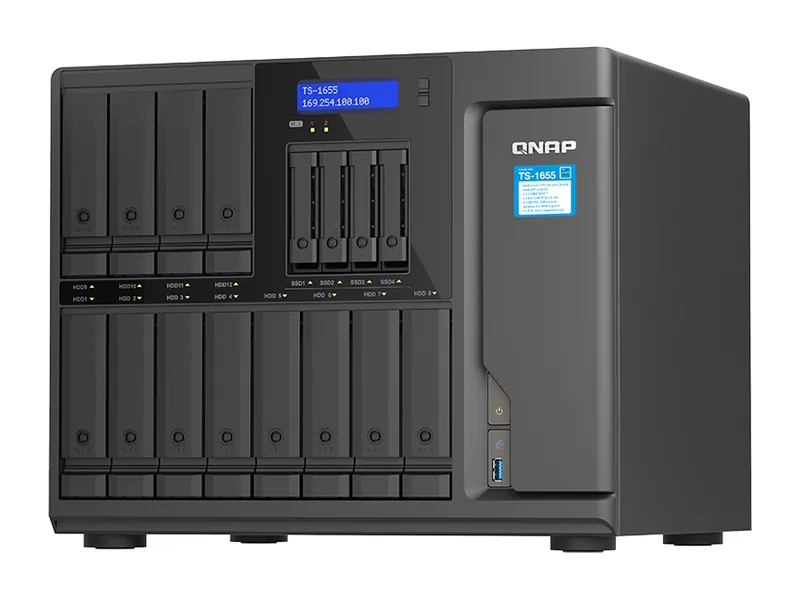
The TS-1655 suits a buyer who wants a 16-bay QNAP NAS that can also run local LLMs through a graphics card. It has a PCIe Gen3 x4 GPU path, with an official list that includes the RTX 5060 Ti 16GB and RTX 4060 8GB, plus a 550W PSU. Memory goes up to 128GB of DDR4 UDIMM, with ECC supported. Container Station covers Docker, and Ollama and Open WebUI have vendor tutorials. It also has 2 M.2 slots and a 3 year warranty. The AINAS Score is 62. Estimated, the models listed on this page fit up to Mistral Large 2 123B at Q4 in system memory.
The main catch is the CPU and network. The Atom C5125 is modest, and QNAP's own notes say CPU-only inference is slow, so the GPU is not optional for useful LLM work. The card is sold separately and the slot is Gen3 x4. The network is 2 x 2.5GbE, which affects buyers moving large files to a 16-bay array. Look for 10GbE or faster built in, or a system with a faster CPU and a GPU path that does not need an add-in card. The CPU has no integrated GPU either, so even transcoding relies on a listed NVIDIA card.
Amazon US
TS-1655-8G
Ships from the US; delivery and import charges shown at checkout
$1,999.00
Verified
In stock
Buy on AmazonProduct prices and availability are accurate as of the date/time indicated and are subject to change. Any price and availability information displayed on Amazon.co.uk or Amazon.com, as applicable, at the time of purchase will apply to the purchase of this product.
Each capability shows how it was confirmed: Verified by AINAS, Vendor confirmed, Community confirmed or Unverified.
| Capability | Supported | Evidence | Note |
|---|---|---|---|
| Local LLM | Yes | Vendor confirmed | With a listed GPU (up to RTX 5060 Ti 16GB, Container Station feature) plus QNAP's Ollama NVIDIA GPU guide. CPU-only on the Atom is slow. GPU sold separately; slot is Gen3 x4. |
| Ollama | Yes | Vendor confirmed | Container Station Ollama tutorial, including NVIDIA GPU Container Station mode. |
| Open WebUI | Yes | Vendor confirmed | QNAP Open WebUI tutorial, QTS 5.2 / QuTS hero h5.2+. |
| RAG | Limited | Unverified | Qsirch RAG Search (beta) exists; not confirmed for this model. |
| AI search | Limited | Unverified | x86 with 8GB meets AI Semantic Search minimum; AI Semantic Index and AI Mode require x74 series or above, and x55 likely does not qualify even though a 16GB VRAM GPU is listed. |
| GPU expansion | Yes | Vendor confirmed | Three PCIe Gen3 x4 slots, 550W PSU, slot 1 takes 260 mm dual-slot cards; RTX 5060 Ti 16G, RTX 4060 8G on official list. |
| Hardware acceleration | Limited | Vendor confirmed | No iGPU; transcoding via listed NVIDIA GPUs. Coral Edge TPU M.2/USB (4 TOPS) on AI accelerator list. QuickAssist per press release. |
| AI photos | Yes | Vendor confirmed | QuMagie AI-assisted photo management. |
| AI video | Yes | Vendor confirmed | QVR Face and QVR Human listed. |
| Surveillance AI | Yes | Vendor confirmed | QVR Surveillance 2 free + 6 on registration; QVR Pro 8 free (QTS). |
Calculated from the TS-1655's memory and each model's published size at each quantization. Rows marked Estimated are calculations, not benchmarks. Check any model.
| Model | Best quantization | Runs? | Memory needed | Expected performance | Verification |
|---|---|---|---|---|---|
| Llama 3.2 3BLlama, 3.21B | Q8 | Yes | 13GB | Not measured | Estimated |
| Llama 3.1 8BLlama, 8.03B | Q8 | Yes | 19GB | Not measured | Estimated |
| Qwen3 8BQwen, 8.19B | Q8 | Yes | 19GB | Not measured | Estimated |
| Gemma 3 12BGemma, 11.8B | Q8 | Yes | 24GB | Not measured | Estimated |
| Qwen3 14BQwen, 14.8B | Q8 | Yes | 28GB | Not measured | Estimated |
| Phi-4 14BPhi, 14.7B | Q8 | Yes | 28GB | Not measured | Estimated |
| Mistral Small 3 24BMistral, 23.6B | Q8 | Yes | 38GB | Not measured | Estimated |
| Gemma 3 27BGemma, 27B | Q8 | Yes | 44GB | Not measured | Estimated |
| Qwen3 30B A3BQwen, 30.5B | Q8 | Yes | 47GB | Not measured | Estimated |
| Qwen3 32BQwen, 32.8B | Q8 | Yes | 50GB | Not measured | Estimated |
| DeepSeek-R1 32B (Qwen distill)DeepSeek, 32.8B | Q8 | Yes | 50GB | Not measured | Estimated |
| Llama 3.3 70BLlama, 70.6B | Q8 | Yes | 98GB | Not measured | Estimated |
| Llama 4 Scout 17Bx16ELlama, 109B | Q4 | Yes | 89GB | Not measured | Estimated |
| Qwen2.5 72BQwen, 72.7B | Q8 | Yes | 101GB | Not measured | Estimated |
| Mistral Large 2 123BMistral, 123B | Q5 | Yes | 112GB | Not measured | Estimated |
One verdict per workload, from the TS-1655's use-case scores and capability rows. Unknown means we cannot confirm it, not that it probably works.
The TS-1655 is a good fit for local LLMs once a listed GPU is installed. QNAP confirms the GPU path and Ollama through Container Station, but says CPU-only on the Atom is slow.
Private RAG is an OK fit on the TS-1655. Qsirch RAG Search is a beta and is Unverified for this model, so the workable route is Ollama and Open WebUI, both vendor confirmed.
We cannot confirm AI search on the TS-1655. The capability is Unverified, and QNAP's notes say AI Semantic Index and AI Mode need a higher series, so this model likely does not qualify.
AI photo management is a good fit on the TS-1655. QuMagie is listed by QNAP for this model and is vendor confirmed.
Surveillance is a good fit on the TS-1655. QVR Surveillance 2 free channels (6 more on registration) and QVR Pro 8 free are listed under QTS, and QVR Face and QVR Human are listed.
Home lab use is a good fit for the TS-1655. It runs Docker and virtual machines, takes up to 128GB of RAM with ECC support, and has 16 bays.
Business use is a good fit for the TS-1655. It offers ECC-capable memory, 16 drive bays, a 3 year warranty and the choice of QuTS hero or QTS.
Creative AI is a good fit for the TS-1655 with a GPU fitted. Three PCIe Gen3 x4 slots take listed NVIDIA cards, and hardware acceleration is limited to those cards, as there is no iGPU.
The TS-1655 ships with 8GB of DDR4 UDIMM and supports up to 128GB with ECC. Upgrading to the maximum lifts the model ceiling from small models up to around 7B parameters to 70B class models at higher-quality quantization, or large mixture-of-experts models at 4-bit (both Estimated).
As a rule of thumb, a 4-bit model needs about 0.6GB per billion parameters plus room for context. After leaving around 8GB for the NAS operating system, 128GB leaves space for a model of roughly 200B parameters at most (Estimated).
ECC support protects against silent memory errors on a box that runs around the clock.
Only a small one. The 3x PCIe Gen3 x4 (slot 1 up to 260 x 111.15 x 37.52 mm; slots 2-3 up to 150 x 68.9 x 18.76 mm) in the TS-1655 is sized for network and storage cards; low-profile GPUs are the limit.
With limits. The TS-1655 can host a small RAG stack such as AnythingLLM or Open WebUI with a compact embedding model, but memory and compute restrict how large the answering model can be. It suits a personal document library more than a team knowledge base.
Networking is 2 x 2.5GbE. Fine for one or two users; indexing a large archive over the network will be slower.
| Configuration | RAM | SSD | Notes |
|---|---|---|---|
| TS-1655-8G | 8GB | None | Only variant. |
The closest QNAP model by bay count and AINAS Score. Only the specifications that differ are listed.
The TS-1655 scores best for Home Lab (67/100) and RAG (65/100). It suits home lab owners who want one box for storage, containers, media and a few AI services.
It is a weaker fit for teams moving large files over the network every day.
Other AI Ready systems closest in price.
Buying guides that list it
Workloads it suits
Yes at Q4, Estimated. Mistral Large 2 123B needs 73GB at Q4, which is within the 128GB memory ceiling. At Q8 it needs 130GB, so it does not fit (Estimated). Qwen3 235B A22B does not fit at either level (Estimated). This is a memory calculation, not a benchmark, and QNAP says CPU-only inference on the Atom is slow.
Yes. It has three PCIe Gen3 x4 slots and a 550W PSU. Slot 1 takes cards up to 260mm dual-slot. QNAP's list includes the RTX 5060 Ti 16GB and RTX 4060 8GB. The GPU is sold separately, and QNAP's notes say the slot is Gen3 x4.
Up to 128GB, as 4 x 32GB DDR4 UDIMM. It ships with 8GB. The memory is expandable rather than soldered. QNAP states ECC memory is supported, though the included 8GB module is non-ECC.
Yes, two. They are M.2 2280 PCIe Gen3 x2 slots. The system also has 16 drive bays, made up of 12 x 3.5-inch and 4 x 2.5-inch SATA bays.
Yes. QNAP states ECC memory is supported on the TS-1655's DDR4 UDIMM slots, up to 128GB as 4 x 32GB. The 8GB module included in the TS-1655-8G, the only configuration, is non-ECC, so ECC protection needs new modules. That matters for a 16-bay array holding business data or large model files. QuTS hero h6.1.0 and QTS 6.1.0 are both listed as operating systems, and a 3 year warranty covers the system.
Yes. Container Station supports LXC/LXD and Docker. Virtualization Station is also listed, so virtual machines are supported. QNAP's Ollama and Open WebUI tutorials use Container Station. The operating system is QuTS hero h6.1.0 or QTS 6.1.0.
Yes. Ollama support is documented by the manufacturer. See the capability table above for the source.
Yes. Open WebUI support is documented by the manufacturer. See the capability table above for the source.
Yes. AI photos support is documented by the manufacturer. See the capability table above for the source.
Yes. Surveillance AI support is documented by the manufacturer. See the capability table above for the source.
Partly. Hardware acceleration support is documented by the manufacturer. See the capability table above for the source.
It has 2 x 2.5GbE built in, and the 3x PCIe Gen3 x4 (slot 1 up to 260 x 111.15 x 37.52 mm; slots 2-3 up to 150 x 68.9 x 18.76 mm) can take a faster network card. The fastest port is 2 x 2.5GbE.
Every field records its source. Specifications were last checked on . Spot an error? Send a correction with a manufacturer link.