Can I run Open WebUI on a NAS?
Yes. Open WebUI is a self-hosted chat interface for local models. It keeps conversation history, supports several users with separate accounts, lets you upload documents to ask questions about, and connects to Ollama for the models. It needs very little power itself; the model runtime does the heavy work.
Which systems support it?
Support is near universal on x86 NAS systems with Docker. The table below shows how each was confirmed. ASUSTOR bundles it with Ollama in App Central, ZimaOS lists it in its app store, and UGREEN, QNAP and TerraMaster publish Docker guides.
What RAM is needed?
The project states no minimum. Open WebUI itself is light; what matters is the memory for the model behind it. Plan the NAS around the models you want to run, and allow a little extra for the interface and its stored conversations.
Which architecture works?
The official image, ghcr.io/open-webui/open-webui, is published for amd64 and arm64. A :cuda tag adds GPU acceleration for features such as local speech recognition, and an :ollama tag bundles Ollama in the same container.
How do I install it?
With Ollama already on the same NAS, the official command from the project README is:
`docker run -d -p 3000:8080 --add-host=host.docker.internal:host-gateway -v open-webui:/app/backend/data --name open-webui --restart always ghcr.io/open-webui/open-webui:main`
Then open port 3000 in a browser and create the first account, which becomes the administrator. Our installation guide covers the bundled option and privacy settings.
How do I keep it secure for a household or team?
Open WebUI has its own user accounts and an administrator role. After creating the admin account, decide whether new sign-ups need approval, give each person their own login, and limit which models each group can use if you share the NAS with children or colleagues. Back up the open-webui volume along with your other NAS data so chats and settings survive a rebuild.
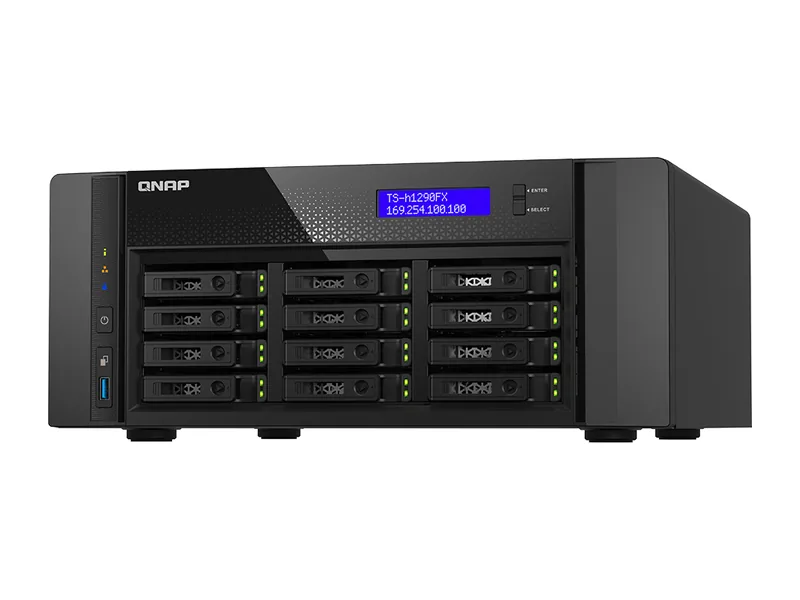
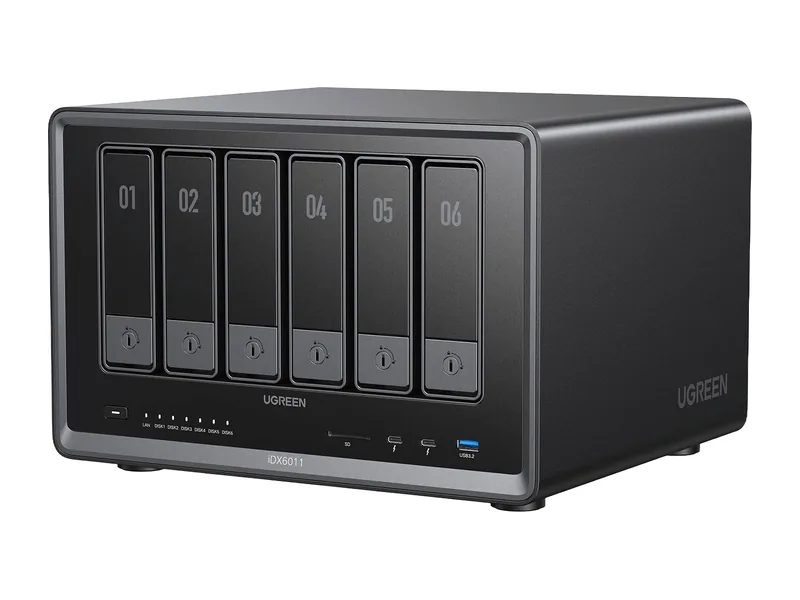
Which systems should I buy for Open WebUI?
Any system that runs your chosen models well. The picks below rank highest for local AI and have confirmed support.
Common questions
Can Open WebUI use cloud models too?
Yes, it can connect to OpenAI-compatible APIs. Leave those unset if you want everything private.
Does it support documents?
Yes. Upload files to a chat or build collections for retrieval augmented generation.