Can I run AnythingLLM on a NAS?
Yes. AnythingLLM is a document-focused AI workspace: you create workspaces, add files, and chat with a local model that answers from them. It connects to Ollama for models, keeps its own vector index for documents, and supports multiple users. It is a natural fit for a NAS, where the documents already live.
Which systems support it?
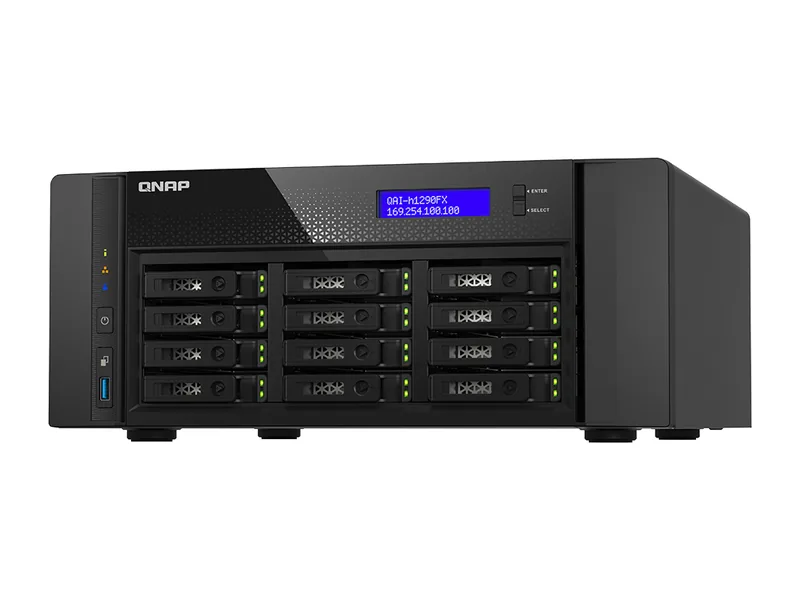
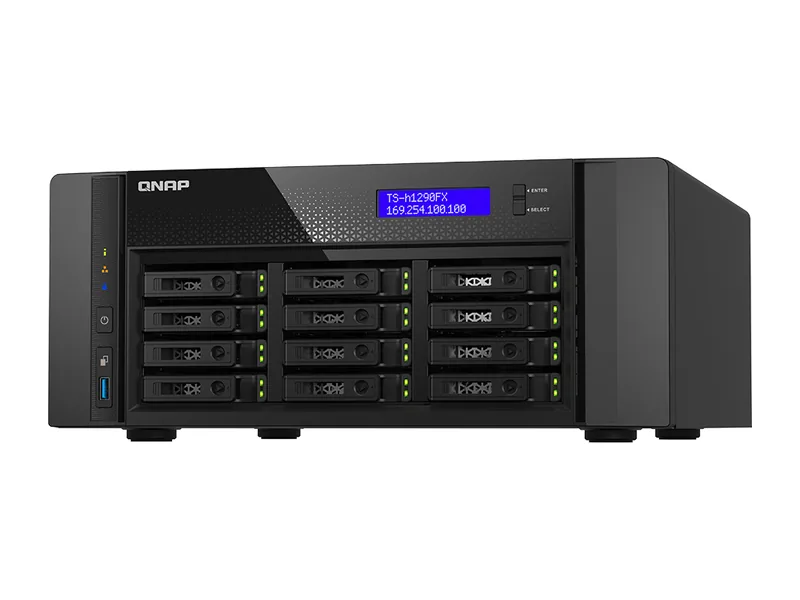
ZimaOS lists it in its app store and QNAP ships it preloaded on the QAI-h1290FX. On other platforms it runs through Docker without a vendor guide, so most rows below show Unverified: the platform supports it, but the vendor has not documented this app.
What RAM is needed?
AnythingLLM's documentation lists a minimum of 2GB of memory, a 2-core CPU and 5GB of storage for the application itself, with AVX2 support on x86 processors. Add the memory your language and embedding models need on top: 32GB of system memory is a practical start for a personal library, 64GB for a team (Estimated).
Which architecture works?
The official image, mintplexlabs/anythingllm, is published for amd64 and arm64. On x86 it needs a processor with AVX2, which all the current AI NAS processors we track provide.
How do I install it?
Run the official image in your vendor's container tool with a volume for its storage, open its web interface and point it at Ollama on the same NAS as the model provider. Choose an embedding model, create a workspace and add documents. Our private RAG guide walks through organising a library.
Which systems should I buy for AnythingLLM?
Systems with enough memory to keep an embedding model and a chat model loaded together, and fast storage for the index. The picks below combine that with live UK prices.
Common questions
AnythingLLM or Open WebUI?
AnythingLLM is built around document workspaces; Open WebUI is built around chat with document features added. Many owners run both against the same Ollama.
Does it need internet access?
Only to download models. With local models it runs offline.