Can I run vLLM on a NAS?
On the right hardware. vLLM is a high-throughput model server built for GPUs. It serves many requests at once efficiently and exposes an OpenAI-compatible API, which is why teams use it to share one model across many users. That makes it a fit for server-class NAS systems with workstation cards rather than for small home units.
Which systems support it?
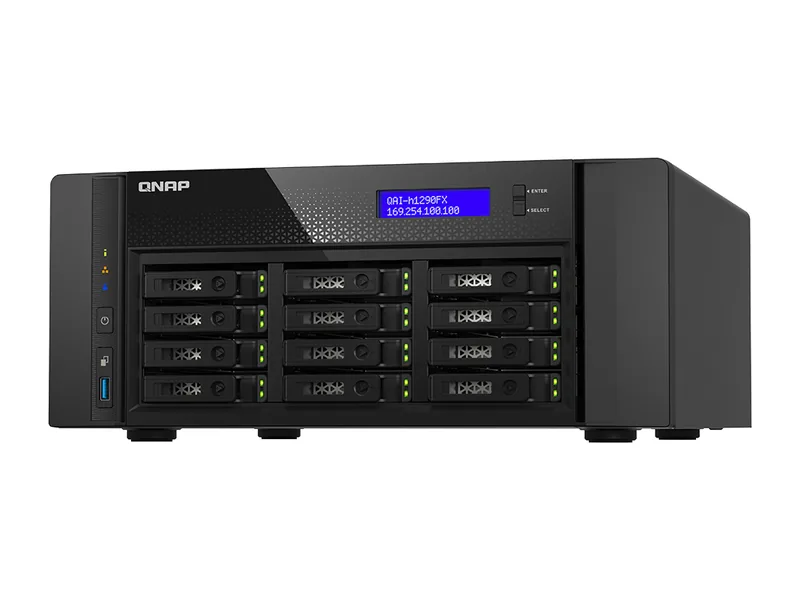
QNAP's QAI-h1290FX is the only system we track where the vendor lists vLLM. Systems with a PCIe slot or OCuLink port show Limited below: vLLM can run once a supported NVIDIA GPU is fitted. Systems without a GPU path show No, because the CPU build is basic.
What RAM is needed?
vLLM loads the model into GPU memory, so the card's memory sets the model size. Plan on 16GB of GPU memory for 8B models and 24GB or more for larger ones (Estimated). System memory needs to be generous as well, as vLLM uses it for loading and caching.
Which architecture works?
vLLM runs on Linux. The published vllm/vllm-openai image targets NVIDIA CUDA GPUs with compute capability 7.5 or higher, with separate images for AMD ROCm and Intel XPU. A CPU image, vllm/vllm-openai-cpu, provides basic inference on x86 and ARM.
How do I install it?
On a NAS with an NVIDIA GPU and the container toolkit, run the official vllm/vllm-openai image with GPU access, a volume for model files and the model name as an argument, following the vLLM documentation. Point Open WebUI or AnythingLLM at its OpenAI-compatible endpoint.
Which systems should I buy for vLLM?
Systems with full-size or x8 GPU slots and power to match. If you do not need many simultaneous users, Ollama is simpler and runs on far more hardware.
Common questions
vLLM or Ollama on a NAS?
Ollama for one person or a household, on almost any NAS. vLLM for a team sharing a GPU, where its throughput matters.
Does vLLM support AMD graphics?
Yes, through its ROCm image, on supported AMD GPUs.